
Snapseed

Snapseed is a complete and professional photo editor
Snapseed is one of the most trusted mobile photo editing apps, offering advanced editing tools while keeping the interface simple and beginner-friendly. With support for both JPG and RAW files, it empowers photographers to preserve image details while enhancing their work. Its toolset combines professional-grade adjustments with creative filters, allowing both casual users and professionals to produce stunning results directly on their smartphones.
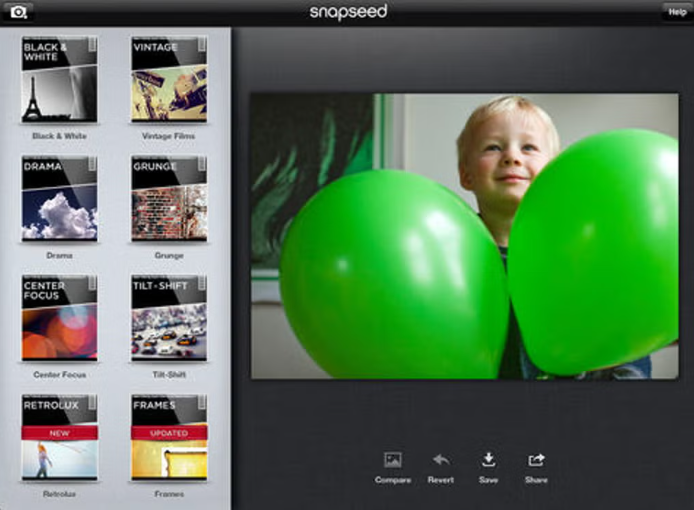
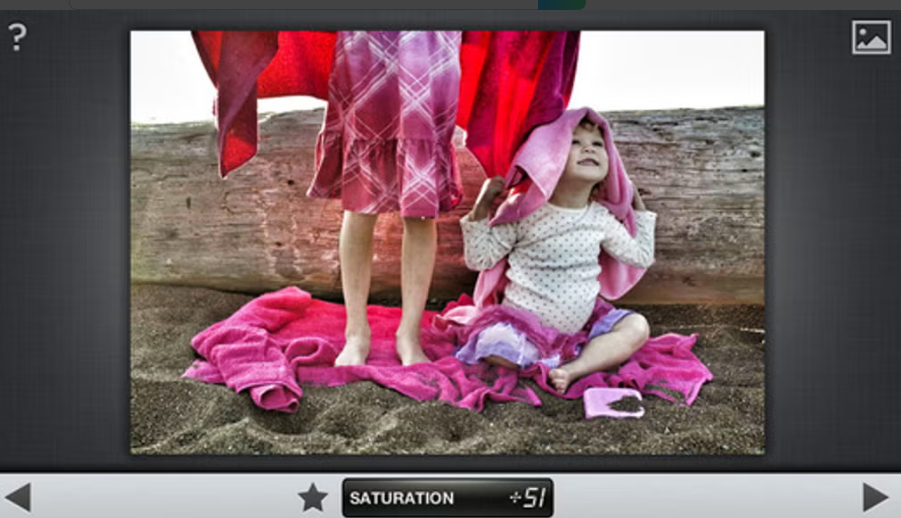
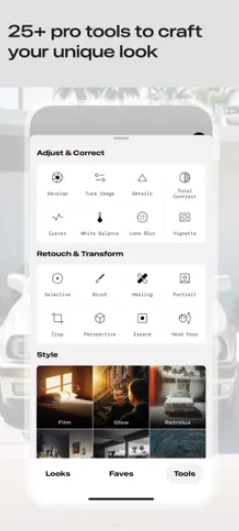
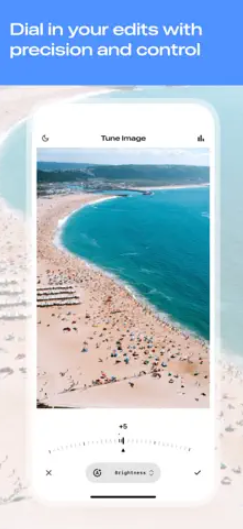
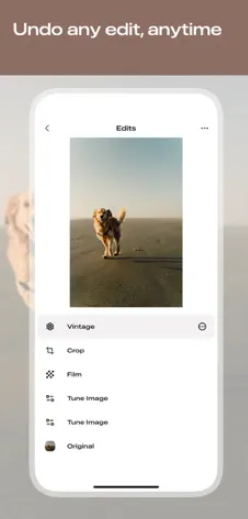
The app’s intuitive interface ensures that even beginners can easily access its advanced features. Tools like Tune Image, Curves, White Balance, and Selective Adjustments allow precise control over color and tone. Creative options such as HDR Scape, Drama, Vintage, Grunge, and Noir add character to photos. Portrait-specific features enhance skin, brighten eyes, and even adjust facial pose using built-in 3D modeling.
Snapseed also includes perspective correction, healing tools for object removal, and double exposure for blending two images. Its combination of professional control and simplicity has made it one of the most popular editing apps worldwide.
Key Features & Specifications
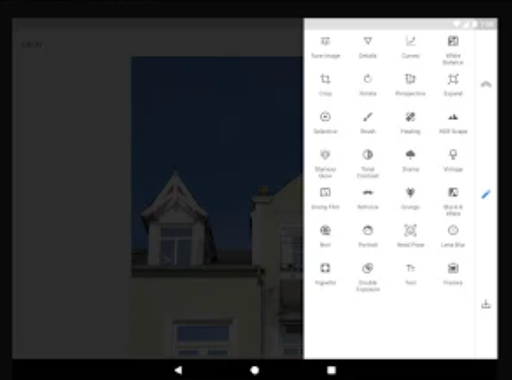
Tools & Filters: 29+ editing tools including Healing, Brush, Structure, HDR, Perspective, Grainy Film, Noir, and more.
File Formats: Supports JPG and RAW (DNG).
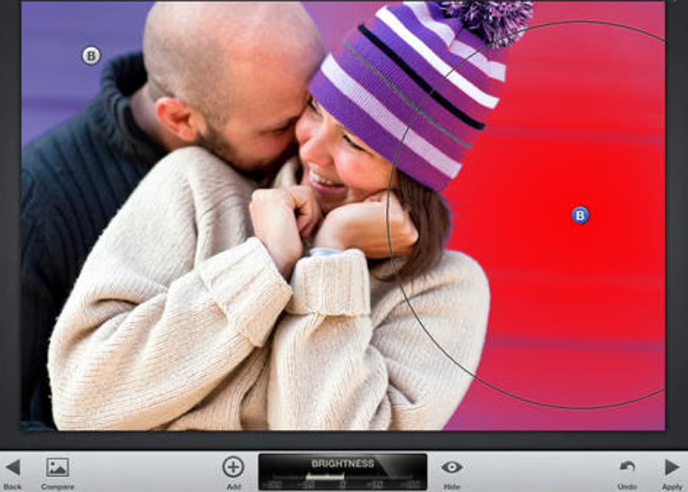
Selective Editing: Control-point editing for applying changes to specific areas.
Portrait Tools: Face enhancement options including skin smoothing, eye brightness, and pose adjustment.
Creative Effects: HDR Scape, Drama, Vintage, Grunge, Retrolux, Noir, Double Exposure, Frames, and Text.
Geometry & Perspective: Crop, rotate, straighten horizon, expand canvas, and perspective correction.
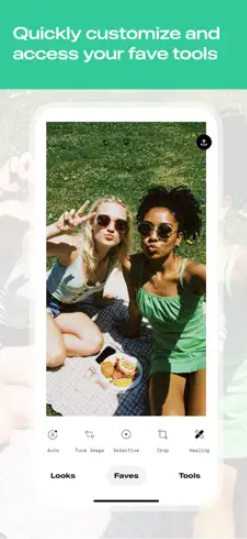
Save/Export Options: Non-destructive editing, export to JPG, and the ability to save custom looks for future use.
User Interface: Clean design with intuitive navigation and gesture-based controls.
Privacy: Data encrypted in transit; limited data collection; no sharing with third parties.
Compatibility: Works on Android devices; app size and version vary with device.
- ✓ Text Tool
- ✓ Remove objects
- ✓ Transform tools
- ✓ Effects and Filters
- ✓ Collaborative Editing
- ✓ Enhancement Tools
Contact us to get detailed pricing as per your requirements.
No reviews yet. Be the first to review!
Snapseed is a Photo Editing Software solution. Top features include:
- Text Tool
- Remove objects
- Transform tools
- Effects and Filters
- Collaborative Editing
Yes, Snapseed offers a 30-day free trial.
Snapseed provides Phone,Email,Live Chat support.
Snapseed is Cloud Hosted,Hybrid,Any software.
Snapseed provides Help Guides,Video Guides,Blogs,Webinars,Case Studies,Whitepapers for training.


