

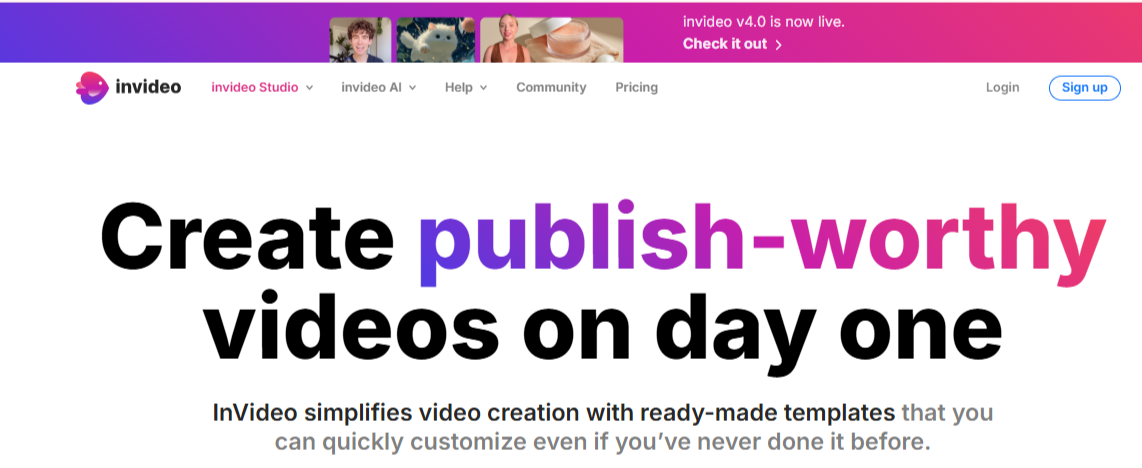
InVideo empowers users to create dynamic and engaging videos through a streamlined and intuitive platform, perfect for businesses, educators, content creators, and marketers. Designed to minimize the complexities of video editing, the platform allows users to produce videos with ease, using drag-and-drop functionality, pre-designed templates, and advanced AI capabilities.
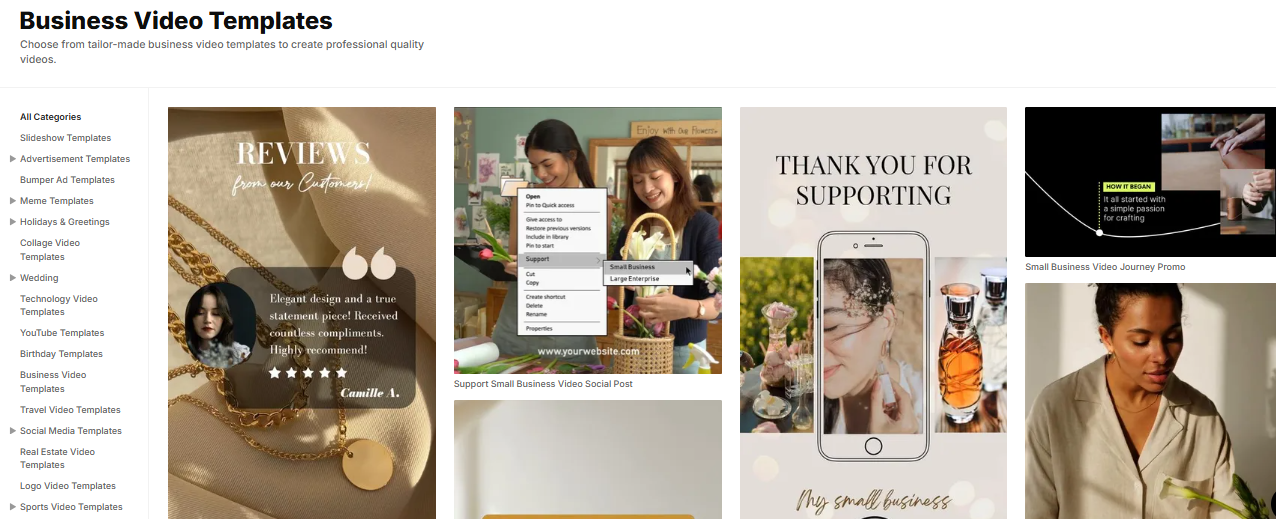
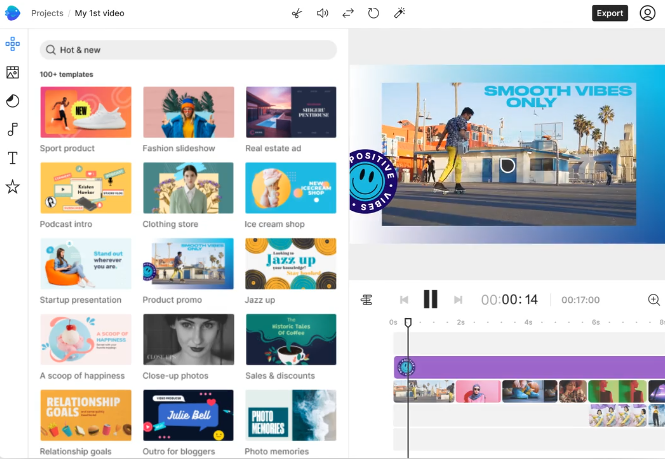
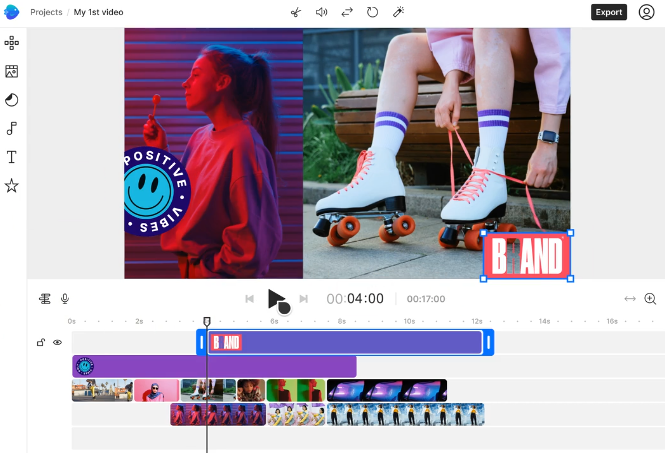
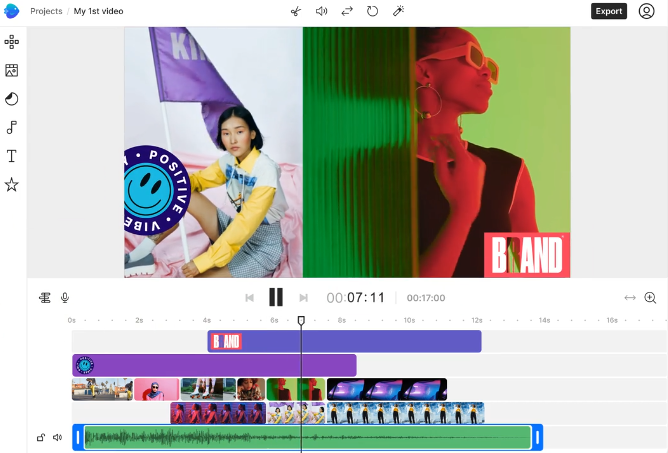
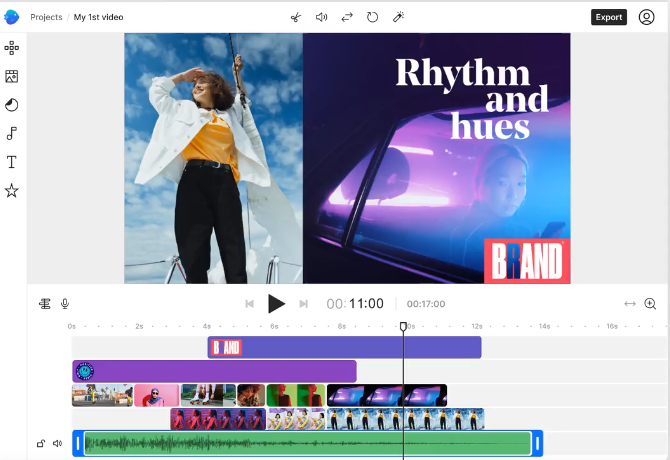
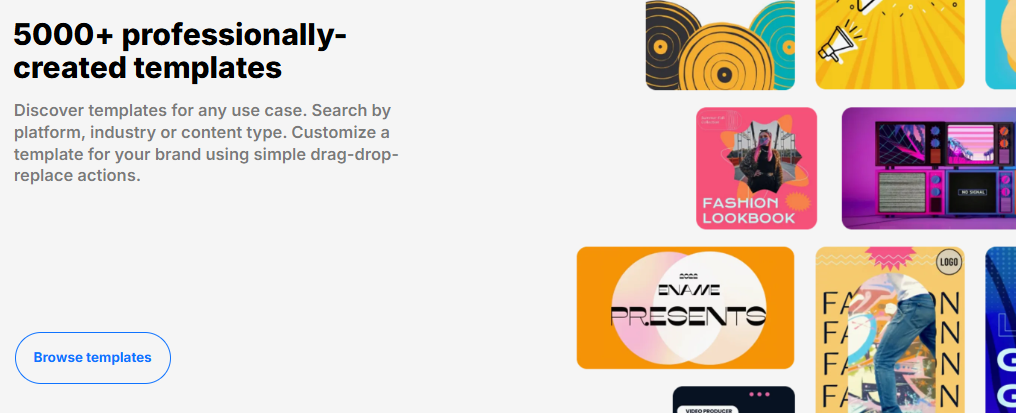
The traditional InVideo Studio provides access to over 5,000 customizable templates covering various categories such as promotional ads, explainer videos, slideshows, intros, outros, and more. Users can also choose from millions of stock photos, music tracks, and video clips to enhance their projects. The editing suite includes features like trimming, transitions, overlays, speed control, filters, and direct branding tools such as logo insertion and brand color presets.
InVideo AI introduces an innovative approach by enabling users to generate videos automatically from written prompts or scripts. It intelligently selects relevant visuals, creates scene transitions, adds subtitles, and generates lifelike voiceovers using AI avatars and voice cloning technology. This drastically reduces the time required for video production, especially for news clips, tutorials, and product showcases.
Teams benefit from built-in collaboration tools that allow multiple users to comment, edit, and manage projects in real-time. The cloud-based platform ensures projects are saved securely and can be accessed from any device, including a mobile app for editing on the go.
The software supports high-definition exports (up to 1080p), flexible aspect ratios for social media platforms, and direct sharing to sites like YouTube, Instagram, and Facebook. Whether users opt for the free version or a premium plan, InVideo provides a powerful video creation environment backed by 24/7 live support, tutorials, and an active user community.
Ideal for freelancers, influencers, startups, and marketing teams, InVideo offers scalability, creative flexibility, and automation—bridging the gap between traditional video editing and next-gen AI video creation.
Key Feature & Specification:
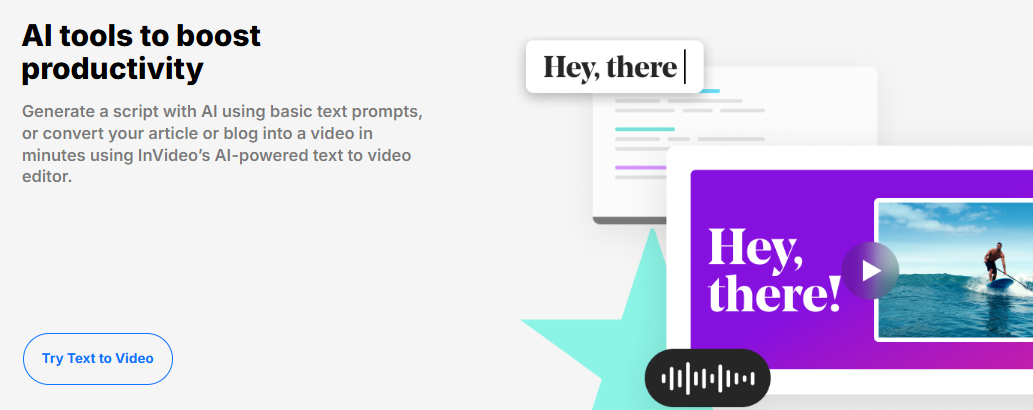
AI-Powered Text-to-Video Conversion
Convert written prompts, scripts, or blog content into complete videos using AI for visuals, voiceovers, and transitions.
Specifications:
5,000+ customizable video templates
8 million+ stock assets (photos, videos, audio)
AI avatars & voice cloning
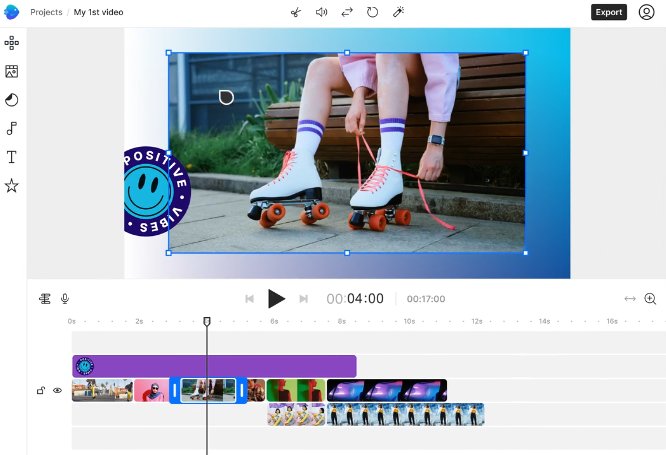
Drag-and-drop editor with advanced tools
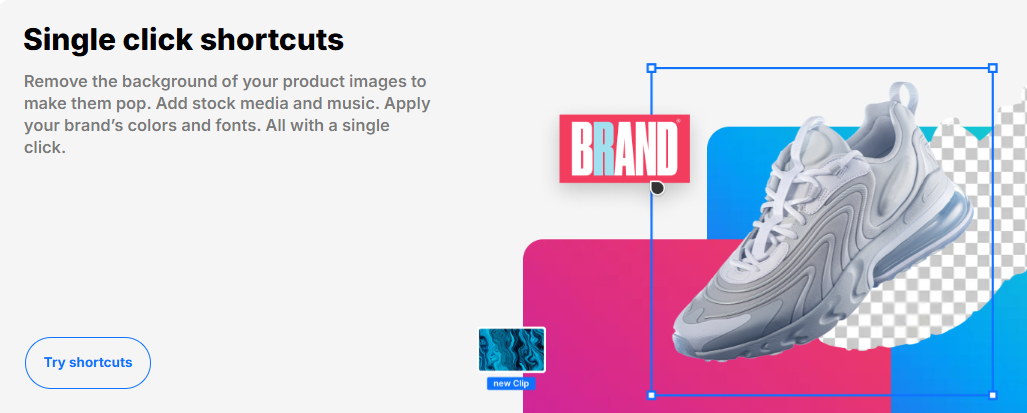
Background remover & brand presets
Multi-language voiceover generation
Supports up to 1080p video export
Team collaboration and commenting
Cloud storage from 10 GB to 400 GB (based on plan)
Mobile app for iOS and Android
Output formats optimized for Reels, Shorts, Stories
Real-time preview and autosave
24/7 customer support with live chat and tutorials
- ✓ Video Capture
- ✓ Text Overlay
- ✓ Supports HD Resolution
- ✓ Merge video
- ✓ Split Video
- ✓ Video Speed Controller
- ✓ Media Library
- ✓ Brand Overlay
- ✓ Audio Tools
- ✓ Social Sharing
- ✓ Collaboration
- ✓ Video Stabilization
- ✓ 3D Video Editing
- 10 Credits
- 50 Video mins + 95 iStock
- 2 UGC product asset ads
- 30 secs of generative video
- 2 express clones
- 3 users 100GB storage
- Unlimited exports
- 40 Credits
- 200 Video mins + 320 iStock
- 8 UGC product asset ads
- 120 secs of generative video
- 5 express clones
- 3 users 400GB storage
- Unlimited exports
- 100 Credits
- 200 Video mins + 320 iStock
- 5 generative UGC ads
- 300 secs of generative video
- 8 express clones
- 3 users 400GB storage
- Unlimited exports
- 1000 Credits
- 2000 Video mins + 3200 iStock
- 2000 Video mins + 3200 iStock
- 50 mins of generative videos
- 40 express clones
- 1 seat 4TB storage
- Unlimited exports
- 10 Video mins per week
- 1 Express avatar
- 4 Exports per week with invideo watermark
- Custom solutions for large organizations. Advanced security and flexible pricing based on your needs.
What do you like best? I am using this software...It,s very useful and user friendly. Great experience with this software. I can edit videos, Social marketing Ads, Events, Video Ads and many more. Its game-changing I like this Software. What ...
What do you like best? It has perfect tools for the creation of professional videos, allows a quick creation of videos saving a lot of time and effort. The program has many templates that facilitate the editing work, this program works perfectly to...
What do you like best? It is a tool that facilitates the creation of videos, whether dedicated to marketing, company ads or individual needs, allows you to create fast videos without much effort, having these a very professional result thanks to th...
What do you like best? Invideo has many utilities, which facilitates the development of templates that allow us to adapt to the need that is presented at each moment, this service offers us an agile way to produce promotional videos in a simple and...
What do you like best? It is a program designed for those who want to create high quality videos, with different templates and design models that contains this program makes it perfect for editing videos, is perfect for both companies in the area o...
InVideo offers 6 pricing plan(s):
- Plus - best for stock video — USD35.00 Month
- Max - best for stock video — USD60.00 Month
- Generative - best for ads and films — USD120.00 Month
- Team — USD999.00 Month
- Free — USD0.00 Month
- Enterprise - Customize — USD0.00 Year
InVideo is a Video Editing Software solution. Top features include:
- Video Capture
- Text Overlay
- Supports HD Resolution
- Merge video
- Split Video
Yes, InVideo offers a 14-day free trial.
InVideo provides Phone,Email,Live Chat support.
InVideo is Cloud Hosted,Hybrid,Any software.
InVideo provides Help Guides,Video Guides,Blogs,Webinars,Case Studies,Whitepapers for training.


