
Luminar Neo

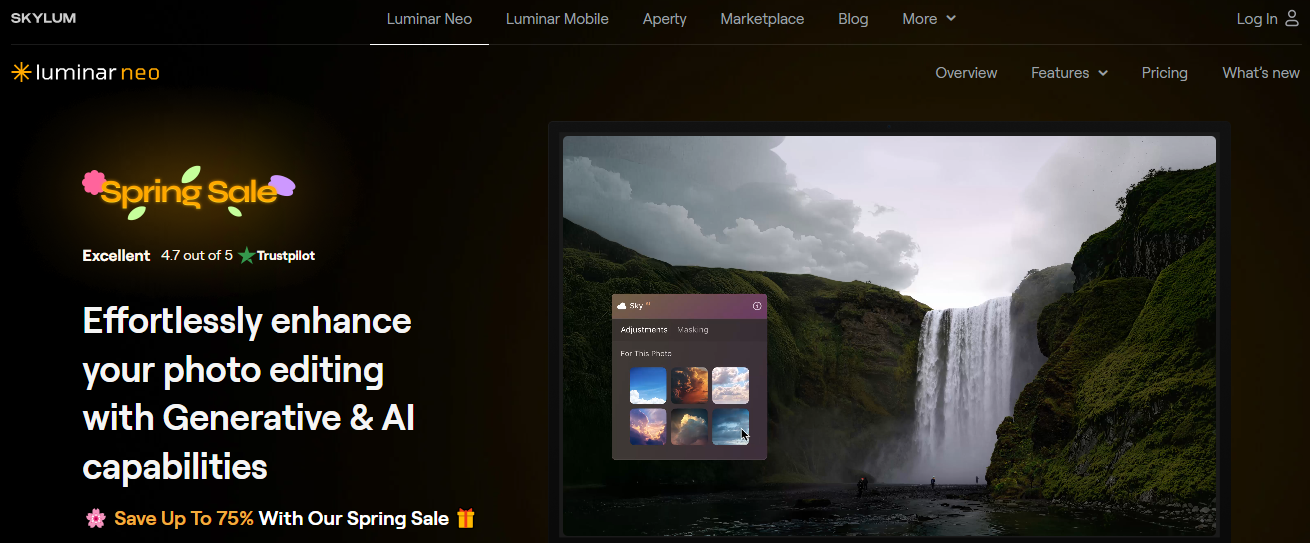
Effortlessly enhance your photo editing with Generative & AI capabilities
Luminar Neo is an innovative photo editing software that utilizes cutting-edge AI technologies to simplify and accelerate the image enhancement process. Designed by Skylum, the software caters to a wide range of users, from hobbyists to professionals, offering a suite of automated tools that deliver professional-grade edits with ease. The goal is to make creativity more accessible while maintaining the depth and control advanced users demand.
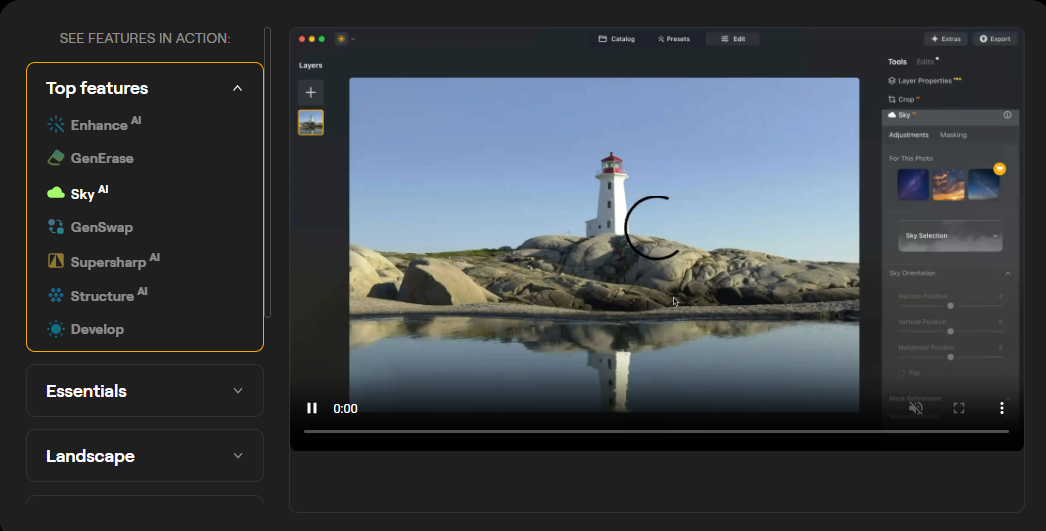
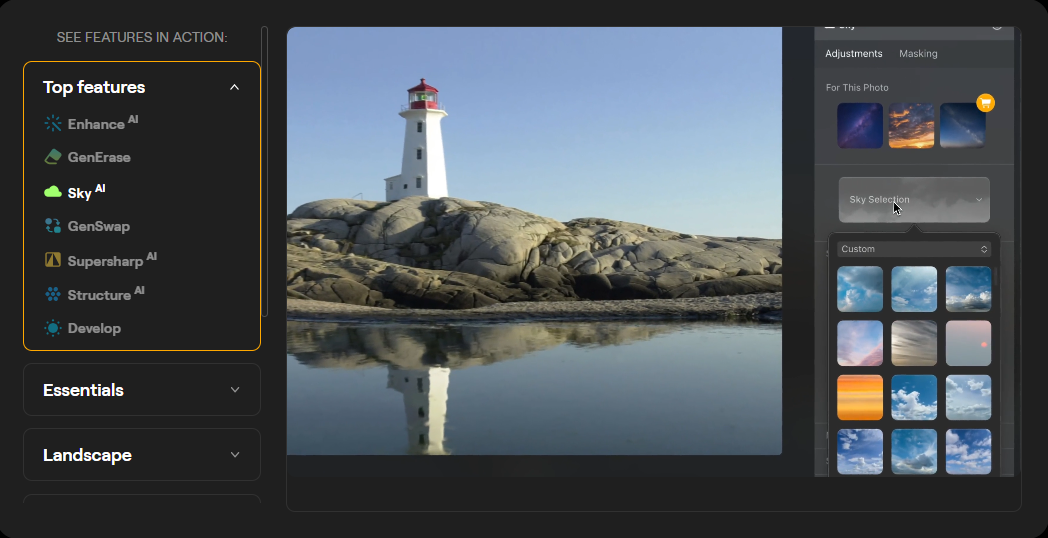
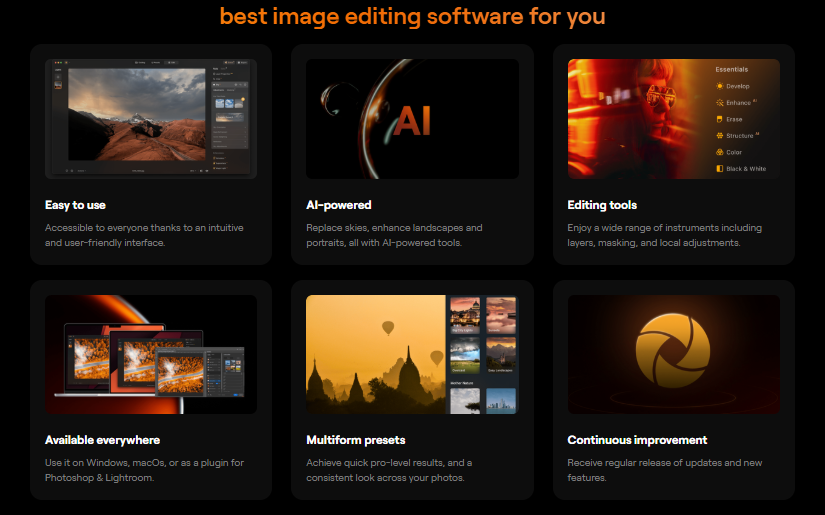
Its AI capabilities streamline photo editing by automating tasks like sky replacement, facial retouching, lighting adjustments, and object removal. For example, Sky AI can intelligently identify and replace skies in landscape images while ensuring consistent lighting and tone across the entire photo. Relight AI can assess depth in an image and apply targeted lighting corrections, ideal for portraits and environmental shots.
For portrait editing, Skin AI and Face AI remove blemishes, enhance eyes, and smooth skin while preserving natural texture. The software also supports creative techniques like layering, masking, and blending, giving users complete artistic control.
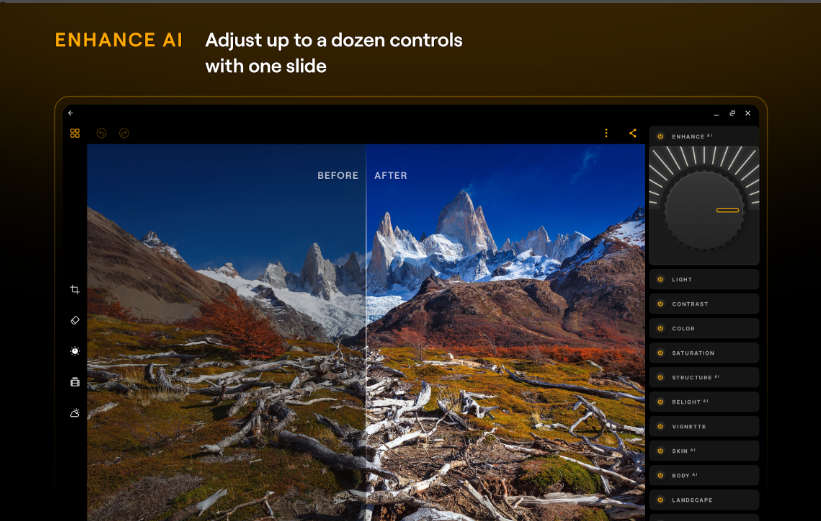
Luminar Neo’s modular engine is built for high performance and scalability, making it responsive even when applying multiple complex adjustments. Its non-destructive editing workflow ensures that original files remain untouched, encouraging experimentation without risk.
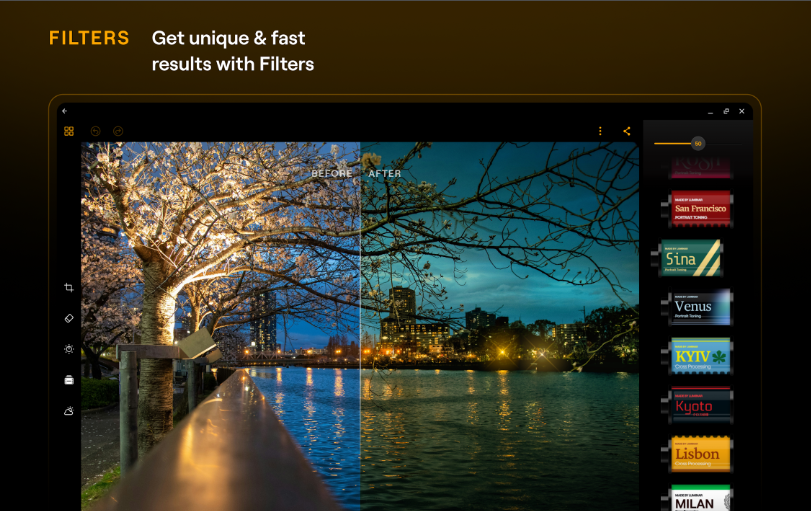
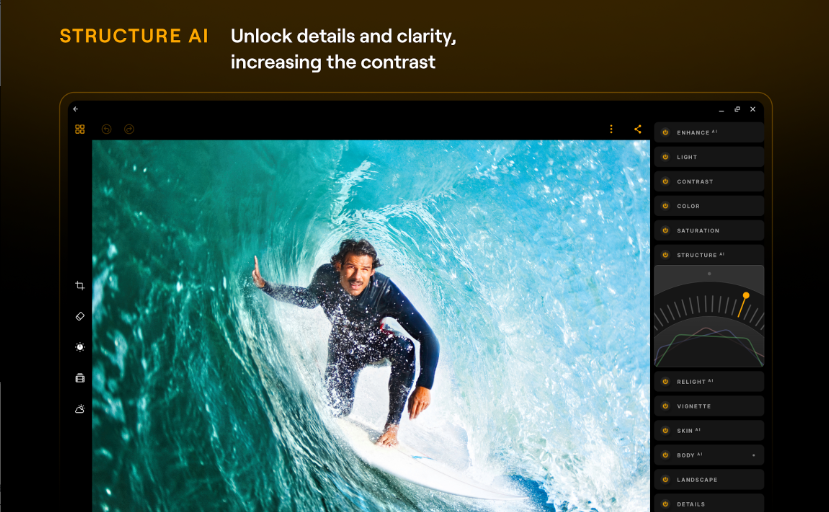
Additional features include a wide range of presets, bokeh effects, structure enhancement, and atmospheric overlays like fog or mist. With optional extensions like HDR Merge, Focus Stacking, and Panorama Stitching, Luminar Neo evolves with your creative needs. It can be used as a standalone editor or integrated as a plugin with other software platforms, enhancing its flexibility.
Overall, Luminar Neo provides a seamless blend of power, simplicity, and creative freedom, making it an excellent choice for photographers looking to elevate their editing capabilities without getting bogged down by technical complexity.
Key Features & Specifications
AI Tools: Sky AI, Relight AI, Skin AI, Face AI
Modular Engine: Optimized for high performance
Layer-Based Editing: Supports blending and masking
Non-Destructive Workflow: Safeguards original files
Portrait Bokeh AI: Depth-of-field simulation
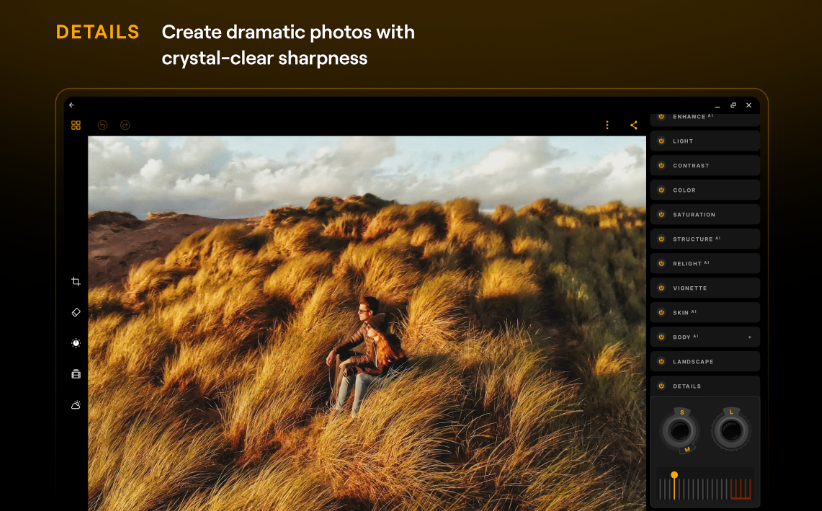
Structure AI: Detail enhancement
Erase Tool: Removes unwanted objects
Atmosphere AI: Adds fog, mist, and haze effects
Augmented Sky AI: Adds elements like birds or moon
Extensions: HDR Merge, Focus Stacking, Panorama
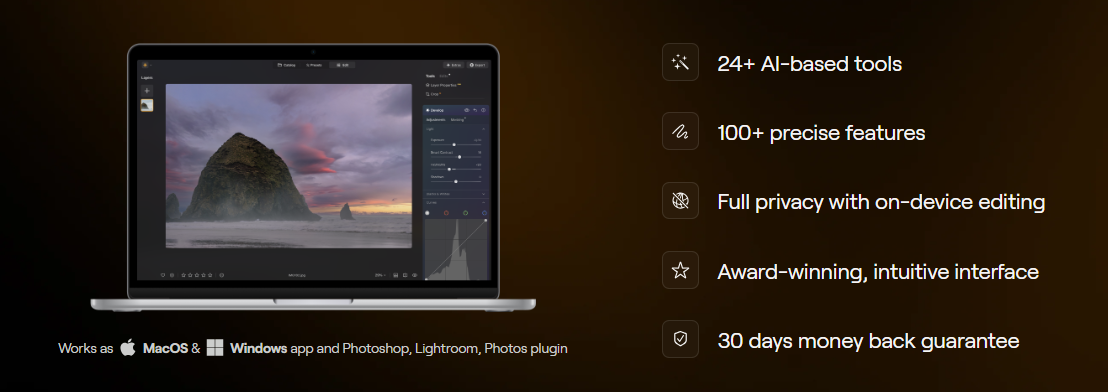
Compatibility: Windows, macOS, and plugin support
Mobile App: Transfers images for on-the-go editing
Flexible Pricing: One-time and subscription options available
- ✓ Transform tools
- ✓ Enhancement Tools
- ✓ Effects and Filters
- ✓ Collaborative Editing
- ✓ Batch Editing

- Desktop for Windows & MacOS
- 100 Creative Add-ons
- Luminar Neo Video Course
- Desktop for Windows & MacOS
- Creative Library Access
- 100 Creative Add-ons
- Luminar Neo Video Course
- Desktop for Windows & MacOS
- Creative Library Access
- 100 Creative Add-ons
- Luminar Neo Video Course
No reviews yet. Be the first to review!
Luminar Neo offers 3 pricing plan(s):
- Perpetual Desktop License — USD47.00 One-time payment
- Cross-device Perpetual License — USD65.00 One-time payment
- Perpetual Max License — USD82.00 One-time payment
Luminar Neo is a Photography Studio Software solution. Top features include:
- Transform tools
- Enhancement Tools
- Effects and Filters
- Collaborative Editing
- Batch Editing
Luminar Neo does not currently offer a free trial.
Luminar Neo provides Phone,Email,Live Chat support.
Luminar Neo is Cloud Hosted,Hybrid,Any software.
Luminar Neo provides Help Guides,Video Guides,Blogs,Webinars,Case Studies,Whitepapers for training.
.png)


