

Photo Editing Software
Onetime(Perpetual License)
About
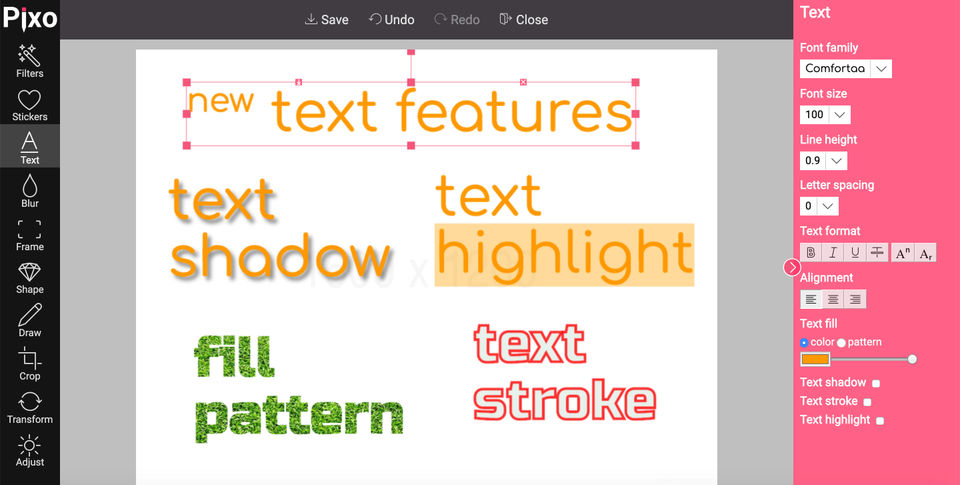
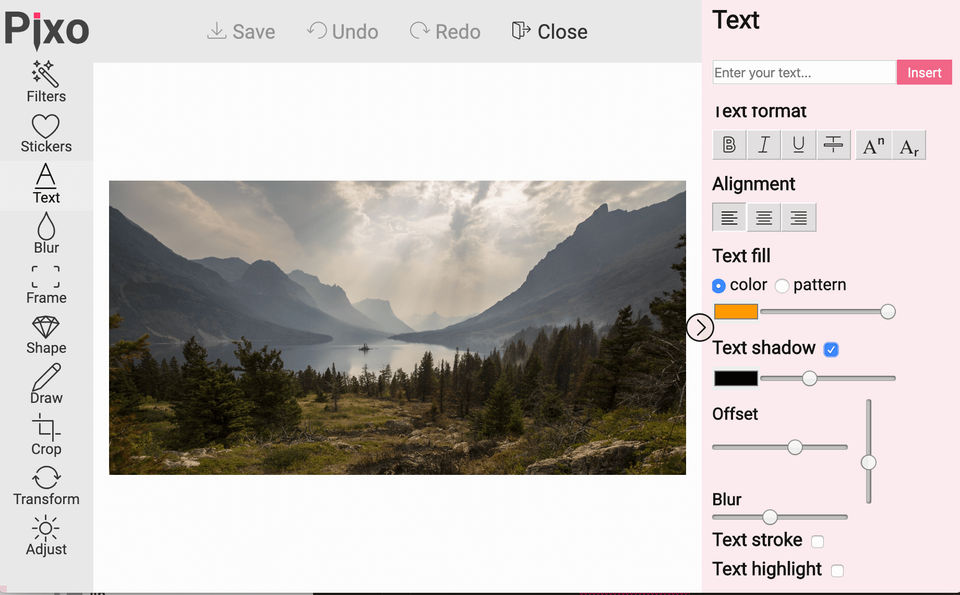
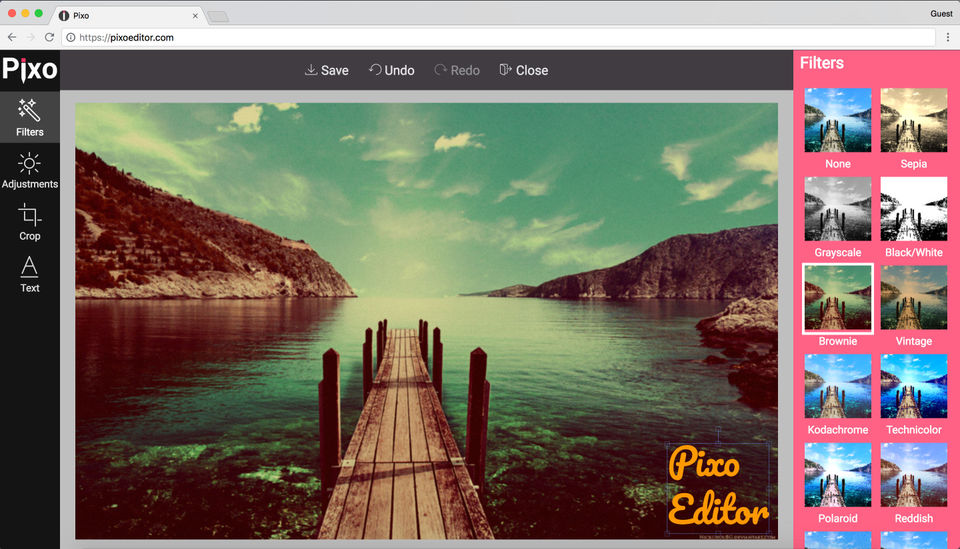
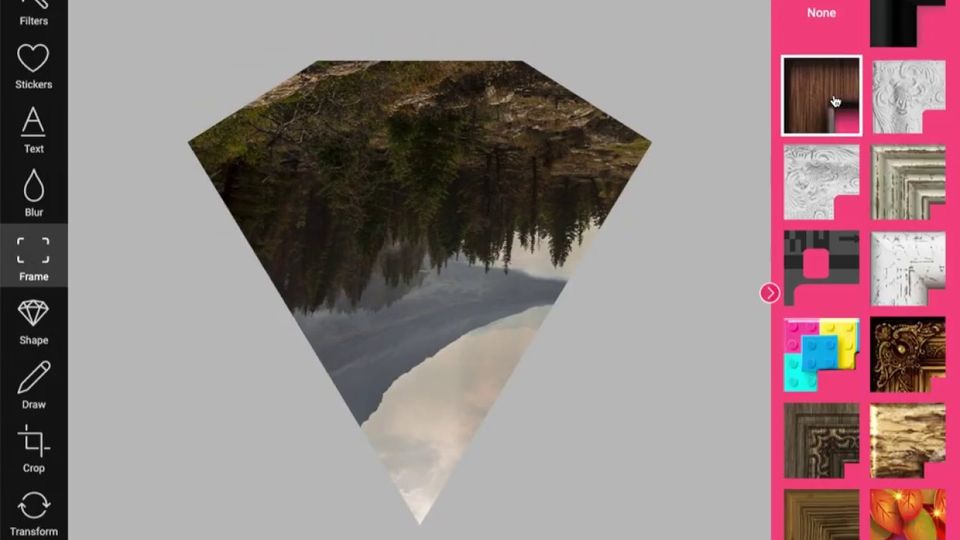
Pixo is a cross-platform photo editing tool that enables image editors to improve the quality and appearance of their photographs without much of a hassle. With Pixo, integration into any website or app is easy and it is filled with a great mixture of basic and advanced features that helps editors to get the most out of the edited images as per convenience. The tool comes equipped with a great choice of handsome fonts along with explicit editing functionalities like filters, add text and crop images.
Apart from that, users can also adjust multiple channels of images and make alterations in brightness, RGB, contrast, saturation and hue as per choice. Pixo includes a great set of Instagram friendly image filters, which are quite popular among the masses. Just like the image filters, it also includes a wide range of stickers collection, that can be customised as per users’ needs.
Moreover, a free drawing tool incorporated within the software lets editors draw over images using a variety of brushes
Key Features
- ✓ Revision Control
- ✓ Text Tool
- ✓ Remove objects
- ✓ Import from web
- ✓ Enhancement Tools
- ✓ Effects and Filters
- ✓ Collaborative Editing
- ✓ Auto Select
- ✓ Social Media Integration
- ✓ Import-Export Option
- ✓ Built-in Templates
- ✓ Transform tools
- ✓ Batch Editing
- ✓ Cloud Storage
Screenshots
Screenshot 1
Screenshot 2
Screenshot 3
Screenshot 4
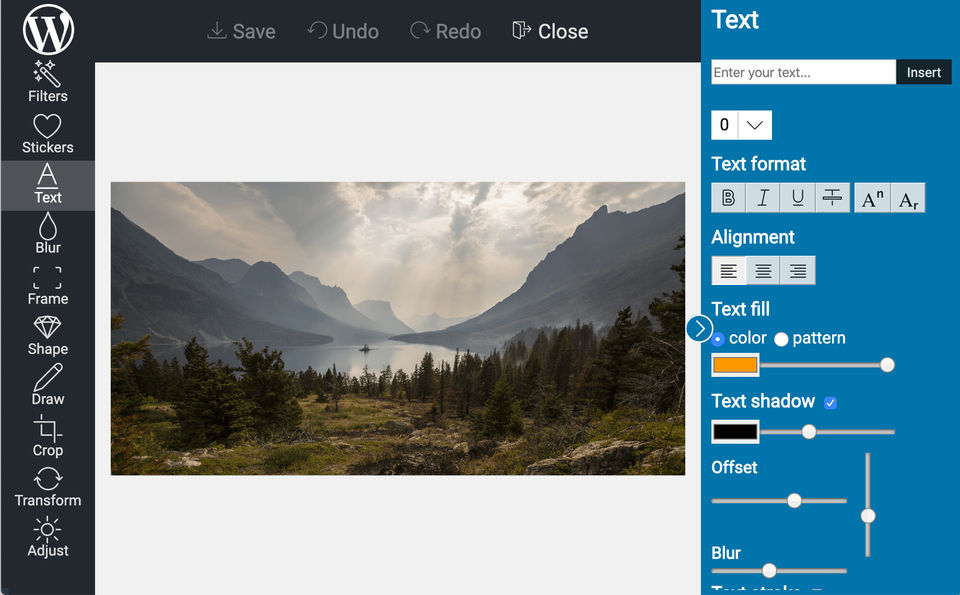
Screenshot 5
Pricing
FREE
USD
0
- 100 saved images/month
- limited features only basic image filters seasonal stickers not included blur feature not included shape feature not included custom stickers API not supported no support for custom frames only basic themes are supported custom colors/logo not supported no feature sets no image optimization (no compression) limited undo/redo saved image dimensions up to 2MP
- only basic image filters
- seasonal stickers not included
- blur feature not included
- shape feature not included
- custom s
Small
USD
7
/Month
- Premium image editing API support
- Full-featured image editor
- 1000 saved images/month
- $7/month for 12 months subscription billed once/year (total $84)
- Regular price $10/month (cancel anytime)
- Premium image editing API support
- Full-featured image editor
- 1000 saved images/month
- $7/month for 12 months subscription billed once/year (total $84)
- Regular price $10/month (cancel anytime)
Medium
USD
14
/Month
- Premium image editing API support
- Full-featured image editor
- 2500 saved images/month
- $14/month for 12 months subscription billed once/year (total $168)
- Regular price $20/month (cancel anytime)
- Premium image editing API support
- Full-featured image editor
- 2500 saved images/month
- $14/month for 12 months subscription billed once/year (total $168)
- Regular price $20/month (cancel anytime)
Large
USD
0
- Premium image editing API support
- Full-featured image editor
- Unlimited saved images/month
- Premium image editing API support
- Full-featured image editor
- Unlimited saved images/month
User Reviews
+ Write a Review
No reviews yet. Be the first to review!
Frequently Asked Questions
How much does Pixo cost?
▼
Pixo offers 4 pricing plan(s):
- FREE — USD0.00
- Small — USD7.00 /Month
- Medium — USD14.00 /Month
- Large — USD0.00
What is Pixo used for?
▼
Pixo is a Photo Editing Software solution. Top features include:
- Revision Control
- Text Tool
- Remove objects
- Import from web
- Enhancement Tools
Does Pixo offer a free trial?
▼
Yes, Pixo offers a 0-day free trial.
What support does Pixo provide?
▼
Pixo provides Online (Ticket) support.
Is Pixo cloud-based or on-premise?
▼
Pixo is Cloud Hosted software.
What training resources does Pixo offer?
▼
Pixo provides Help Guides,Blogs,Video Guides for training.


