

- ✓ Revision Control
- ✓ Text Tool
- ✓ Remove objects
- ✓ Import from web
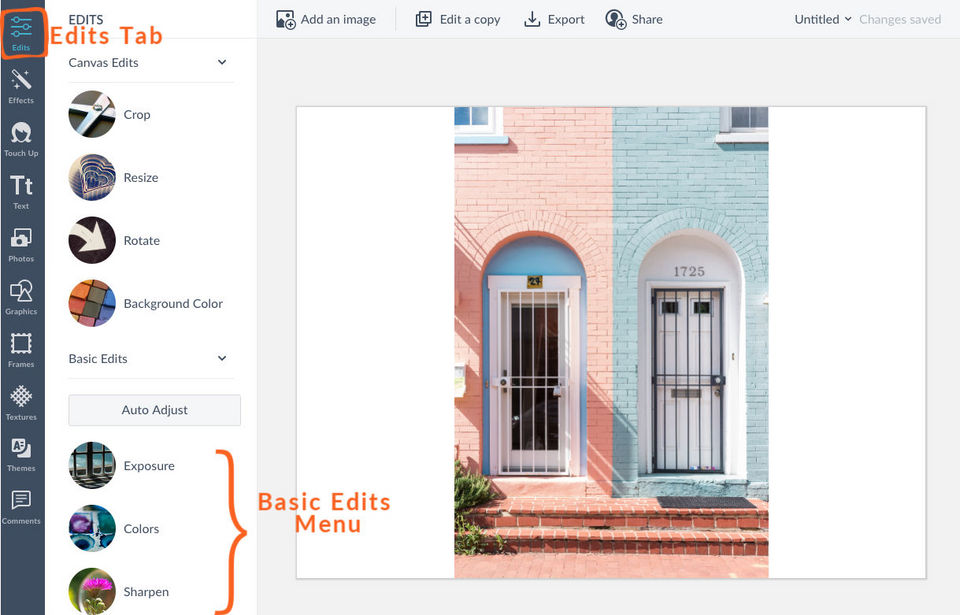
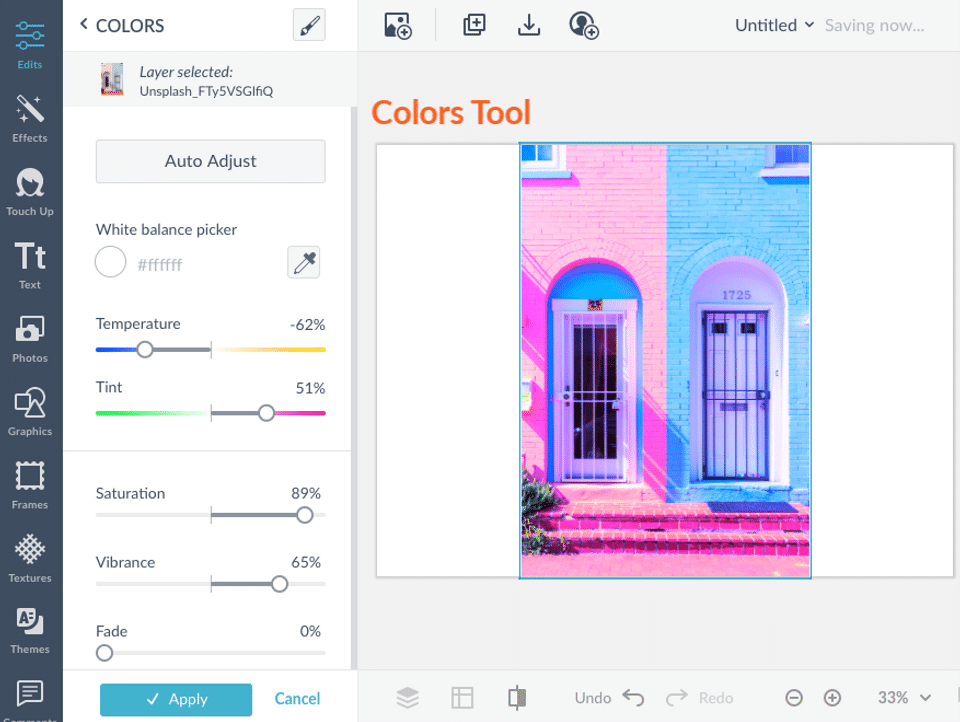
- ✓ Enhancement Tools
- ✓ Effects and Filters
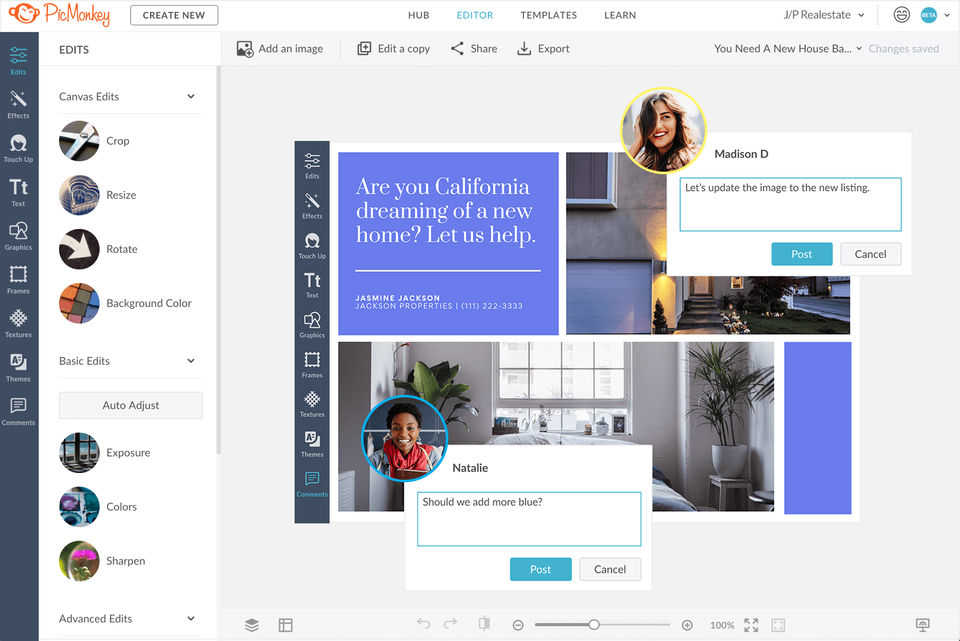
- ✓ Collaborative Editing
- ✓ Auto Select
- ✓ Social Media Integration
- ✓ Import-Export Option
- ✓ Built-in Templates
- ✓ Transform tools
- ✓ Batch Editing
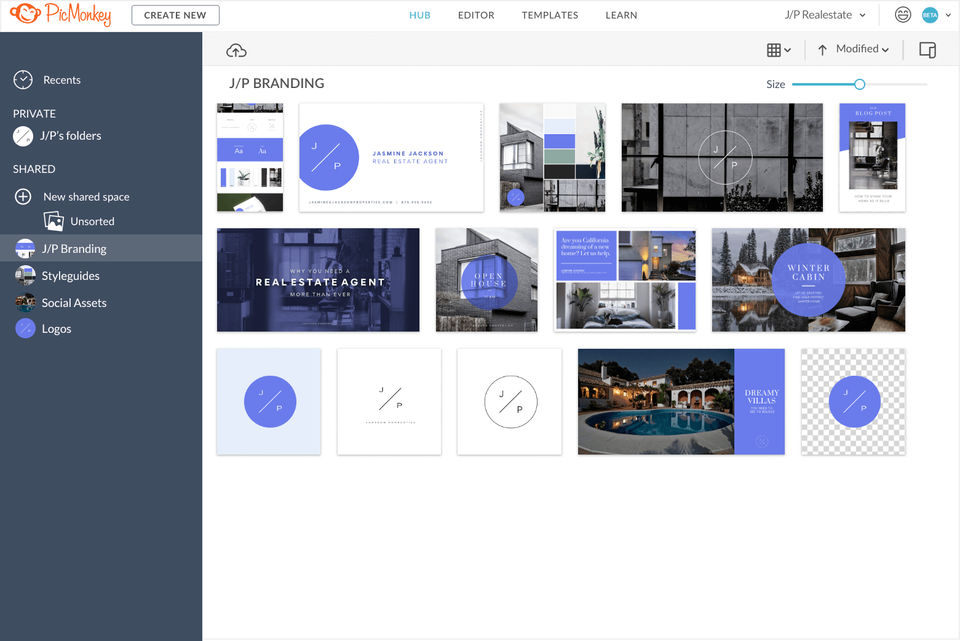
- ✓ Cloud Storage
- Cloud storage: 1 GB
- Download images: JPG or PNG
- Add and trim videos (New)
- Expansive library of top-tier fonts
- Primo effects
- templates
- and touch up tools
- Cloud storage: 1 GB
- Download images: JPG or PNG
- Add and trim videos (New)
- Expansive library of top-tier fonts
- Primo effects
- templates
- and touch up tools
- Cloud storage: Unlimited
- Download images: JPG
- PNG or PDF
- Add and trim videos (New)
- Expansive library of top-tier fonts
- Primo effects
- templates
- and touch up tools
- Instantly reformat to multiple sizes with Smart Resize (New)
- One-Click background remover (New)
- Keep brand colors
- fonts
- logos in a brand kit (New) : One brand kit
- Animate one or all elements of your design (New)
- iStock by Getty photos (New)
- Priority Email support
- Upload your own fonts
- Cloud storage: Unlimited
- Download images: JPG
- Cloud storage: Unlimited
- Download images: JPG
- PNG or PDF
- Add and trim videos (New)
- Expansive library of top-tier fonts
- Primo effects
- templates
- and touch up tools
- Instantly reformat to multiple sizes with Smart Resize (New)
- One-Click background remover (New)
- Keep brand colors
- fonts
- logos in a brand kit (New) : Multiple brand kit
- Animate one or all elements of your design (New)
- iStock by Getty photos (New)
- Priority Email support
- Upload your own fonts
- Keep brand colors
- fonts
- logos in multipl
PROS & CONS What are the best aspects of this product? PicMonkey is the best editor we've used. It's so multifunctional that it allows us to design, edit, retouch photos and collages and add text for advertisements. What aspects are problemati...
PROS & CONS What are the best aspects of this product? PicMonkey lets me produce quality output for less the cost and training time, plus its database of stock photos are also good. What aspects are problematic or could work better? It's alr...
This review is for my experience in working with customer support for an issue I had with one of their premium tools. After writing to their helpdesk about my issue, I heard back within 24 hours. While the problem wasn't fixed at first, with some explanatio...
PROS & CONS What are the best aspects of this product? With PicMonkey, I'm sure to be able to make powerful graphics and fresh images with text and a variety of frames. What aspects are problematic or could work better? Nothing to dislike ab...
PROS & CONS What are the best aspects of this product? I can use PicMonkey on a Google Chromebook, which does not support any programs on the Adobe Creative Suite. What aspects are problematic or could work better? I wish I can work on my ph...
PicMonkey offers 3 pricing plan(s):
- Basic — USD7.99 /Month
- Pro — USD12.99 /Month
- Business — USD23.00 /Month
PicMonkey is a Photo Editing Software solution. Top features include:
- Revision Control
- Text Tool
- Remove objects
- Import from web
- Enhancement Tools
Yes, PicMonkey offers a 0-day free trial.
PicMonkey provides Online (Ticket),Business Hours support.
PicMonkey is Cloud Hosted software.
PicMonkey provides Help Guides,Video Guides,Blogs for training.


