

Photo Editing Software
Onetime(Perpetual License)
About
Acorn is an image editor for the Mac that can be used to edit photos, add filters, retouch pictures, paint, crop, add text, create new images, and much more. It also has a feature that allows users to export all the layers in an image as an animated GIF.
Key Features
- ✓ Revision Control
- ✓ Text Tool
- ✓ Remove objects
- ✓ Import from web
- ✓ Enhancement Tools
- ✓ Effects and Filters
- ✓ Collaborative Editing
- ✓ Auto Select
- ✓ Social Media Integration
- ✓ Import-Export Option
- ✓ Built-in Templates
- ✓ Transform tools
- ✓ Batch Editing
- ✓ Cloud Storage
Screenshots
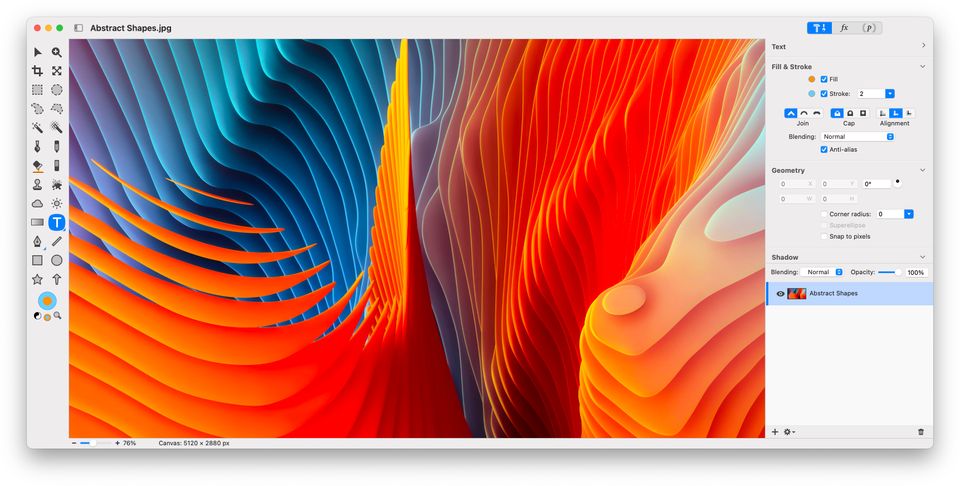
Screenshot 1
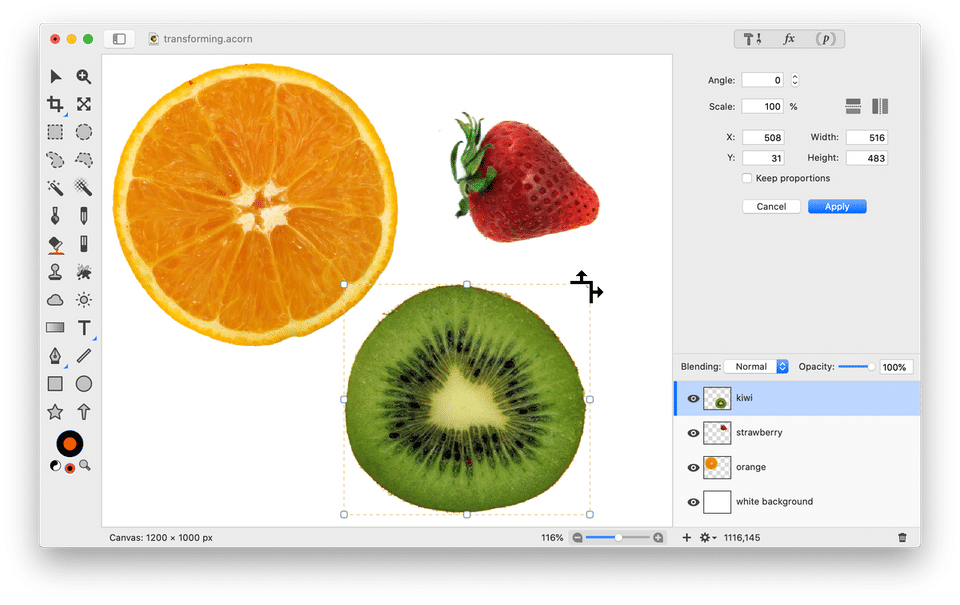
Screenshot 2
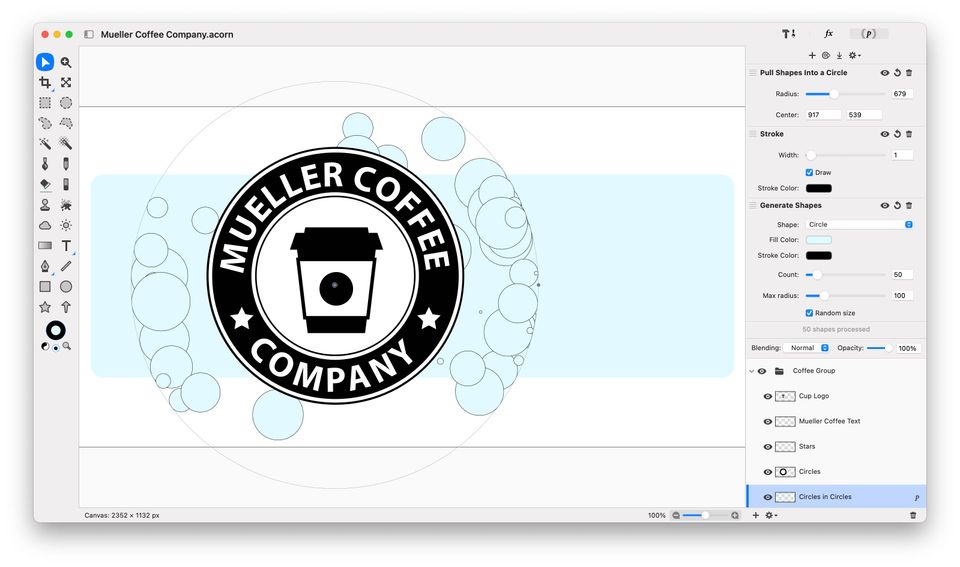
Screenshot 3
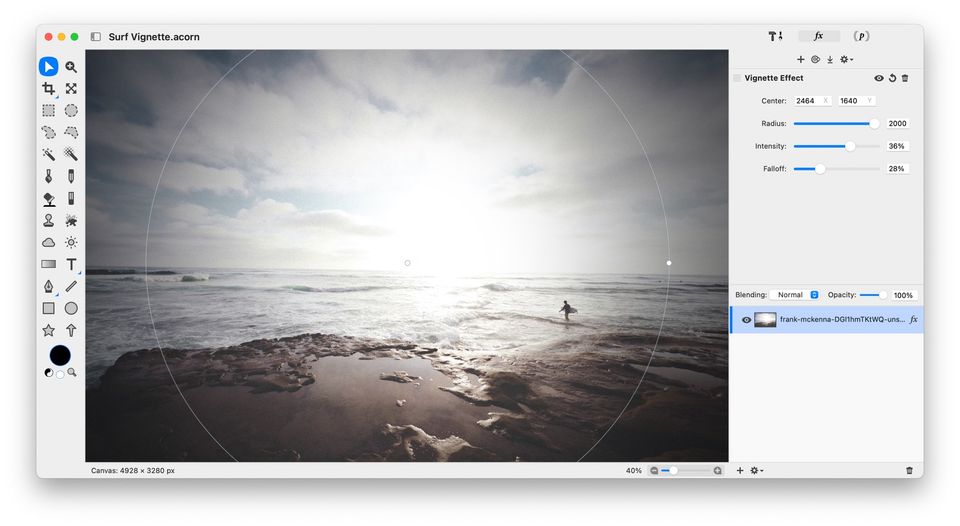
Screenshot 4
Pricing
Acorn
USD
20
One Time Payment
- Powerful Image Editing
- Text on a Path
- Non-Destructive Filters
- Circle Text Tool
- Photo Effects
- Vector Tools
- Web Export Goodness
- Clone Across Images
- Layers
- and More
- Smart Layer Export
- Layer Masks
- Crop Tool Enhancements
- Transform
- Rotate
- and Resize Layers
- Soft Brushes for Clone
- Burn
- Etc
- Curves & Levels
- Raw Image Import
- Custom Color Picker
- Snapping & Alignment
- Batch Edit
- Shape Processor
- Robust File Support
- Photoshop Brush Import
- Powerful Image Editing
- Text on a Path
- Non-Destructive Filters
- Circl
User Reviews
+ Write a Review
No reviews yet. Be the first to review!
Frequently Asked Questions
How much does Acorn cost?
▼
Acorn offers 1 pricing plan(s):
- Acorn — USD19.99 One Time Payment
What is Acorn used for?
▼
Acorn is a Photo Editing Software solution. Top features include:
- Revision Control
- Text Tool
- Remove objects
- Import from web
- Enhancement Tools
Does Acorn offer a free trial?
▼
Yes, Acorn offers a 0-day free trial.
What support does Acorn provide?
▼
Acorn provides Online (Ticket) support.
Is Acorn cloud-based or on-premise?
▼
Acorn is Cloud Hosted software.
What training resources does Acorn offer?
▼
Acorn provides Help Guides,Blogs,Video Guides for training.


