
VEGAS Pro

By VEGAS Pro
- ✓ Video Capture
- ✓ Text Overlay
- ✓ Supports HD Resolution
- ✓ Merge video
- ✓ Split Video
- ✓ Video Speed Controller
- ✓ Media Library
- ✓ Brand Overlay
- ✓ Audio Tools
- ✓ Social Sharing
- ✓ Collaboration
- ✓ Video Stabilization
- ✓ 3D Video Editing
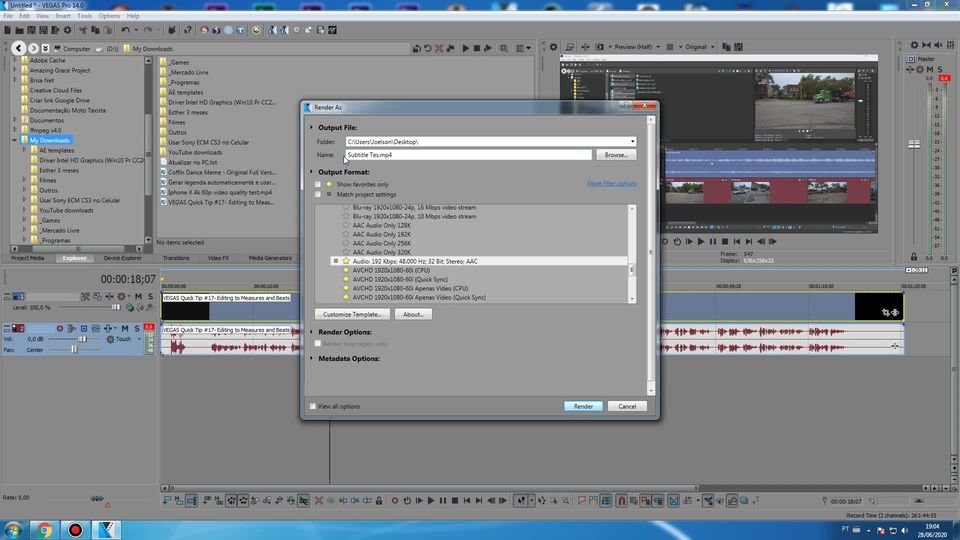
- Blu-ray and DVD Disc burning from the timeline
- Screen capture
- Customizable UI (button
- window layouts
- background color
- e.g.)
- Track grouping
- Application scripting
- Configurable timeline clip event headers
- Advanced project archiving
- Blu-ray and DVD Disc burning from the timeline
- Screen capture
- Customizable UI (button
- window layouts
- background color
- e.g.)
- Track grouping
- Application scripting
- Configurable timeline clip event headers
- Advanced project archiving
PROS & CONS What are the best aspects of this product? Vegas Pro is both lightweight and fast in comparison to other film editing software available in the market today. Templates are available for both paid and free versions of the app. There...
PROS & CONS What are the best aspects of this product? The user-friendly interface, a decent selection of third-party plugins, as well as a good range of in-built tools makes VEGAS Pro a highly versatile piece of a video editor for those who o...
PROS & CONS What are the best aspects of this product? It is comparable to upscale editing tools available these days. It eliminates the hoops and tricks in creating and editing videos. You can jump right into the process. And if you need to d...
PROS & CONS What are the best aspects of this product? I'm a loyal VEGAS product user for a decade and a half now and never been disappointed with it. I always find what I need. It's also simple to use, which I really like. And unlike other vi...
PROS & CONS What are the best aspects of this product? What I love the most about this program is its simplicity. In fact, it's the simplest video editor I have ever tried. What aspects are problematic or could work better? Only the proble...
VEGAS Pro offers 1 pricing plan(s):
- VEGAS Pro — USD399.00 One Time Payment
VEGAS Pro is a Video Editing Software solution. Top features include:
- Video Capture
- Text Overlay
- Supports HD Resolution
- Merge video
- Split Video
Yes, VEGAS Pro offers a 0-day free trial.
VEGAS Pro provides Online (Ticket) support.
VEGAS Pro is Cloud Hosted software.
VEGAS Pro provides Help Guides,Blogs for training.


