

- ✓ Sunlight
- ✓ Lighting
- ✓ Furniture Library
- ✓ AI-Assisted Planner
- ✓ 3D Walkthrough
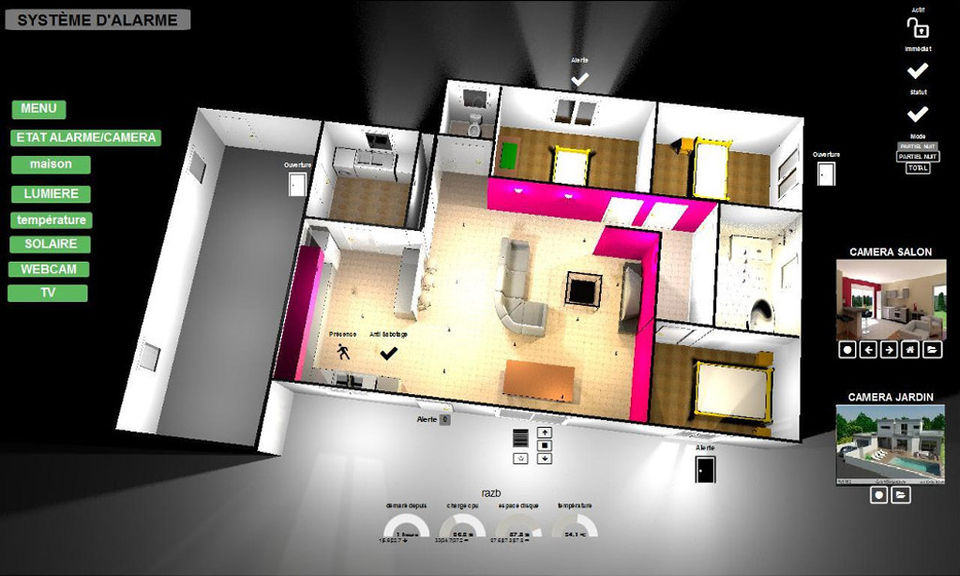
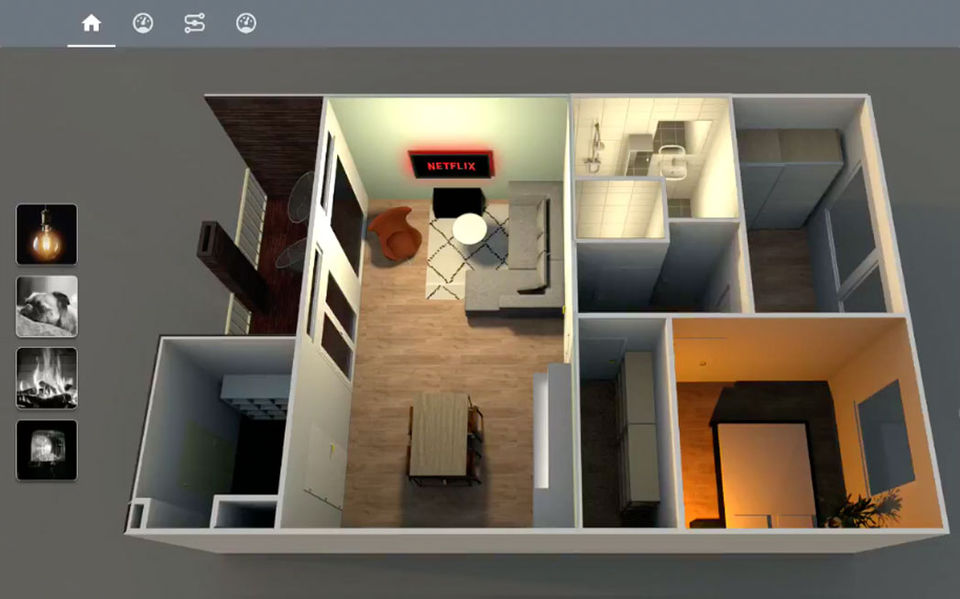
- ✓ 3D Floor Plans
- ✓ 2D Floor Plans
- ✓ Guest Sharing
- ✓ 3D Rendering
- ✓ Total Area Calculation
- ✓ Measurement Scale
- ✓ 360-degree visualizer
- ✓ Import from Blueprint
- ✓ Design Collaboration
- Installation
- User interface
- Starting a new home
- Importing home blueprint
- Drawing walls
- Editing walls
- Adding doors
- windows and furniture
- Importing 3D models
- Drawing rooms
- Adding levels
- Editing 3D view
- Installation
- User interface
- Starting a new home
- Importing home blueprint
- Drawing walls
- Editing walls
- Adding doors
- windows and furniture
- Importing 3D models
- Drawing rooms
- Adding levels
- Editing 3D view
What do you like best? It is very intuitive, you can perform very simple tasks to draw 2d plans and model in 3d in a parallel way, it has included a bar of options to insert doors, windows, allows you to adjust the dimensions and the parameters of ...
What do you like best? I like how you can make your 3D home realistic and see how it will look when the building has finished What do you dislike? I had no previous training so I had to find YouTube videos on it which I didn’t find many...
What do you like best? Sweet Home 3D is a fairly easy to use program to help design layouts in houses without having to use a pen and paper. It offers a 3d type viewing engine for displaying furniture and other items within designated rooms. The pr...
What do you like best? I used the program to make a number of garden designs. This works fine but I miss the objects to add them to get a better picture of how it will actually be. What do you dislike? I would appreciate it if more ob...
What do you like best? a lot of assets used are open source, the 2D view is excellent, the 3D view is pretty good way to visualise stuff. All scales perfect. What do you dislike? certain furniture types don't exist so you have to instead...
Sweet Home 3D offers 1 pricing plan(s):
- Sweet Home 3D — USD0.00
Sweet Home 3D is a Interior Design Software solution. Top features include:
- Sunlight
- Lighting
- Furniture Library
- AI-Assisted Planner
- 3D Walkthrough
Sweet Home 3D does not currently offer a free trial.
Sweet Home 3D provides Online (Ticket) support.
Sweet Home 3D is Cloud Hosted software.
Sweet Home 3D provides Help Guides,Blogs,Video Guides for training.


