

Live Streaming Software & Platform
Onetime(Perpetual License)
About
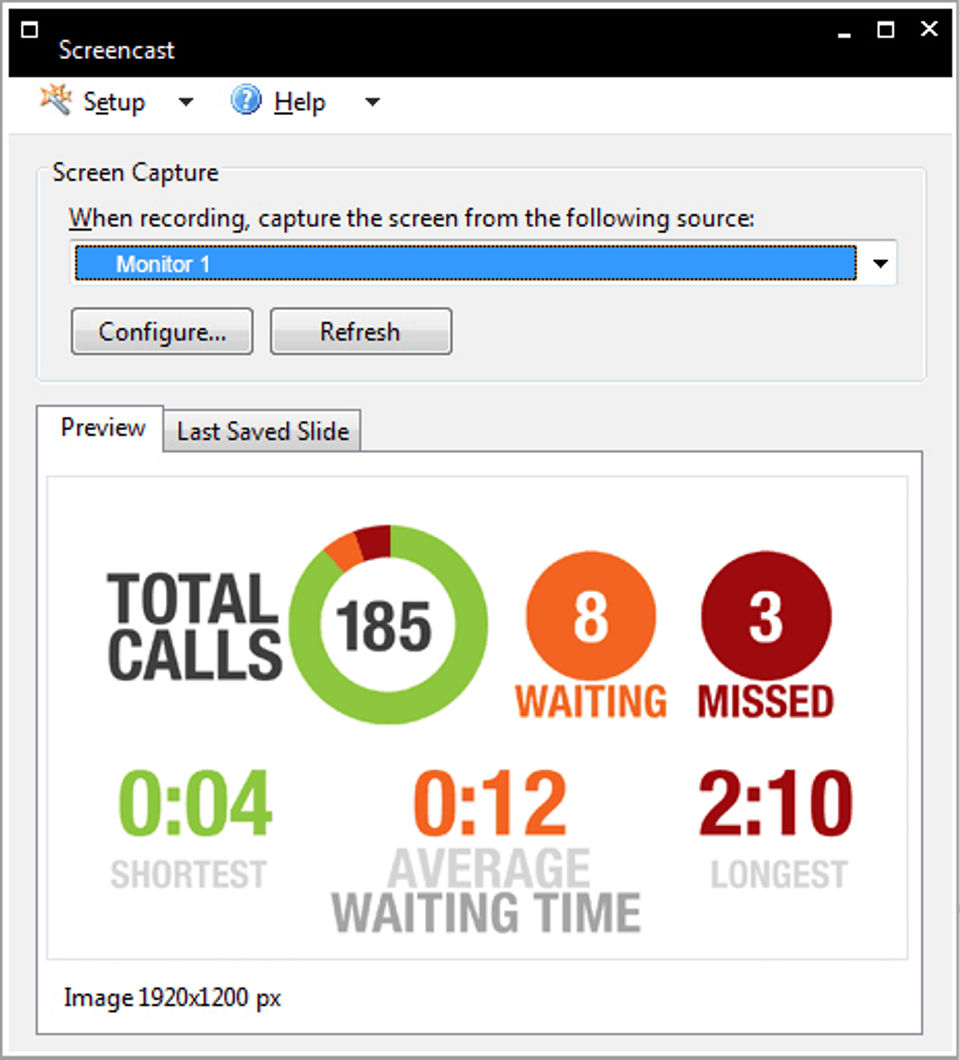
Screencast is a new way to stream live information to multiple screens across the network. With Screencast, you can instantly send call statistics, announcements, dashboards, or welcome messages to digital signage, TVs, PCs, and mobile devices anywhere in the organization.
Key Features
- ✓ Video Monetization
- ✓ Multistreaming
- ✓ HD Video Streaming
- ✓ Event Scheduling
- ✓ Broadcast Recording
- ✓ Audience Engagement
- ✓ Audience Analytics
- ✓ Customizable Branding
- ✓ Q&A
- ✓ Live Chat
- ✓ Video Annotations
- ✓ Live Polling
- ✓ Multi-camera feed
Screenshots
Screenshot 1
Screenshot 2
Screenshot 3
Screenshot 4
Pricing
Screencast
USD
0
- Broadcasts Windows desktop simultaneously to up to 100 devices
- Displays on digital signage
- mobile devices
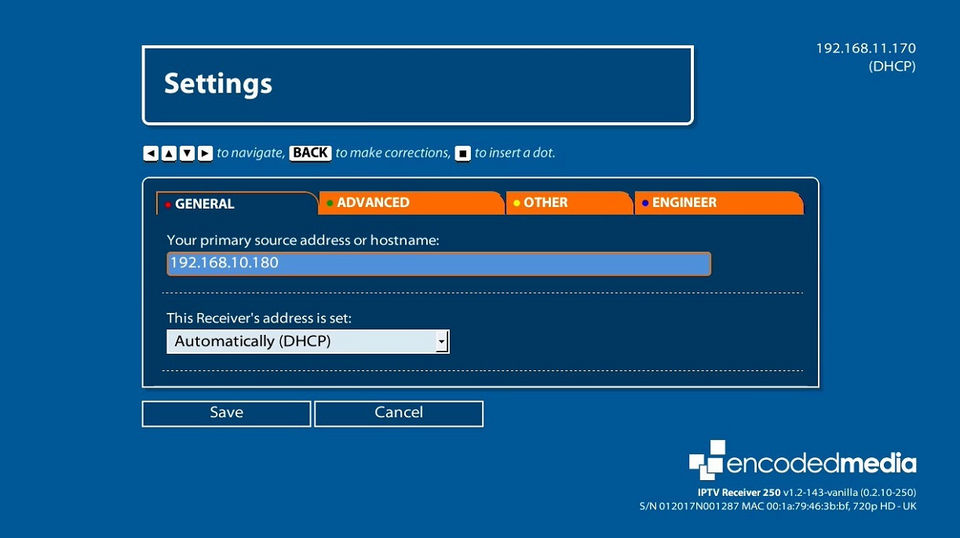
- IPTV receivers
- or Windows PCs
- Runs on physical and virtual PCs with flexible licensing options
- Requires as little as 0.5Kbps network bandwidth
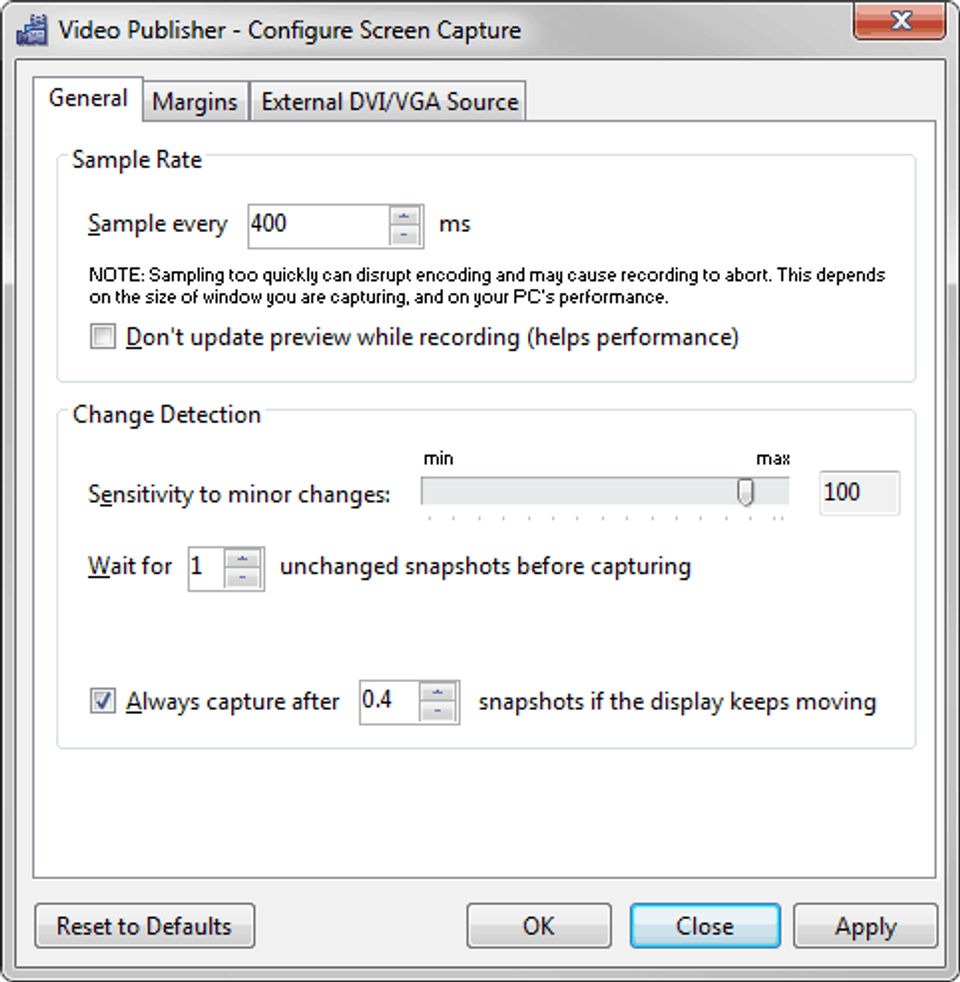
- Screen update rate from 150 milliseconds to one hour
- Runs on Windows XP or later
- no admin rights required
- Maximum 8k resolution
- Broadcasts Windows desktop simultaneously to up to 100 devices
- Displays on digital signage
- mobile devices
- IPTV receiv
User Reviews
+ Write a Review
No reviews yet. Be the first to review!
Frequently Asked Questions
How much does ScreenCast cost?
▼
ScreenCast offers 1 pricing plan(s):
- Screencast — USD0.00
What is ScreenCast used for?
▼
ScreenCast is a Live Streaming Software & Platform solution. Top features include:
- Video Monetization
- Multistreaming
- HD Video Streaming
- Event Scheduling
- Broadcast Recording
Does ScreenCast offer a free trial?
▼
Yes, ScreenCast offers a 0-day free trial.
What support does ScreenCast provide?
▼
ScreenCast provides Online (Ticket) support.
Is ScreenCast cloud-based or on-premise?
▼
ScreenCast is Cloud Hosted software.
What training resources does ScreenCast offer?
▼
ScreenCast provides Help Guides,Blogs for training.


