.png)
Why Choose PDF2Go?
PDF2Go is the ideal tool for anyone who works regularly with PDF documents. Unlike traditional desktop tools, PDF2Go is entirely web-based, allowing users to access powerful PDF features without downloading or installing software. It supports both editing and file conversion, which means you can convert PDFs into Word, PowerPoint, or Excel documents and vice versa. Users can also compress large PDFs for easier sharing or archive splitting. PDF2Go ensures document security with SSL encryption and offers seamless access across devices. Whether you’re handling legal documents, school reports, or business files, PDF2Go makes editing and managing PDFs faster, easier, and accessible anytime, anywhere.
Benefits of PDF2Go
100% web-based – no installation needed
Secure with SSL encryption
Edit PDF text, images, and layout
Convert PDF to/from Word, Excel, PowerPoint
Compress PDF files to reduce size
Split or merge PDFs effortlessly
Supports multiple file formats
Mobile-friendly interface
Fast, cloud-based performance
How to Use PDF2Go
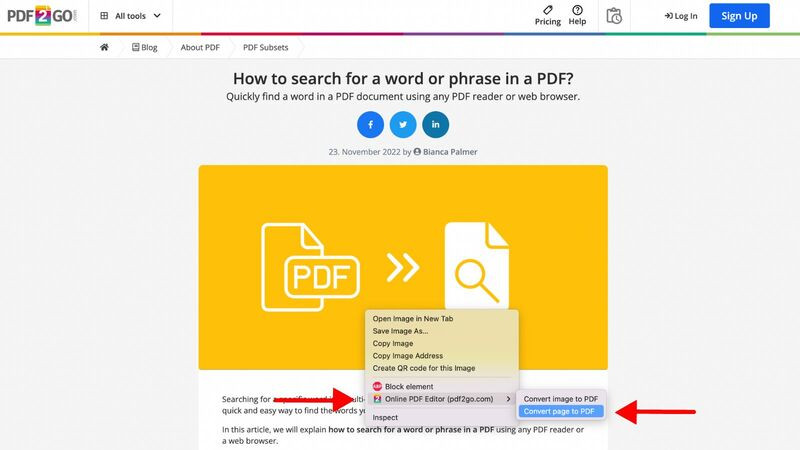
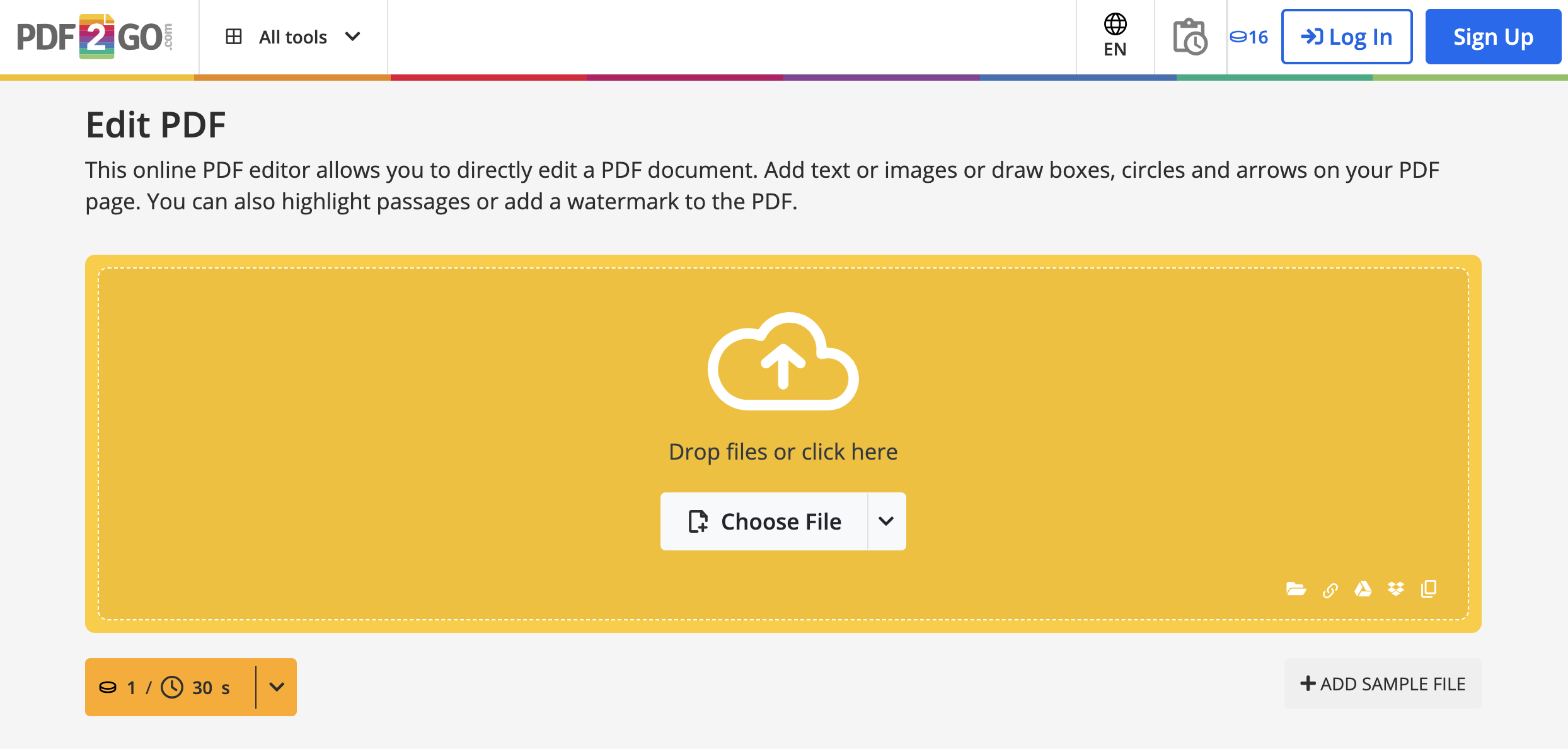
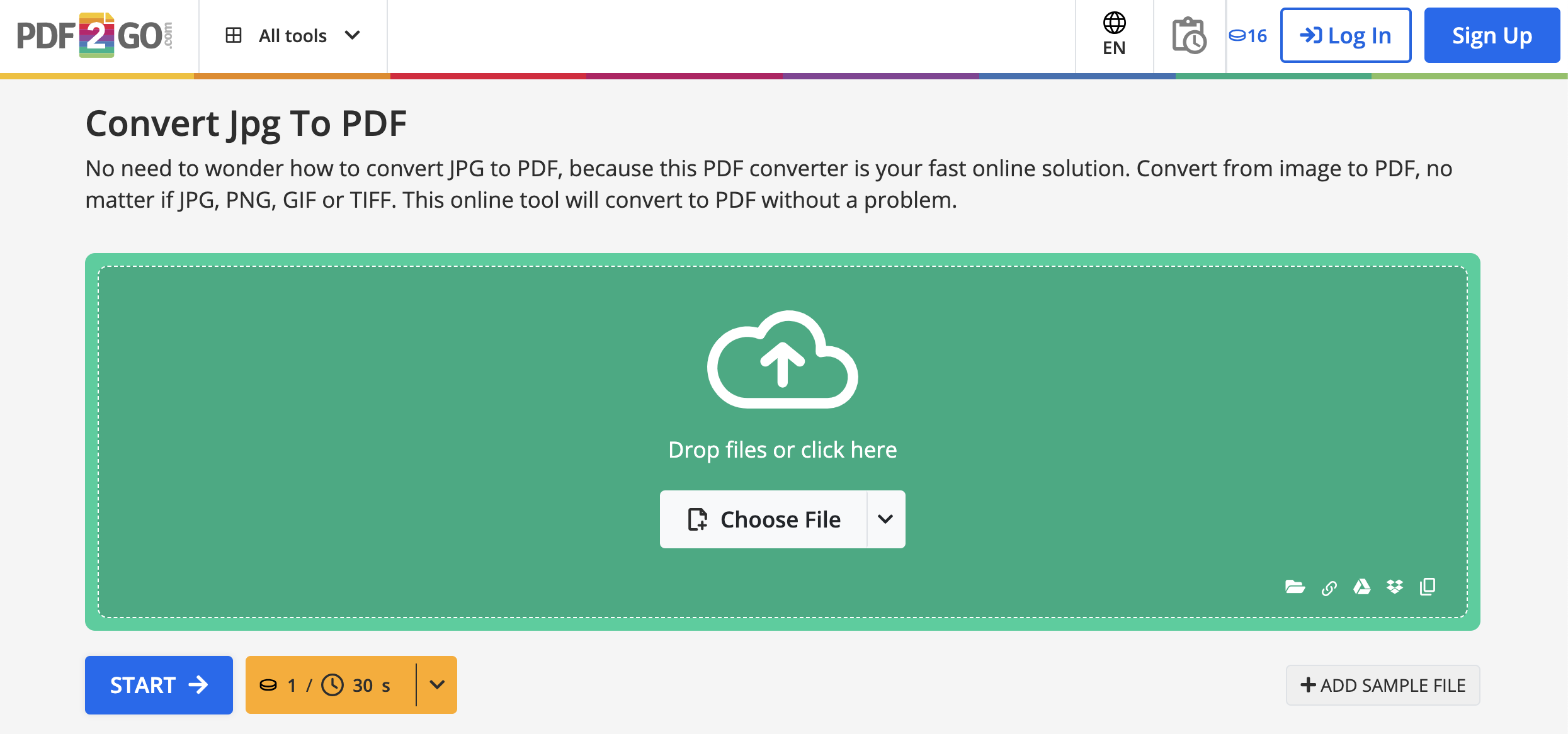
Using PDF2Go is simple and intuitive. Visit the official website and select the tool you need—edit, convert, compress, or merge. Upload your PDF file from your device, Dropbox, or Google Drive. Once uploaded, apply the desired edits or conversions. You can insert text, highlight content, compress file sizes, or change the file format. After completing your edits, click on "Save" to download the final file. PDF2Go does not require an account for basic use, but registering enables more features and cloud storage. The interface is beginner-friendly, making it ideal even for users with no prior editing experience.
Features of PDF2Go
PDF Editor – Edit text, add images, highlight, and draw
File Converter – Convert between PDF and Word, Excel, PPT, JPG
Compress PDF – Reduce file size for faster sharing
Merge/Split PDF – Combine multiple PDFs or extract pages
Repair PDF – Fix corrupted PDF documents
OCR Tool – Convert scanned PDFs to editable text
Cloud Integration – Upload from Google Drive/Dropbox
Data Protection – Encrypted file handling for privacy
What Makes PDF2Go Different?
PDF2Go distinguishes itself through its flexibility and accessibility. Unlike traditional software that requires downloads and installations, PDF2Go works entirely online—no account required for basic tools. It includes advanced features like OCR for scanned documents, file repair for corrupted PDFs, and extensive format conversion options. PDF2Go also offers real-time editing and processing through the cloud, so you can work from anywhere, on any device. Its strong data security protocols (SSL encryption) ensure privacy and protection of user files. The clean UI, multilingual support, and free-to-use tier make PDF2Go an excellent option for occasional and frequent users alike.
Who Can Benefit from PDF2Go?
PDF2Go is perfect for a wide range of users:
Students: Easily annotate and edit assignments or merge notes
Business Professionals: Convert and compress documents for fast sharing
Legal and Admin Staff: Secure editing and formatting of legal PDFs
Educators: Create and manage test sheets or learning materials
Freelancers and Remote Workers: Quick PDF conversions and delivery
Anyone who works with PDF files regularly can save time and effort using PDF2Go’s efficient cloud-based tools.
Is PDF2Go Easy to Use?
Yes, PDF2Go is designed with usability in mind. Its drag-and-drop functionality, clean layout, and guided steps ensure that even first-time users can operate it smoothly. Each tool is labeled clearly—whether you want to edit, convert, compress, or merge files, you can find your required action on the homepage. No software installation means there's no setup hassle. Plus, mobile responsiveness ensures the platform works seamlessly on smartphones and tablets. For advanced users, PDF2Go also includes batch processing and OCR tools, while beginners can rely on the basic editor without needing technical know-how.
What Support Does PDF2Go Offer?
PDF2Go provides multiple support options to help users resolve queries efficiently. It includes:
Comprehensive Help Center with FAQs and usage guides
Email support for direct issues
Instant feedback form for reporting errors
Multilingual support for global users
Step-by-step tutorials for each tool
Premium users can also receive priority response and additional cloud storage options. Whether you’re a free or paid user, PDF2Go ensures that help is always available to make your document tasks smooth and stress-free.
- Test as long as you need
- No payment details required
- Join a team and use shared credits
No reviews yet. Be the first to review!
pdf2go offers 3 pricing plan(s):
- Free Trial — USD0.00 16 Credits
- Subscription — USD8.00 480 Credits/Month
- Pay As You Go — USD14.00 480 Credits
Yes, pdf2go offers a 16-day free trial.
pdf2go provides Phone,Email,Live Chat support.
pdf2go provides Help Guides,Video Guides,Blogs,Infographics for training.

.jpg)


