

- ✓ Billing and Invoicing
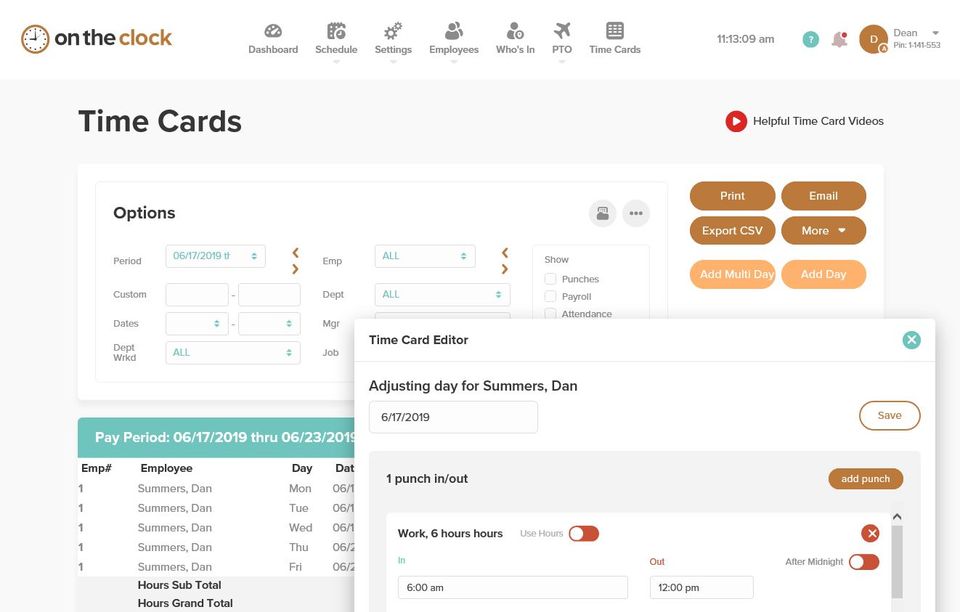
- ✓ Timesheet Management
- ✓ Overtime Calculation
- ✓ Offline Time Tracking
- ✓ Multiple Billing Rates
- ✓ Mobile Time Tracking
- ✓ Billable & Non-billable Hours
- ✓ Automatic Time Capture
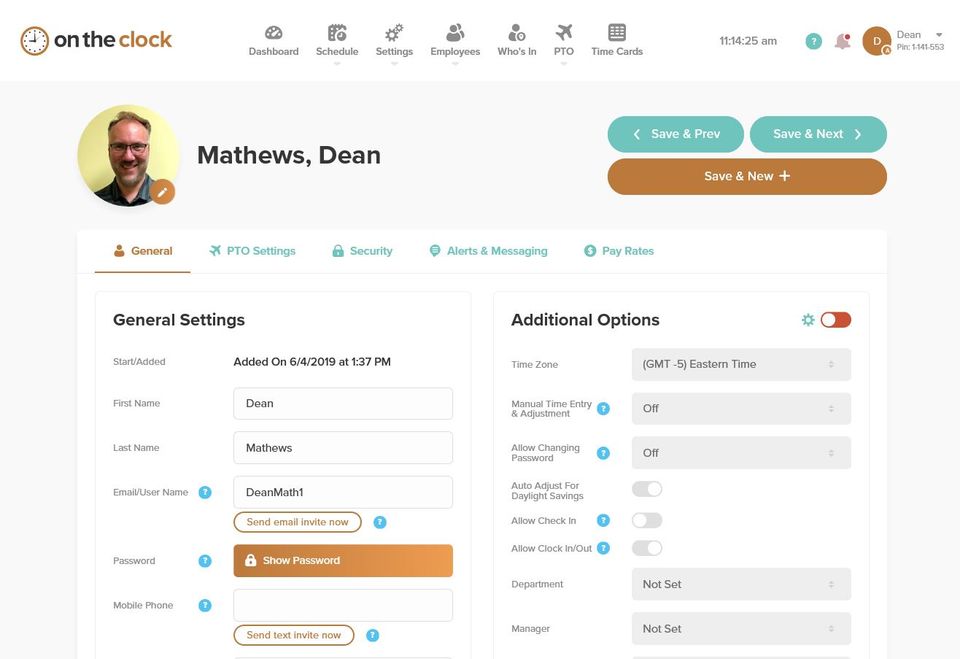
- ✓ Employee Database
- ✓ Leave Tracking (Vacation)
Contact us to get detailed pricing as per your requirements.
PROS & CONS What are the best aspects of this product? I can easily keep track of the hours I worked, so I don't ever go overtime or undertime. What aspects are problematic or could work better? It can be slow at times, especially at night...
PROS & CONS What are the best aspects of this product? Simple to use and very useful for clocking in and out. What aspects are problematic or could work better? It worked very well for us. I am satisfied with all its functions. What spec...
PROS & CONS What are the best aspects of this product? It is easy to learn how to use it because of its ease of use. What aspects are problematic or could work better? As an employee, I am very satisfied with this application. I have no co...
PROS & CONS What are the best aspects of this product? I can set it up so employees can only log-in and out in a certain area. This way I am sure that my employees are not abusing the app. It is also very versatile as I can use it to punch in ...
PROS & CONS What are the best aspects of this product? It is super easy to clock in and out. I can also manage my clients, rates, and services here. Adjusting hours is also relatively simpler. What aspects are problematic or could work bette...
OnTheClock is a Time Tracking App & Software solution. Top features include:
- Billing and Invoicing
- Timesheet Management
- Overtime Calculation
- Offline Time Tracking
- Multiple Billing Rates
Yes, OnTheClock offers a 0-day free trial.
OnTheClock provides Phone,Email,Live Chat,Online (Ticket) support.
OnTheClock is Cloud Hosted,Hybrid software.
OnTheClock provides Help Guides,Video Guides,Blogs for training.


