

Onshape is a revolutionary CAD software that redefines the way engineers and designers create, collaborate, and manage their projects. As a fully cloud-based platform, it eliminates the constraints of traditional file-based CAD systems, enabling users to access, edit, and share their designs in real-time from any device with an internet connection. This approach provides an unprecedented level of flexibility, making Onshape an ideal solution for businesses of all sizes, from startups to large enterprises.
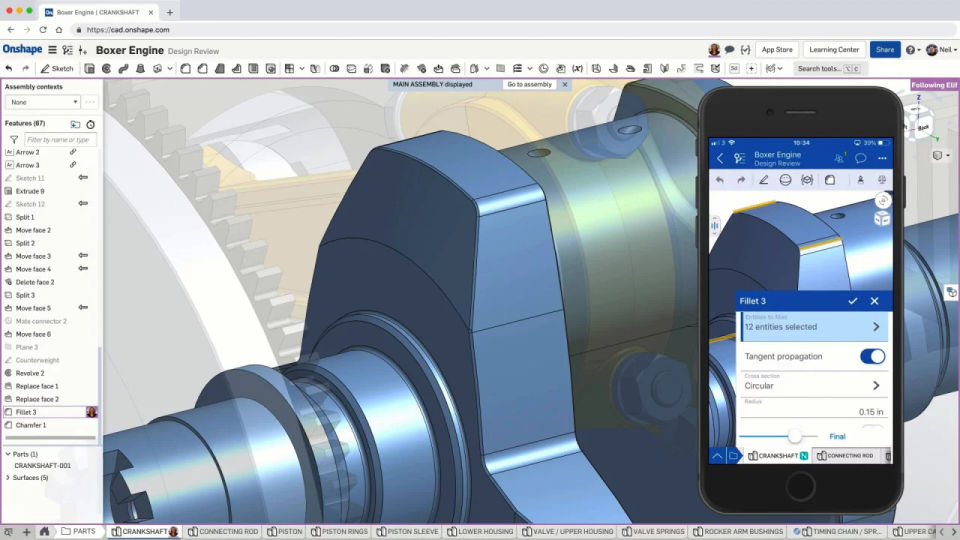
Developed by the creators of SolidWorks, Onshape was designed to address common issues faced in traditional CAD environments, such as version control problems, data loss, and collaboration limitations. By utilizing a cloud-native architecture, Onshape enables seamless multi-user collaboration, allowing team members to work on the same design simultaneously. Unlike traditional CAD tools that require manual file sharing and tracking, Onshape ensures that all changes are instantly saved and accessible, reducing errors and improving workflow efficiency.
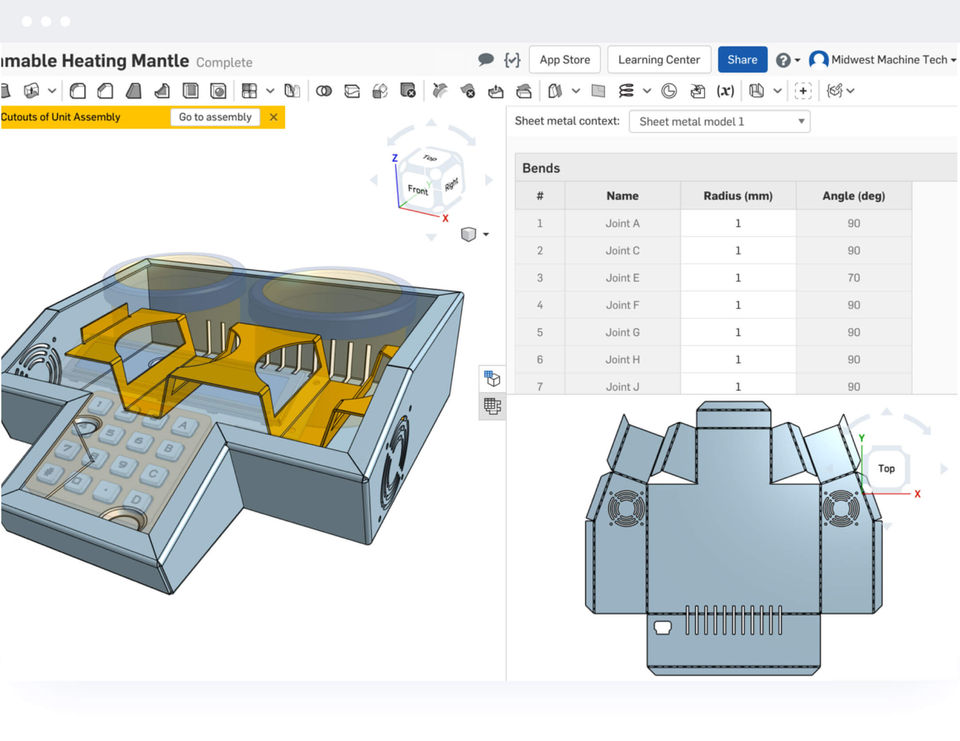
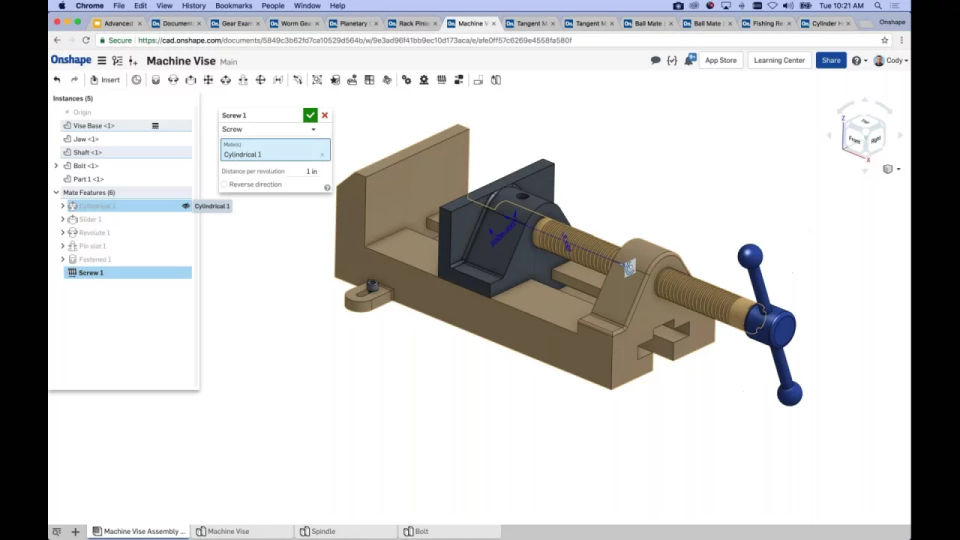
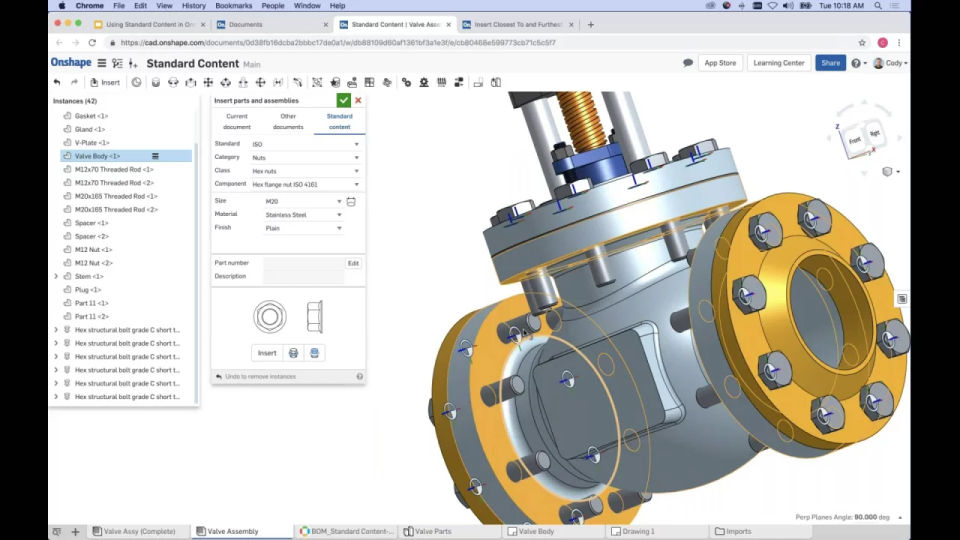
Onshape features a robust set of design tools, including parametric modeling, direct editing, and advanced assembly capabilities. Engineers can easily create complex parts and assemblies while maintaining design intent. The platform also includes built-in PDM (Product Data Management) tools, eliminating the need for separate software to handle versioning and document control.
Security is another strong point of Onshape. It employs enterprise-grade security measures, such as multi-factor authentication, encrypted storage, and activity tracking, ensuring that intellectual property remains protected. Companies can manage user permissions and track every change made to a design, ensuring accountability and reducing the risk of unauthorized access.
Onshape integrates seamlessly with third-party applications, including simulation, rendering, and manufacturing software, making it a versatile solution for a wide range of industries. Additionally, its API and scripting capabilities allow businesses to automate processes and customize the software to fit their unique workflows.
Overall, Onshape is an innovative CAD solution that enhances collaboration, streamlines workflows, and provides a secure environment for product development.
Key Features & SpecificationsKey Features
- Cloud-Based CAD – No installation required; accessible from any device.
- Real-Time Collaboration – Multiple users can edit a design simultaneously.
- Version Control & PDM – Built-in data management eliminates file conflicts.
- Parametric & Direct Modeling – Supports advanced 3D modeling techniques.
- Assemblies & Drawings – Full support for creating complex assemblies and 2D drawings.
- Security & Access Control – Role-based permissions, encryption, and audit logs.
- Integration & API Support – Connects with third-party tools for simulation, CAM, and more.
- Cross-Platform Compatibility – Works on Windows, macOS, Linux, and mobile devices.
- Automatic Updates – Always runs the latest version with no manual installations.
- Enterprise-Grade Security – Multi-factor authentication and encrypted data storage.
Specifications
- Platform: Web-based (accessible via Chrome, Edge, Safari)
- Supported Devices: PC, Mac, Linux, iOS, Android
- Storage: Cloud-based (no local storage required)
- File Compatibility: Supports STEP, IGES, STL, DXF, DWG, Parasolid, etc.
- Collaboration: Multi-user, live editing, commenting, and revision tracking
- API & Customization: REST API for automation and integration
Onshape provides a modern, cloud-based alternative to traditional CAD software, improving efficiency, collaboration, and security for engineering teams worldwide.
- ✓ Quality Management
- ✓ Product Data Management
- ✓ Platform Structures
- ✓ Electrical Design Management
- ✓ Document Publishing
- ✓ Change Management
- ✓ Augmented Reality Tool
- ✓ Bills of Material (BOM) Management
- ✓ Automate Design Creation
- ✓ Audit History
- ✓ Report Generation
- ✓ Collaboration
- Unlimited public storage
- CAD tools
- Real-time collaboration
- Version control
- Mobile apps
- Online training
- Direct
- In Product Support
- Includes features of Standard Plan
- Company-managed data
- Release management
- Advanced PDM
- Simulation
- Rendering
- ECAD/MCAD exchange
- CAM
- All the features of Professional
- Custom Release Management
- Analytics and Dashboards
- Arena PLM Connection
- Advanced Admin and Security (SSO)
- Guest access (full and light user licensing)
- Priority Support
What do you like best? Version control, App Store, FeatureScript. Part design is okay. What do you dislike? Terrible performance in assembly work. Lacking useful functionality because of design decisions relating to the interaction betwe...
What do you like best? Flexibility in the way you model and structure documents, efficient conceptual modeling What do you dislike? Constantly waiting for things to load, commands to take effect, dragged items to move, etc Recom...
What do you like best? Good software with a decent tool set. Browser based so easy to use across all platforms. Cloud stored so very easy collaboration. Essential and well implemented version control - this is a must have if modern agile workflows ...
What do you like best? To create quick 3D models to help into my work. To help CAD designers and suppliers to develop faster toolings What do you dislike? Not so easy to understand every step to create a 3D model through the different to...
What do you like best? Clean graphic, more acceptable on opening other format files and overall system of part studio and assembly studio. What do you dislike? No measuring tool (So need it) and no calculation function in dimension box a...
Onshape offers 3 pricing plan(s):
- Standard Plan — USD1500.00 per user per year
- Professional Plan — USD2500.00 per user per year
- Enterprise — USD0.00 custom pricing
Onshape is a Product Lifecycle Management (PLM) Software solution. Top features include:
- Quality Management
- Product Data Management
- Platform Structures
- Electrical Design Management
- Document Publishing
Yes, Onshape offers a 0-day free trial.
Onshape provides Phone,Email,Live Chat,Online (Ticket) support.
Onshape is Cloud Hosted,Hybrid software.
Onshape provides Help Guides,Video Guides,Blogs for training.


