

- Access to the vast odrive integration catalog
- Unlimited links to bring everything together
- Single sign-in to all your accounts
- Unified sync folder to everything in odrive
- Desktop sync client for Mac and Windows
- Headless sync agent for Mac
- Windows
- and Linux
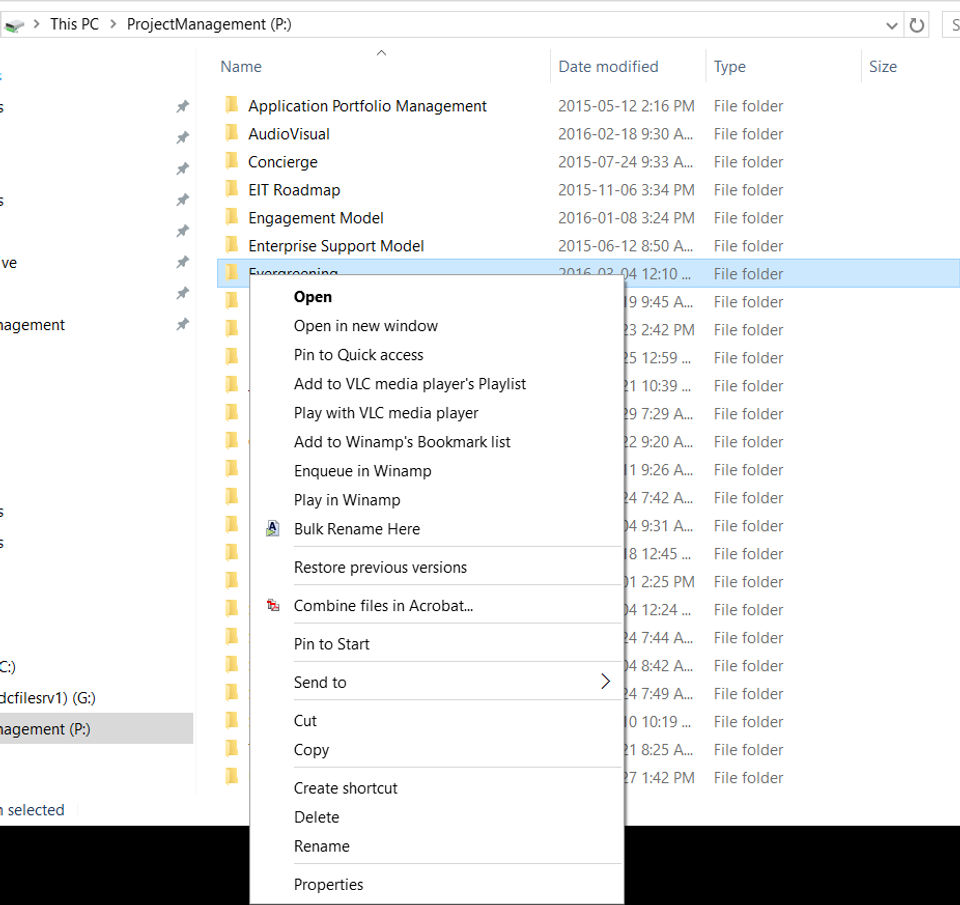
- Native file manager integration (Finder
- File Explorer)
- Command-line interface for server environments
- Automatically sync new files and folders
- Placeholder files to see everything without downloading
- Progressive sync engine. Only syncs the f
- Unsync files back to placeholders
- Unsync folders back to placeholders
- Sync external storage to any place in odrive
- Create customized sync rules for any subfolder
- Change auto-download limits when syncing placeholder folders
- Automatically empty sync trash and commit deletes
- Automatically unsync files to maximize disk space
- Throttle network bandwidth consumption
- Custom exclusions
- Powerful configuration options for advanced usage
- Automatically encrypt files before they leave your computer
- Enable cli
What do you like best? The ability ho have all my cloud spaces under control in a single interface, the ability to sync folders on my PC and share content with other people. What do you dislike? PC application menu is a bit messy, too m...
What do you like best? What i really love about Odrive is the ability to aggregate most of the best cloud storages to one single account and manage it from there. The folding and syncing system works just great, so you just have one main folder for...
What do you like best? I can access multiple cloud storage programs from my desktop. I have several google accounts, so I can access all of them together along with OneDrive, Google Docs, and Box. It syncs well and only syncs what I need so it does...
What do you like best? ODrive is good in that it is a cloud based file system but you can still have it available as a folder on your computer desktop. You can personalize it to sync according to your schedule and whatever changes you have made to ...
Odrive offers 2 pricing plan(s):
- Free — USD0.00
- Premium — USD8.25 /Month
Yes, Odrive offers a 0-day free trial.
Odrive provides Online (Ticket) support.
Odrive is Cloud Hosted software.
Odrive provides Help Guides,Blogs,Video Guides for training.


