
NVIDIA ShadowPlay

By NVIDIA ShadowPlay
Why Choose NVIDIA ShadowPlay?
Gamers choose ShadowPlay because it offers professional-grade recording with minimal FPS loss. Unlike third-party apps that tax the CPU, ShadowPlay leverages your NVIDIA graphics card's hardware. It is built-in, requires no extra subscriptions, and supports high-end features like 8K HDR recording and seamless broadcasting to Twitch or YouTube.
Features of NVIDIA ShadowPlay
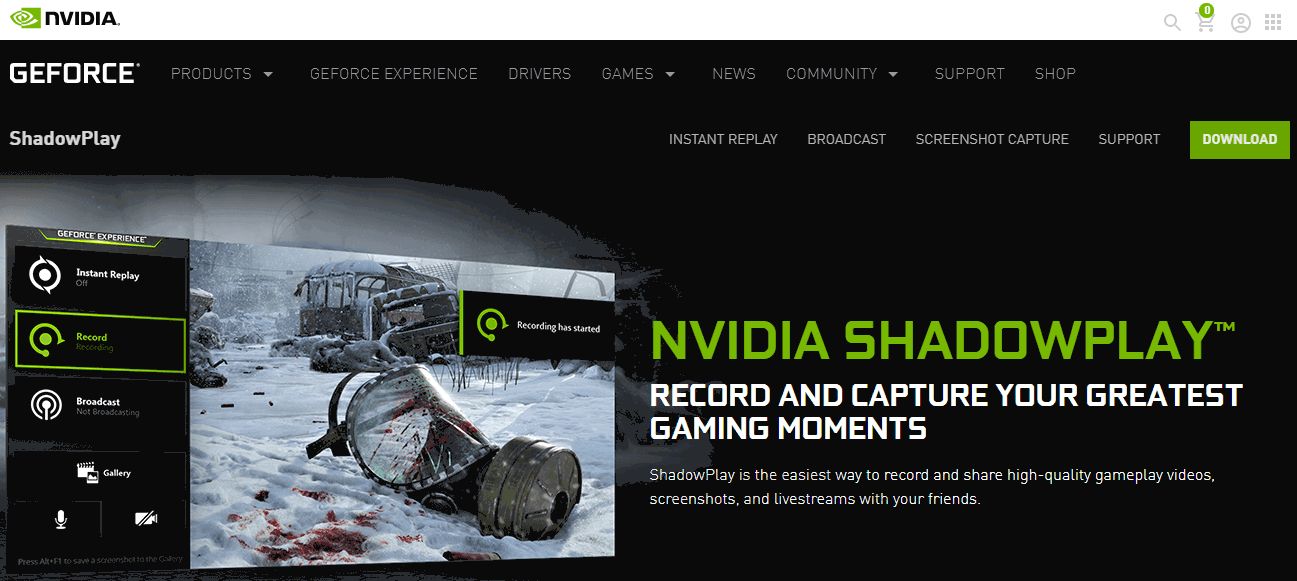
Instant Replay: Automatically records the last several minutes of gameplay in the background; save epic moments after they happen with a hotkey.
8K HDR Support: Record at up to 8K resolution at 30 FPS or 4K at 120 FPS.
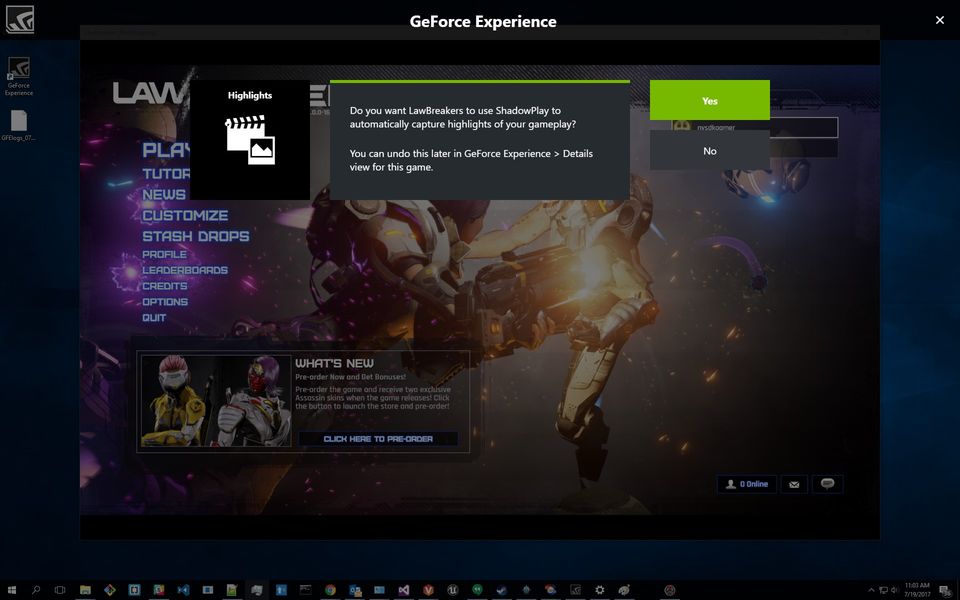
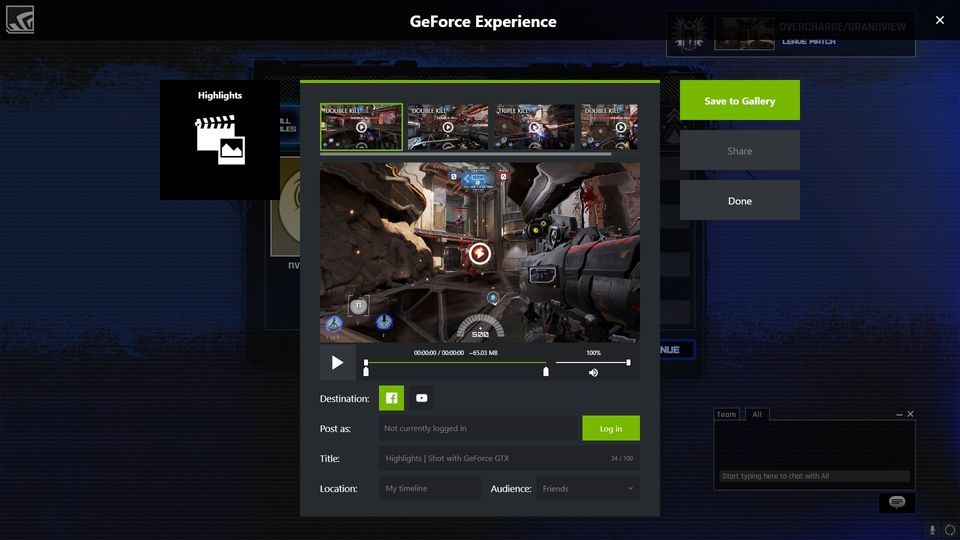
NVIDIA Highlights: Automatically detects and saves key moments like kills or match victories.
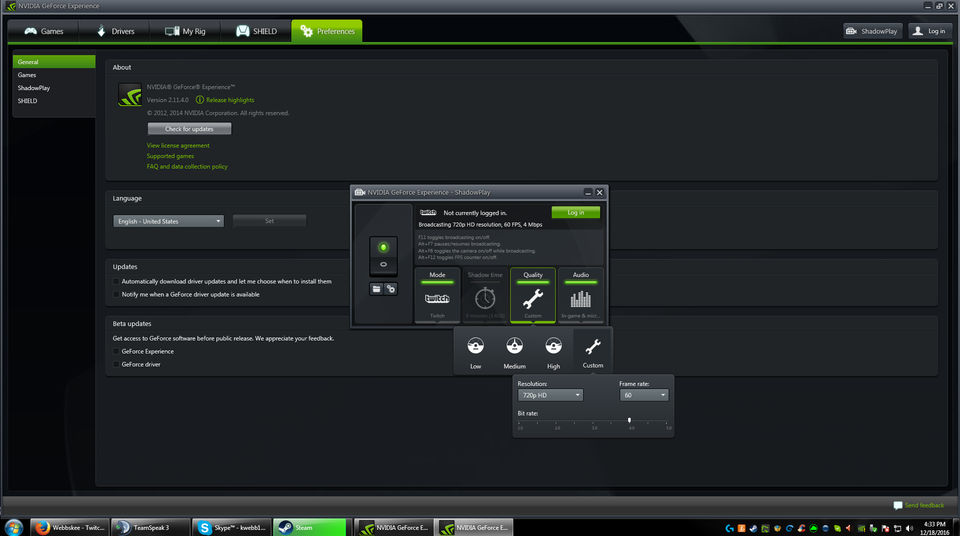
Broadcast Live: Stream directly to platforms like YouTube and Facebook.
Benefits of NVIDIA ShadowPlay
System Efficiency: Uses a dedicated hardware encoder to prevent lag and frame drops during capture.
Ease of Use: Simple "Alt+Z" overlay provides instant access without leaving the game.
High Fidelity: Captures crisp video with high bitrates and HDR support for vibrant colors.
Zero Cost: Included for free with compatible NVIDIA GeForce graphics cards.
Demo: How to use NVIDIA ShadowPlay
To use ShadowPlay, ensure you have an NVIDIA GPU and the NVIDIA App installed:
Open Overlay: Press Alt + Z while in-game or on the desktop.
Toggle Instant Replay: Click "Instant Replay" and select "Turn On." You can now press Alt + F10 at any time to save the last few minutes of play.
Manual Recording: Press Alt + F9 to start and stop a recording session manually.
Gallery: Access your saved clips and screenshots by clicking the "Gallery" button in the overlay.
Pricing
Contact saasadviser for pricing .
- ✓ Video Monetization
- ✓ Multistreaming
- ✓ HD Video Streaming
- ✓ Event Scheduling
- ✓ Broadcast Recording
- ✓ Audience Engagement
- ✓ Audience Analytics
- ✓ Customizable Branding
- ✓ Q&A
- ✓ Live Chat
- ✓ Video Annotations
- ✓ Live Polling
- ✓ Multi-camera feed
- Instant Replay
- Broadcast
- Screenshot Capture
- Instant Replay
- Broadcast
- Screenshot Capture
No reviews yet. Be the first to review!
NVIDIA ShadowPlay offers 1 pricing plan(s):
- NVIDIA ShadowPlay — USD0.00
NVIDIA ShadowPlay is a Live Streaming Software & Platform solution. Top features include:
- Video Monetization
- Multistreaming
- HD Video Streaming
- Event Scheduling
- Broadcast Recording
NVIDIA ShadowPlay does not currently offer a free trial.
NVIDIA ShadowPlay provides Online (Ticket) support.
NVIDIA ShadowPlay is Cloud Hosted software.
NVIDIA ShadowPlay provides Help Guides,Video Guides,Blogs for training.


