
MPA Tools

By Veles Software
Why Choose MPA Tools?
MPA Tools helps IT professionals save time and enhance network efficiency through centralized remote management and real-time system control. Its agentless architecture, combined with robust Active Directory integration and automation features, makes it a smart choice for IT admins seeking a scalable and secure remote management solution.
Benefits of MPA Tools
Centralized device and user management
No installation required on remote machines
Improves IT troubleshooting speed
Reduces system downtime
Supports bulk administrative tasks
Boosts security through controlled access
Real-time system monitoring
Enhances team productivity
How to Use MPA Tools?
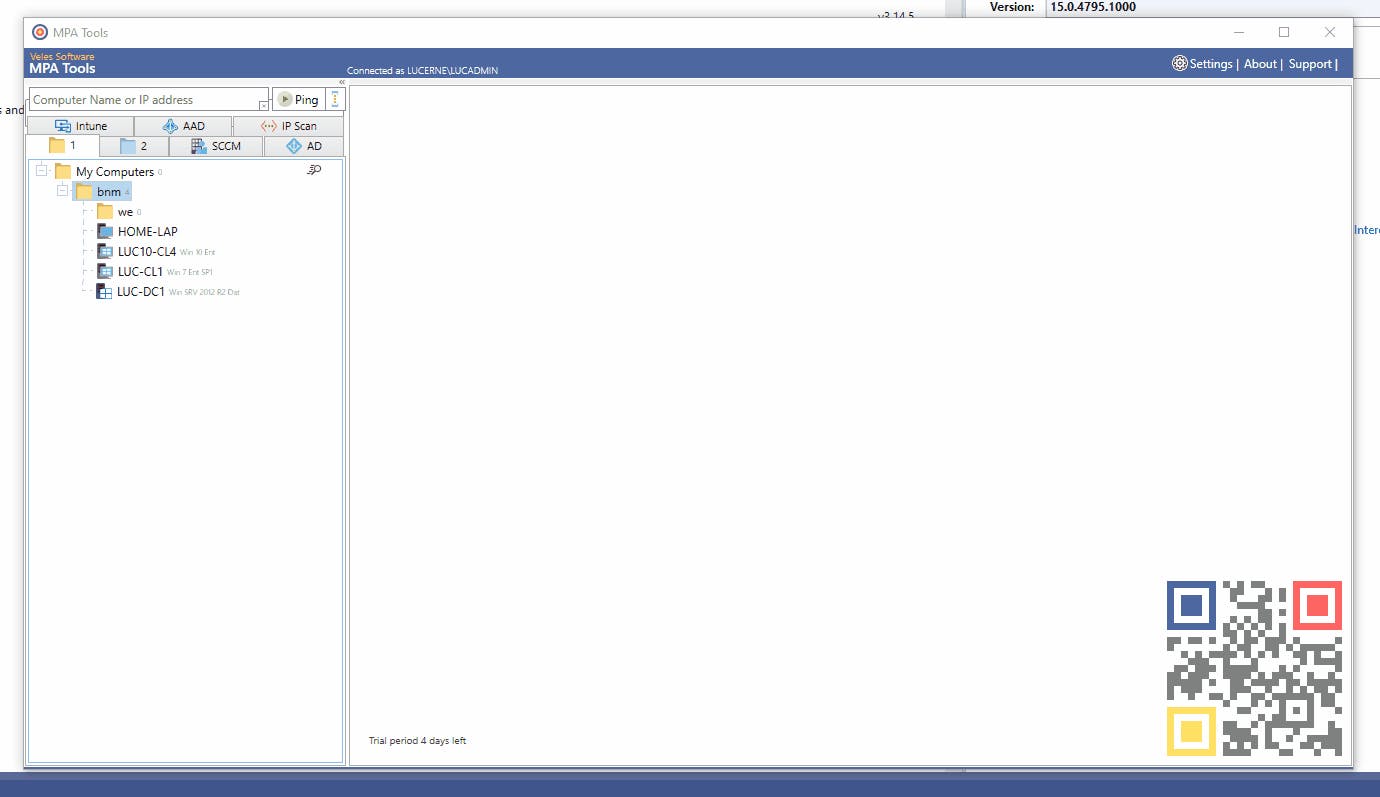
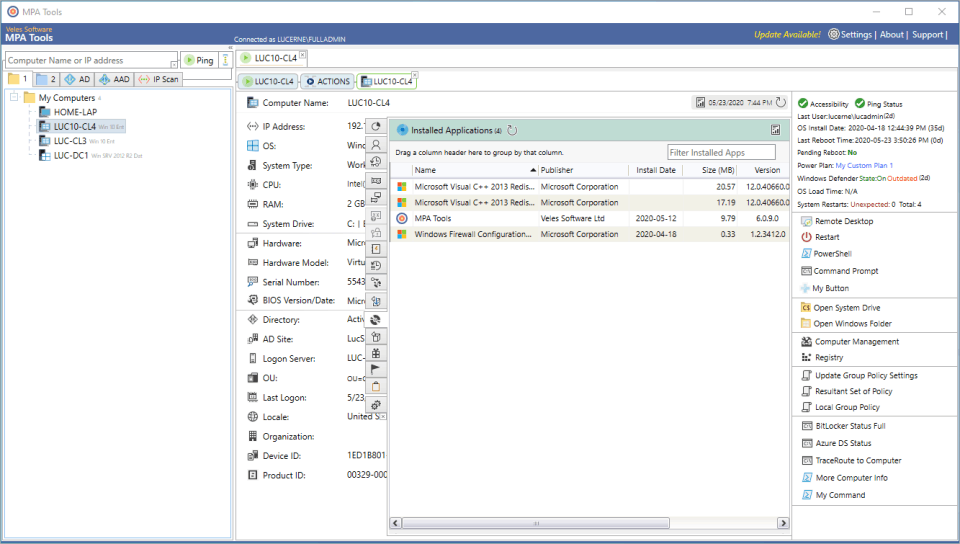
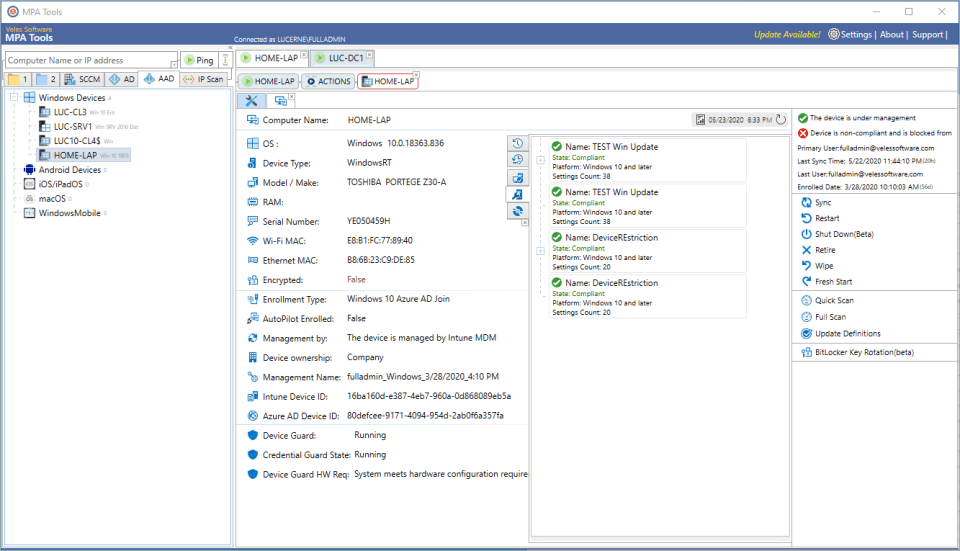
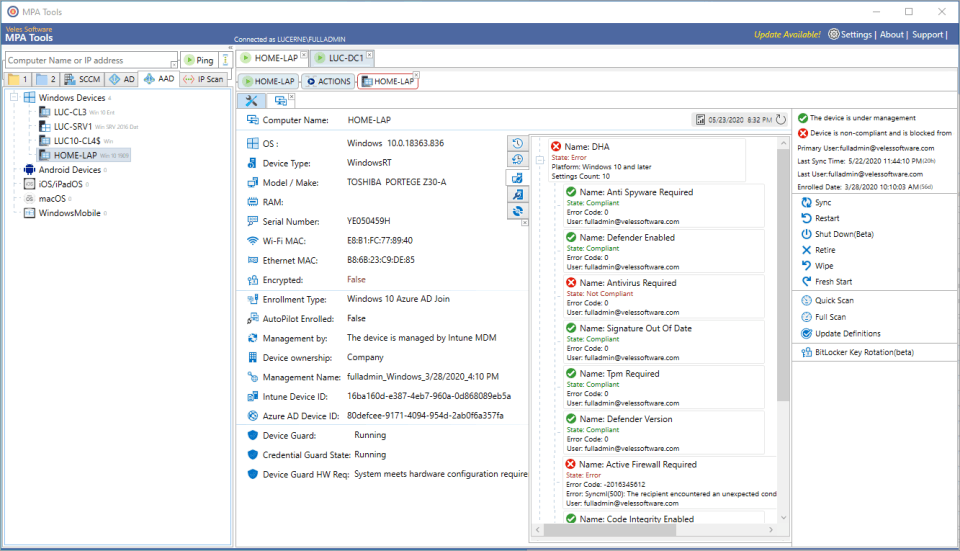
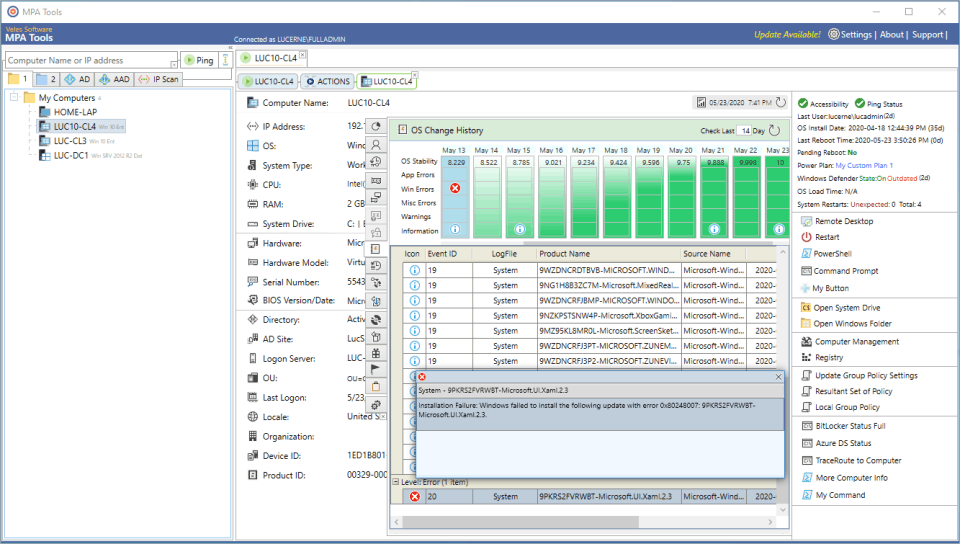
Install MPA Tools on your admin machine, connect it to your Active Directory or local network, and begin scanning or managing connected devices. You can run remote commands, reset passwords, manage services, monitor event logs, and troubleshoot—all from a single dashboard without requiring agent installation on each endpoint.
Features of MPA Tools
Active Directory user & group management
Remote services and process control
Remote command execution
System inventory and hardware details
Event log viewer
Real-time session and performance monitoring
Bulk user password reset
Built-in automation and scripting support
What Makes MPA Tools Different?
MPA Tools stands out with its agentless remote management, meaning no software needs to be installed on remote systems. It offers deep AD integration, real-time diagnostics, and bulk action capabilities, enabling IT teams to streamline complex operations across networks while maintaining security and compliance—all from a single pane of glass.
Who Can Benefit from MPA Tools?
System administrators, IT helpdesk professionals, network engineers, and managed service providers (MSPs) can all benefit. Whether managing a small office or a large enterprise, MPA Tools is ideal for teams that need to perform remote support, user administration, and infrastructure monitoring efficiently and securely.
Is MPA Tools Easy to Use?
Yes, MPA Tools features an intuitive UI with categorized modules and real-time dashboards that simplify IT administration. Designed for professionals, it requires minimal training to operate. Bulk actions, drag-and-drop options, and quick search functions make everyday tasks faster and more accessible—even across complex environments.
What Support Does MPA Tools Offer?
MPA Tools provides dedicated customer support via email and chat, along with access to detailed documentation, product guides, and video tutorials. They offer regular product updates, community forums, and responsive assistance for technical issues. Premium users can also request personalized onboarding and early access to new features.
- No credit card required
- No Limit on the number of managed device
- Fully operational for 30 days
- Per Adminitrator
- All features included
- No Limit on the number of managed device
No reviews yet. Be the first to review!
MPA Tools offers 2 pricing plan(s):
- 30-DAY FREE TRIAL. NO CREDIT CARD REQUIRED — USD0.00
- AS LOW AS — USD1.00 / day
Yes, MPA Tools offers a 0-day free trial.
MPA Tools provides Live Chat support.
MPA Tools is Cloud Hosted,Hybrid,On Premise,Any software.
MPA Tools provides Help Guides for training.


