
Microsoft Exchange Online Archiving

Solve archiving, compliance, regulatory, and eDiscovery challenges.
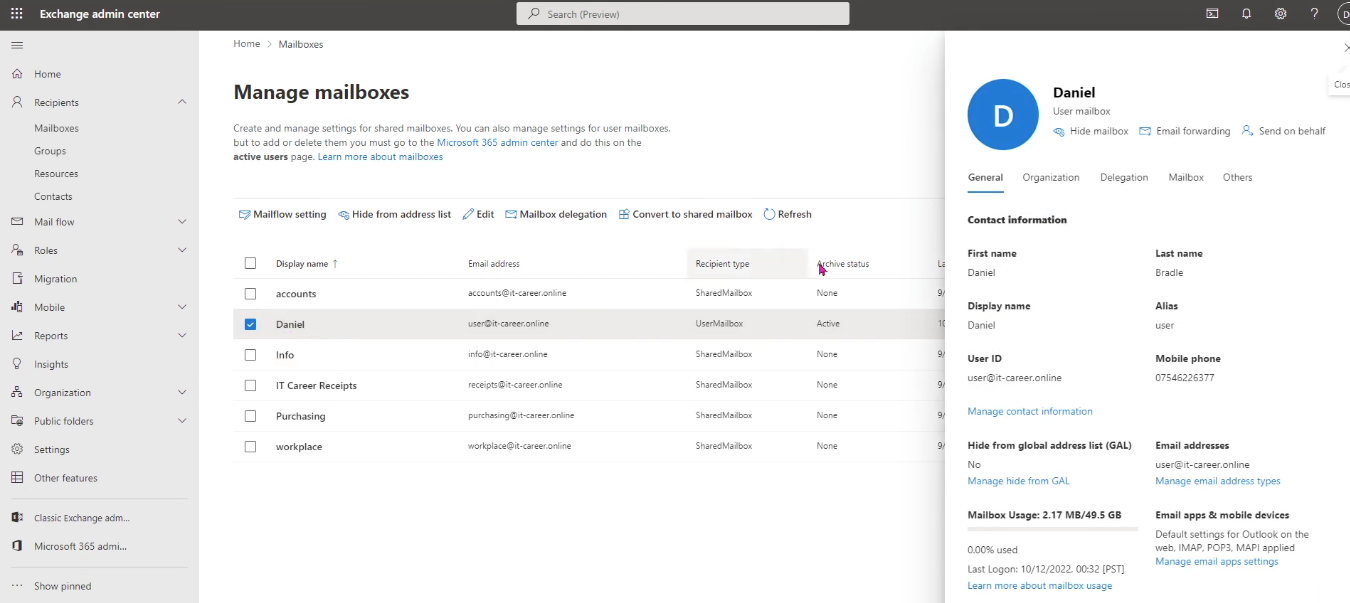
Microsoft Exchange Online Archiving is a robust archiving solution designed to meet the evolving needs of enterprises that must balance storage management, user productivity, and compliance. It allows organizations to store user emails in an In-Place Archive mailbox that is fully integrated with the primary mailbox, visible within Outlook desktop applications and Outlook on the web. This seamless integration means users can search, move, and access old emails without changing their workflow.
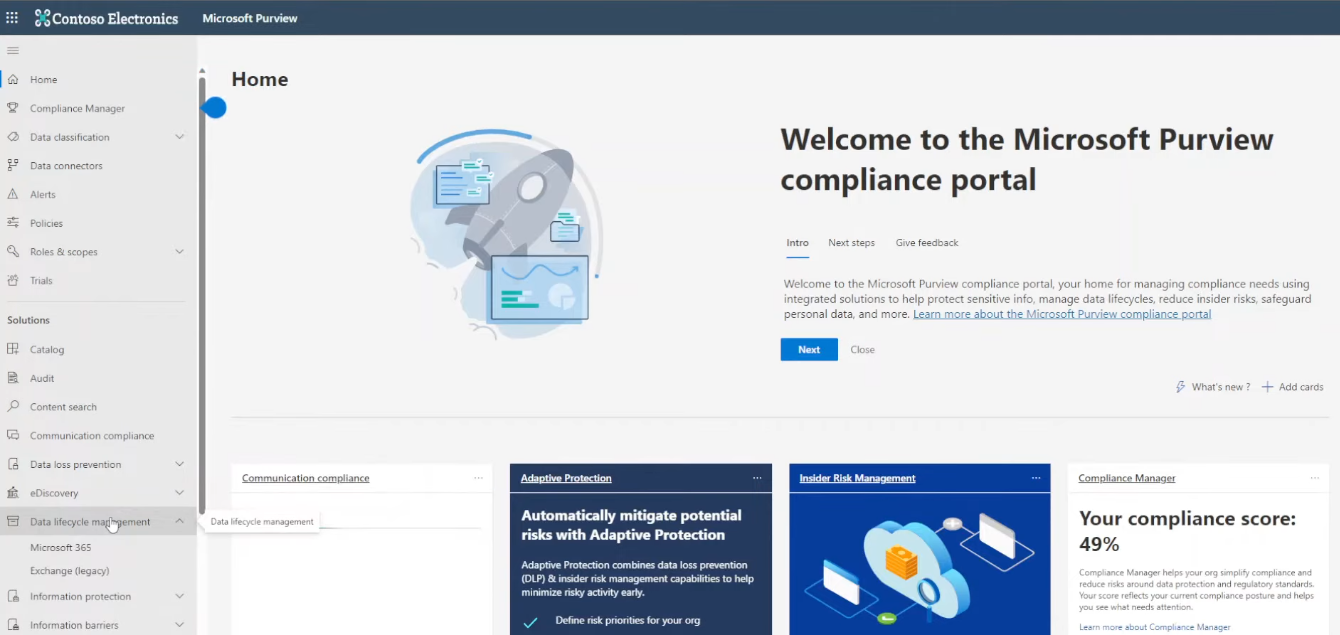
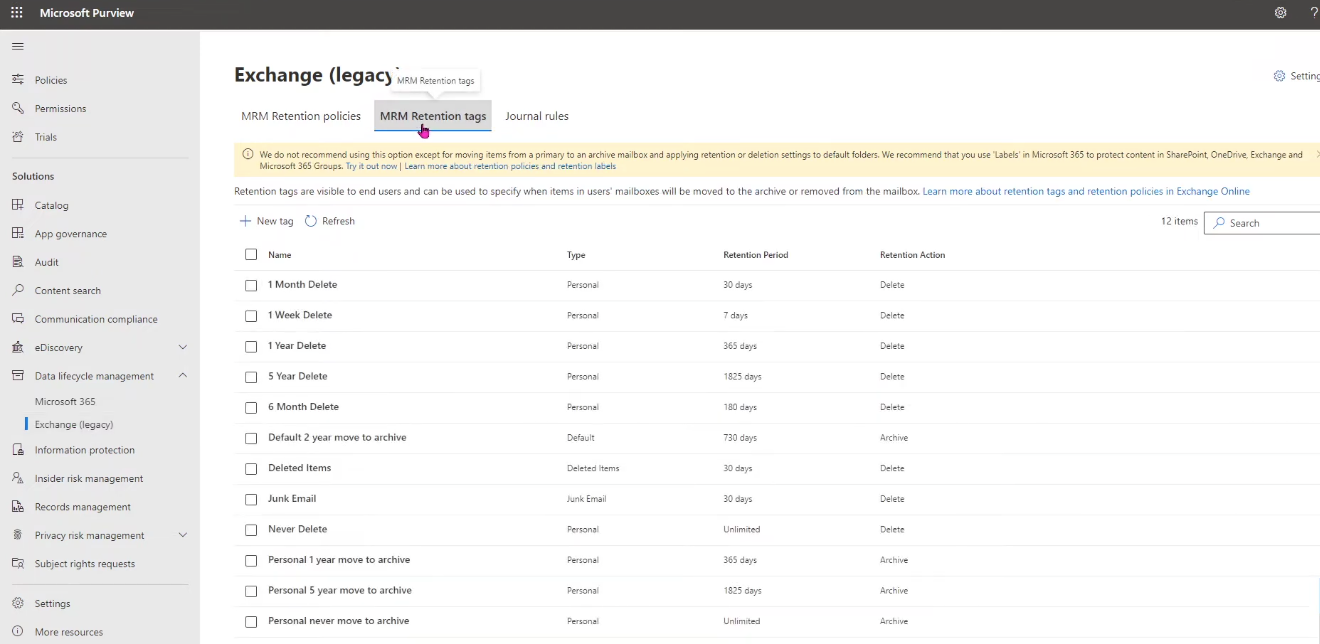
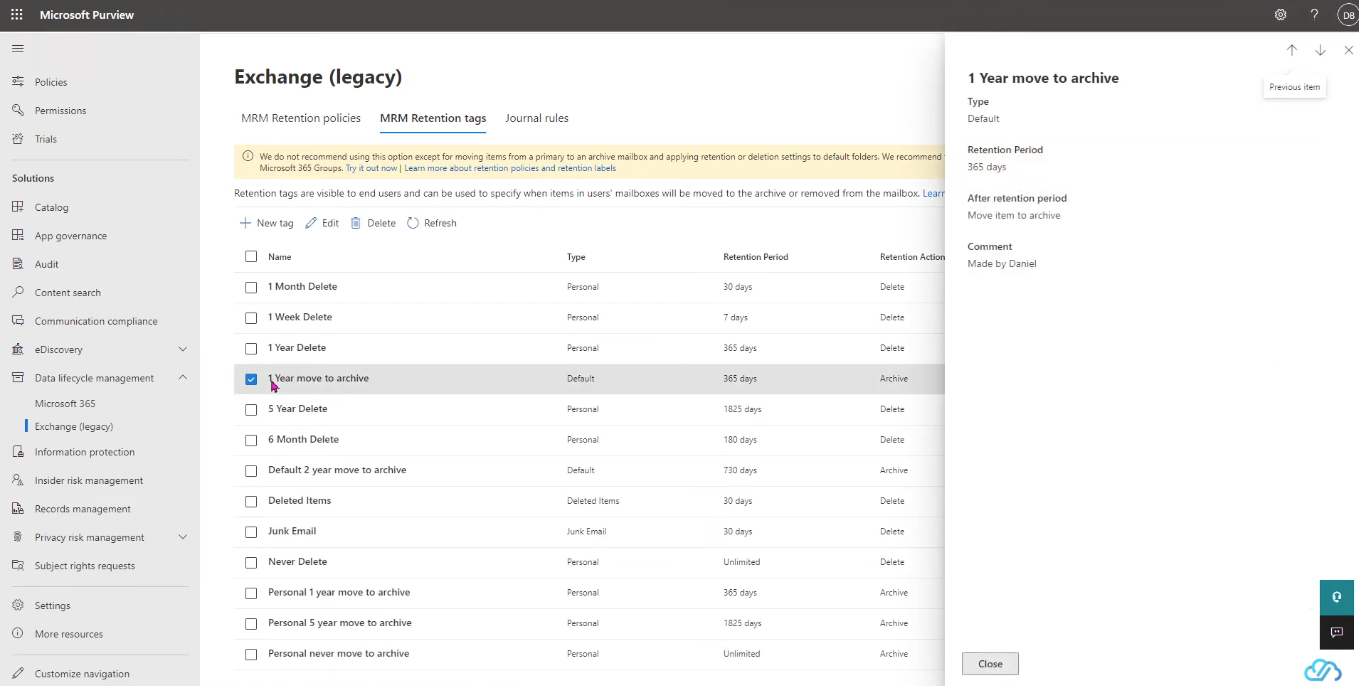
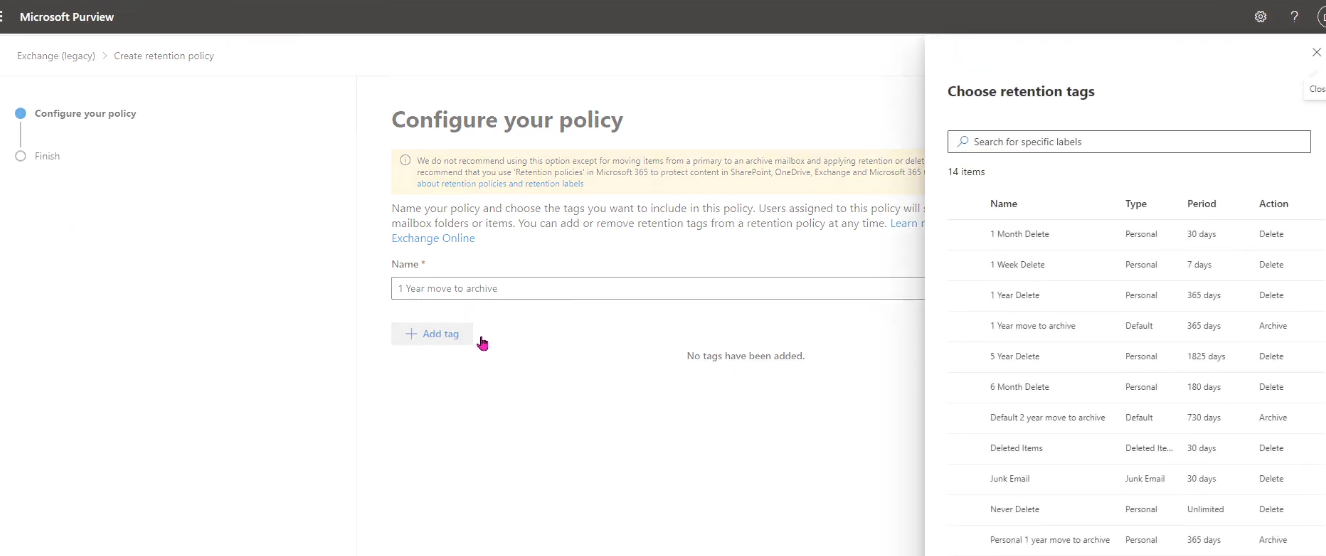
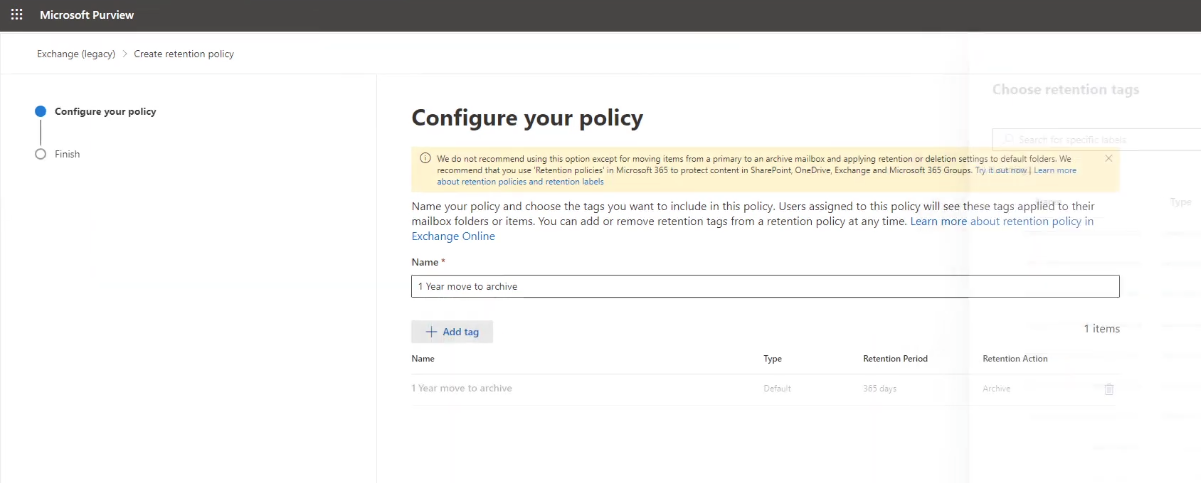
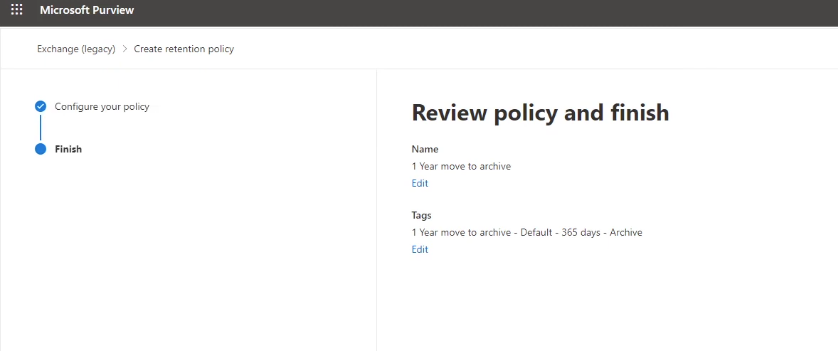
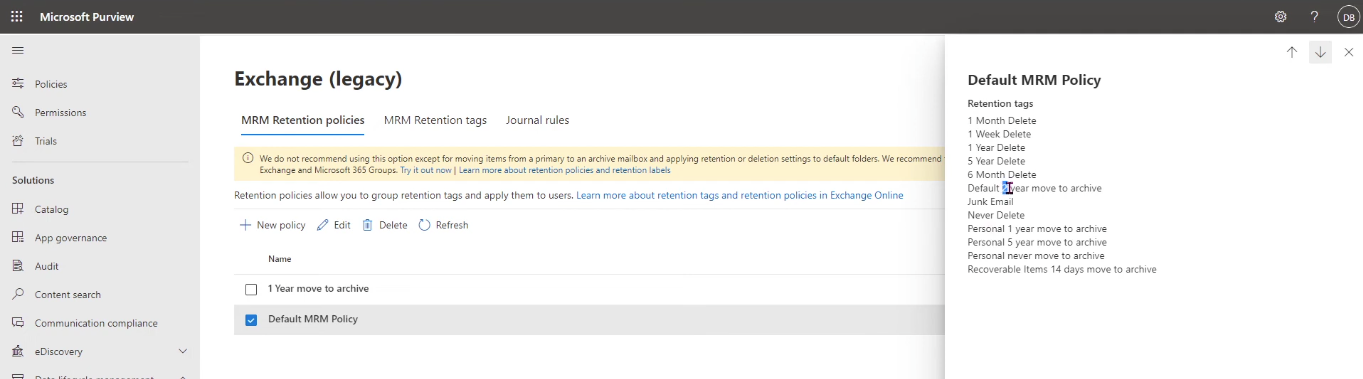
For administrators, Exchange Online Archiving simplifies mailbox management by offering customizable retention policies. Emails can be moved to the archive automatically based on their age, or users can manually move items when necessary. This not only keeps the primary mailbox uncluttered but also ensures compliance with internal data retention rules or industry regulations. Administrators can also import legacy .pst files directly into the archive, consolidating scattered data into a secure and searchable repository.
Compliance features are a core part of the service. It supports Litigation Hold and In-Place Hold, ensuring that important data is preserved for legal investigations or audits. Integration with Microsoft compliance tools enables powerful eDiscovery capabilities, allowing authorized personnel to search across multiple mailboxes efficiently.
A standout capability is auto-expanding storage, which grows beyond the default 100 GB limit up to 1.5 TB as required. This ensures that organizations do not need to manually provision additional storage as email volumes increase. The service is delivered from globally distributed Microsoft data centers, providing redundancy, disaster recovery, and high availability with a financially backed 99.9% uptime guarantee.
In short, Exchange Online Archiving combines seamless user experience, advanced compliance features, and enterprise-grade reliability, making it a vital tool for businesses that require secure, scalable, and compliant email retention.
Key Features
In-Place Archive: Users can move and search archived emails directly from Outlook or Outlook on the web.
Retention Policies: Configurable rules automatically move emails to archives based on age or other criteria.
Compliance Tools: Includes Litigation Hold, In-Place Hold, and integration with eDiscovery.
Auto-Expanding Storage: Automatically grows storage from 100 GB up to 1.5 TB per user.
High Availability: 99.9% uptime SLA with global redundancy, backup, and disaster recovery.
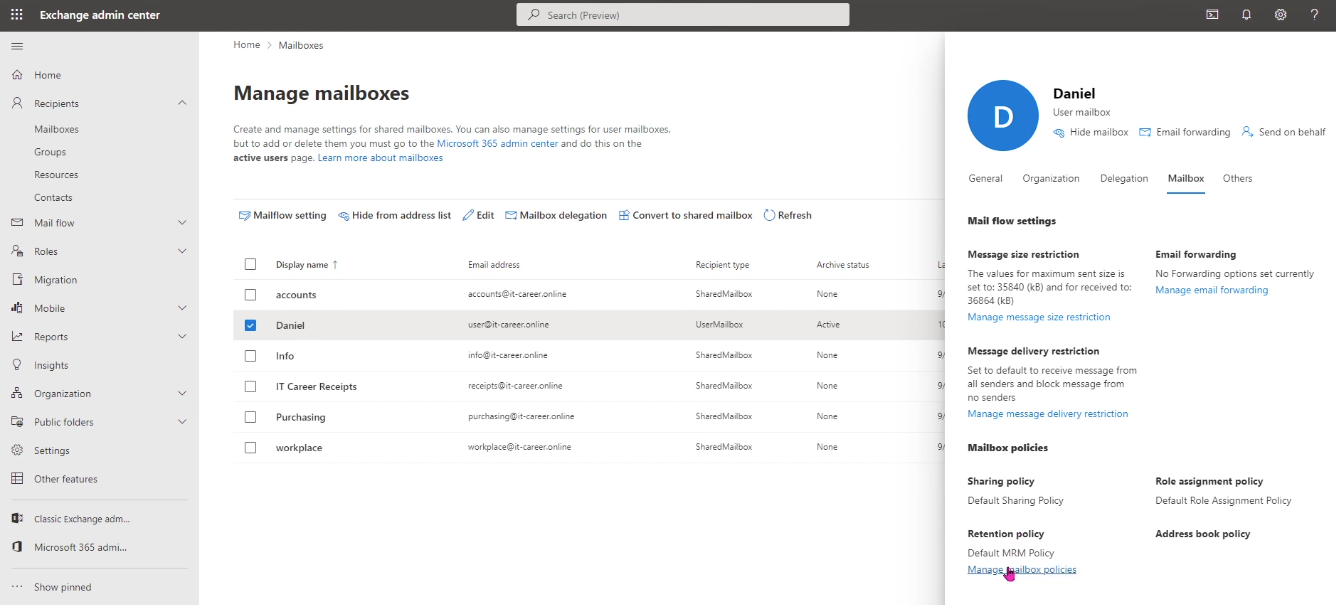
Centralized Administration: Manage archives using Exchange Admin Center or PowerShell.
Specifications
Storage: 100 GB initial archive mailbox, expandable to 1.5 TB.
Clients Supported: Outlook desktop (2010 and later) and Outlook on the web.
Plans: Included in Microsoft 365 E3/E5 and Exchange Online Plan 2; available as an add-on for other plans.
Recovery: Disabled archives can be recovered for up to 30 days before permanent deletion.
- ✓ Search/Filter
- ✓ Catalog Creation
- ✓ Compliance Management
- ✓ Dashboard
- ✓ Reporting/Analytics
- ✓ Audit Management
- ✓ Access Controls/Permissions
- ✓ Automated Compliance Tracking
- ✓ Policy Management
- ✓ Email Notifications
- In-Place Archive
- In-Place Hold
- Data safeguards
- Archive storage
- IT-level phone support
- Automatic patching
No reviews yet. Be the first to review!
Microsoft Exchange Online Archiving offers 1 pricing plan(s):
- Exchange Online Archiving Plan — USD3.00 Per User Per Month
Microsoft Exchange Online Archiving is a Email Archiving Software solution. Top features include:
- Search/Filter
- Catalog Creation
- Compliance Management
- Dashboard
- Reporting/Analytics
Yes, Microsoft Exchange Online Archiving offers a 30-day free trial.
Microsoft Exchange Online Archiving provides Phone,Email,Live Chat support.
Microsoft Exchange Online Archiving is Cloud Hosted,Hybrid,Any software.
Microsoft Exchange Online Archiving provides Help Guides,Video Guides,Blogs,Webinars,Case Studies,Whitepapers for training.


