

Why Choose MediaFire?
MediaFire offers a hassle-free file storage experience that’s fast, flexible, and easy to use. With 10GB of free storage (expandable through referrals), it’s a solid choice for users who need to store and share files without worrying about storage limits right away. Uploads are quick, and sharing is just a click away—no account required for recipients. The platform works smoothly across web, mobile, and desktop devices, making file access and sharing truly seamless.For users looking for more power, MediaFire also provides affordable premium plans that unlock ad-free experiences, direct link sharing, and increased storage. As a simple yet effective document management software, it’s ideal for individuals, teams, and businesses that want a reliable and budget-friendly cloud storage solution without the complications of more complex platforms.
Benefits of MediaFire
- Free Cloud Storage: Get started with 10GB of storage at no cost
- Quick File Uploads: Save time with fast, reliable upload speeds
- Access Anywhere: Use your files across mobile, desktop, and web
- Easy File Sharing: Share files with anyone using simple download links
- No Sign-In Required: Recipients don’t need an account to access files
- Organized Storage: Create folders and sort files with drag-and-drop ease
- Data Safety: Your files are protected with secure cloud backup
- Flexible Upgrades: Choose from low-cost premium plans to increase storage
- Unlimited Downloads: No restrictions for file downloads or link access
How to Use MediaFire
Getting started with MediaFire is simple. First, create a free account on the MediaFire website. Once logged in, you can upload files by dragging them into your dashboard or clicking the upload button. Organize your content into folders, rename files, or sort them by type or date.
To share a file, just generate a public link and send it through email or chat. You can also control how others access your files by enabling one-time downloads or setting permissions. For mobile access, download the MediaFire app and manage your files directly from your phone or tablet. Whether you’re sharing photos or storing work documents, MediaFire makes the process fast and convenient.
Features of MediaFire
- 10GB Free Storage: Generous starting space with easy referral-based upgrades
- Direct File Links: Instantly share downloadable links
- Bulk Uploading: Upload multiple files or entire folders at once
- Mobile Access: Apps available for Android and iOS devices
- One-Time Links: Create secure download links that expire after one use
- File Previews: View images, documents, and media without downloading
- Drag-and-Drop Interface: Easily organize and move files or folders
- No Ads (Premium): Enjoy an ad-free experience with premium accounts
- Cross-Platform Sync: Keep your files updated across all your devices
What Makes MediaFire Different?
MediaFire keeps things simple and efficient. Unlike other cloud services that overwhelm you with features you may never use, MediaFire focuses on the essentials—fast uploads, easy sharing, and reliable storage. You don’t need a tech background to use it, and your recipients won’t need an account to download shared files.
Its one-click sharing and no download limits are especially useful for creatives, students, and professionals who need to move files quickly. Plus, the option to generate one-time links or preview files without downloading gives MediaFire a real edge. It strikes the perfect balance between simplicity and functionality—making it a preferred choice for everyday cloud storage.
Who Can Benefit from MediaFire?
MediaFire is ideal for a wide range of users. Students and teachers can share assignments and learning materials. Freelancers and creatives like designers, writers, and video editors can use it to send large files to clients. Small business owners will appreciate the easy file management and team collaboration features.
Even casual users—those looking to back up family photos or transfer music—will find it incredibly user-friendly. Because it supports file access across devices and offers generous free storage, MediaFire is also a great option for remote workers or travelers who need access to files on the go. Whatever your need, MediaFire makes cloud storage easy and accessible.
Is MediaFire Easy to Use?
Yes, MediaFire is built with ease of use in mind. Its clean, drag-and-drop interface lets you upload and organize files without any learning curve. Everything is clearly labeled—from upload buttons to sharing options—so you won’t waste time figuring things out.
The platform also works just as well on mobile as it does on desktop, which means you can upload, share, or view files anytime, anywhere. Even creating secure links or organizing folders takes just a few clicks. Whether you’re a student, a business user, or someone storing personal files, MediaFire makes file management feel effortless.
What Support Does MediaFire Offer?
MediaFire provides support through an extensive Help Center, which includes how-to guides, FAQs, and troubleshooting articles. If you run into any issues, you can submit a support ticket directly from the site, and the team typically responds within a reasonable timeframe.
Paid users benefit from priority support, ensuring faster responses and better assistance. While live chat or phone support isn’t available, MediaFire maintains an active presence on social media and regularly updates users with product news and service improvements. Whether you're a free or premium user, you'll find the support reliable and helpful for resolving most issues.
- ✓ Document Indexing
- ✓ Document Assembly
- ✓ Document Management
- ✓ Collaboration
- ✓ Bulk Orders
- ✓ Video
- ✓ Workflow Management
- ✓ Access Control
- ✓ Audio
- ✓ Document Management
- ✓ File Management System
- ✓ Social Sharing
- ✓ File Sharing
- ✓ Storage Management
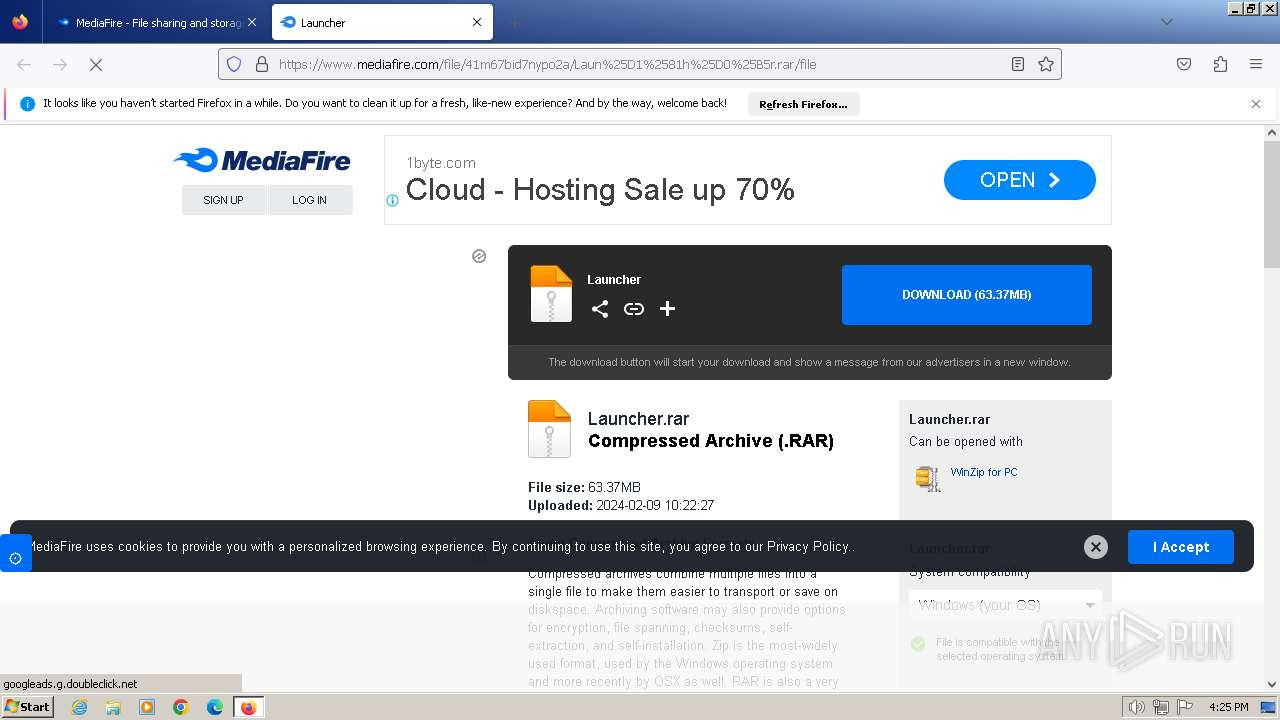
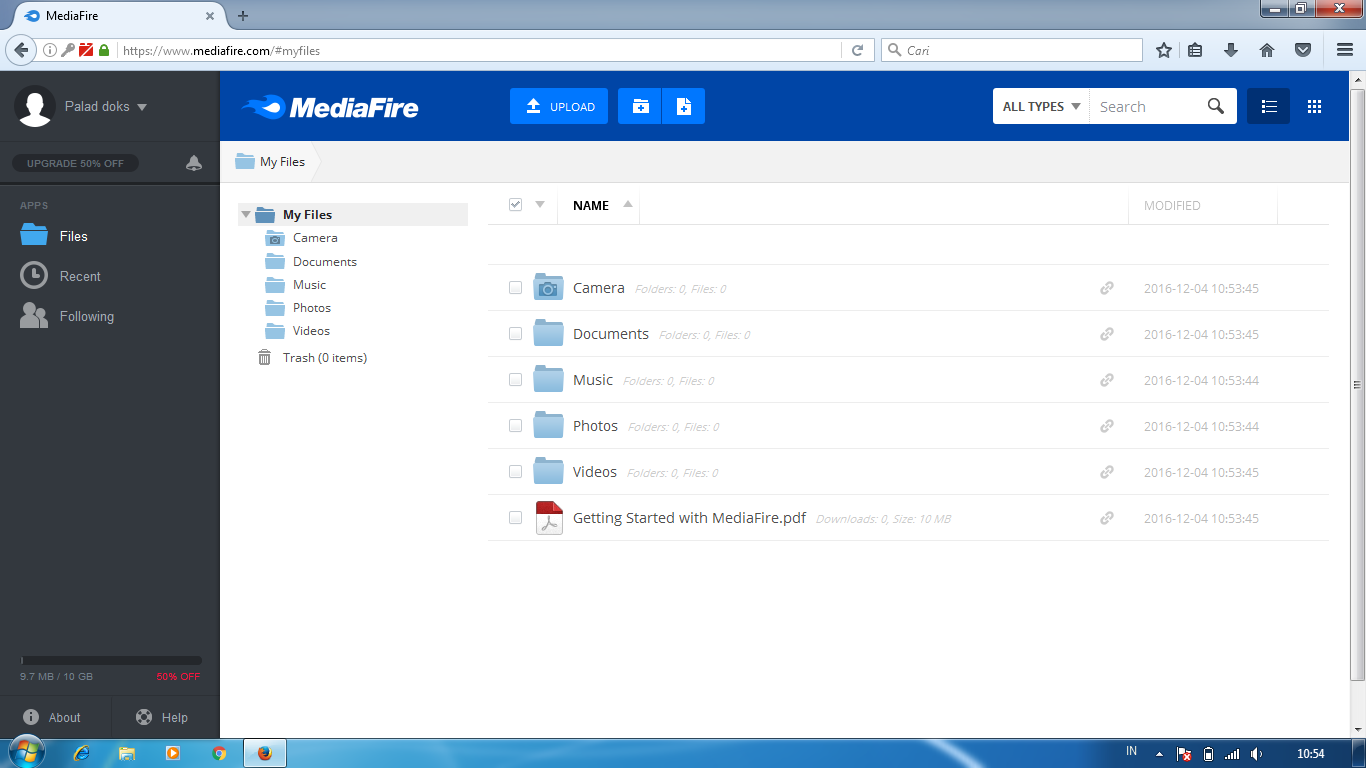
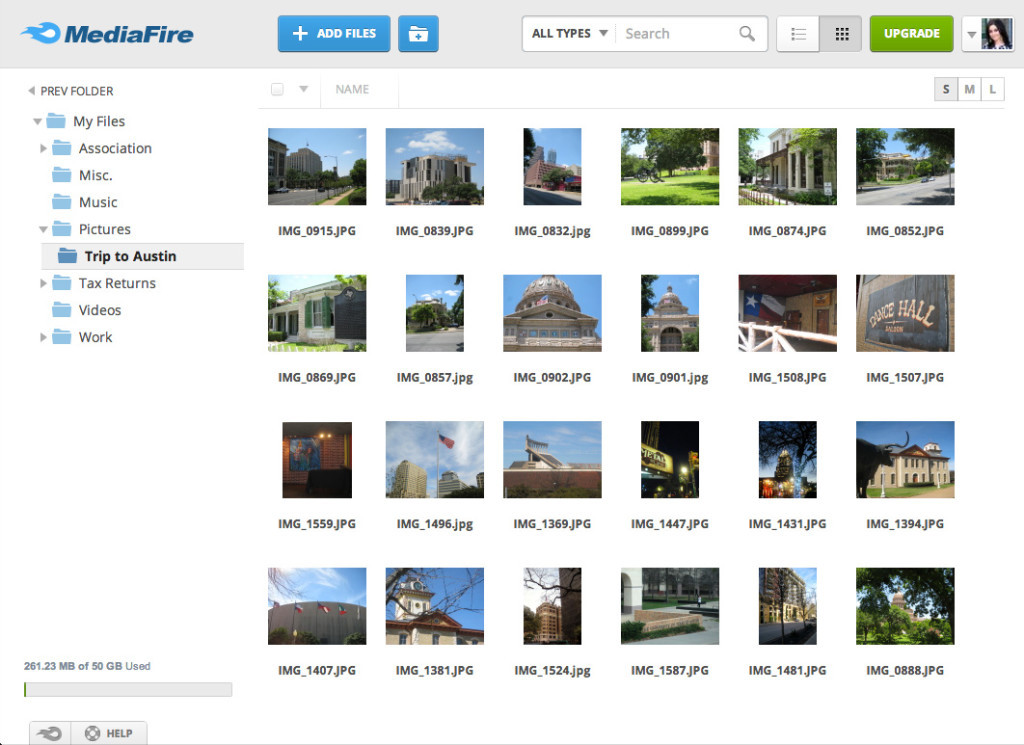
- Bulk download entire folders
- Ad-free
- 1 user
- 1TB (1
- 000GB) of storage
- Upload files up to 50GB
- Request files with FileDrop
- Image viewer
- CDN uploads
- Bulk download entire folders
- Ad- free
- 1 user
- 100GB of storage
- Upload files up to 50GB
- Request files with FileDrop
- Image viewer
- CDN uploads & downloads
- Bulk download entire folders
- Ad-free
- Unlimited users
- Unlimited storage for the team
- Upload files up to 100GB
- Request files with Receive (new)
- Video
- audio
- image
- doc viewers
- CDN uploads & downloads
- AI-powered Q&A across all files
- AI-powered team chat
- Custom branded app and sharing
- Unlimited external collaborators
- Chain-of-custody tracking
- Project-level storage workspaces
- Admin management
No reviews yet. Be the first to review!
Mediafire offers 3 pricing plan(s):
- Pro — USD6.99 /Month
- Ultra — USD10.00 /Month
- Business — USD9.00 per user/month
Mediafire is a Simulation Software solution. Top features include:
- Document Indexing
- Document Assembly
- Document Management
- Collaboration
- Bulk Orders
Mediafire does not currently offer a free trial.
Mediafire provides Phone,Email support.
Mediafire is Cloud Hosted software.
Mediafire provides Help Guides,Blogs for training.


