

- ✓ Timeline View
- ✓ Project Templates
- ✓ Idea Management
- ✓ Kanban Board
- ✓ Recurring Task Management
- ✓ Time & Expense Tracking
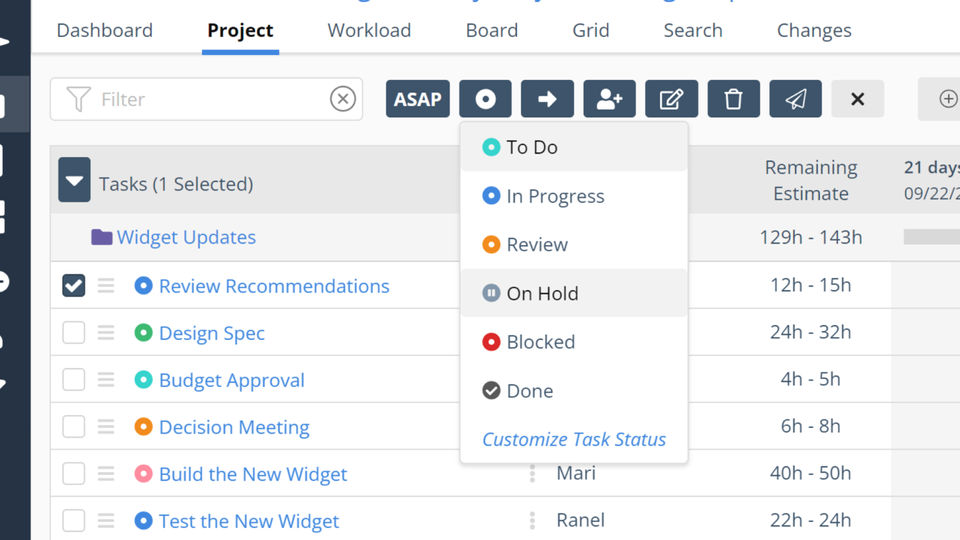
- ✓ Task Management
- ✓ Status Tracking
- ✓ Resource Management
- ✓ Requirement Management
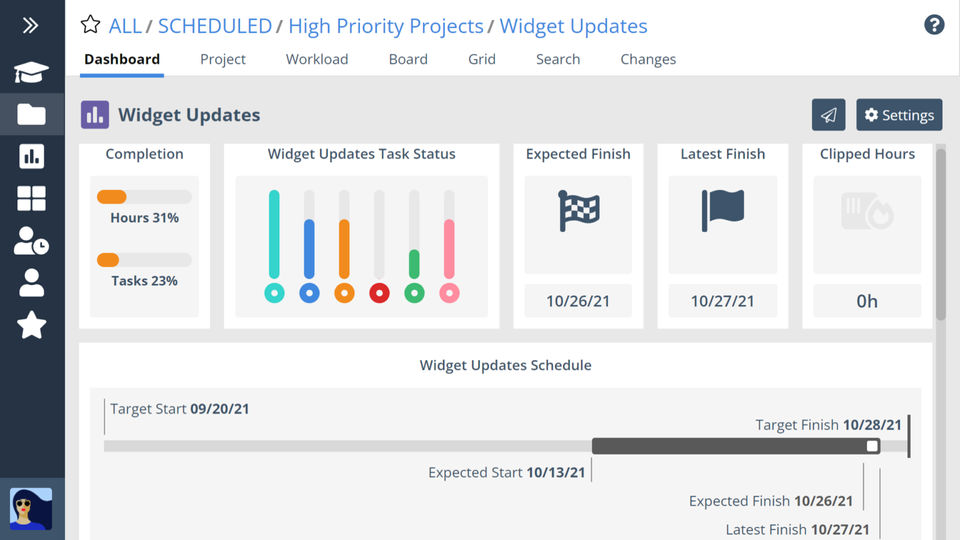
- ✓ Project Planning
- ✓ Portfolio Management
- ✓ Percent-Complete Tracking
- ✓ Milestone Tracking
- ✓ IT Project Management
- ✓ Issue Management
- ✓ Budget Management
- 3 people
- 6 resources
- 10 projects
- 300 tasks
- 3 people
- 6 resources
- 10 projects
- 300 tasks
- Predictive Scheduling
- Automatic Resource Leveling
- Priority-based Planning
- Ranged Estimation
- Integrated Time Tracking
- Smart Schedule Bars
- Built-in Learning Academy
- Portfolio Views
- Project Views
- Board Views
- Grid Views
- Alerts & Insights
- Schedule Insights
- Dependencies
- Target Start & Finish (Deadlines)
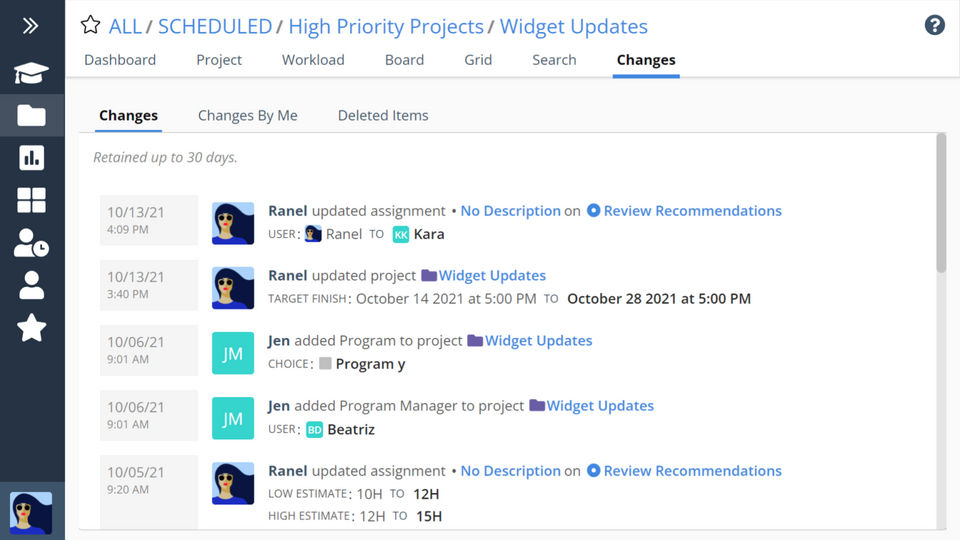
- Change Tracking
- Portfolio-wide Search
- Slack Integration
- Availability Management
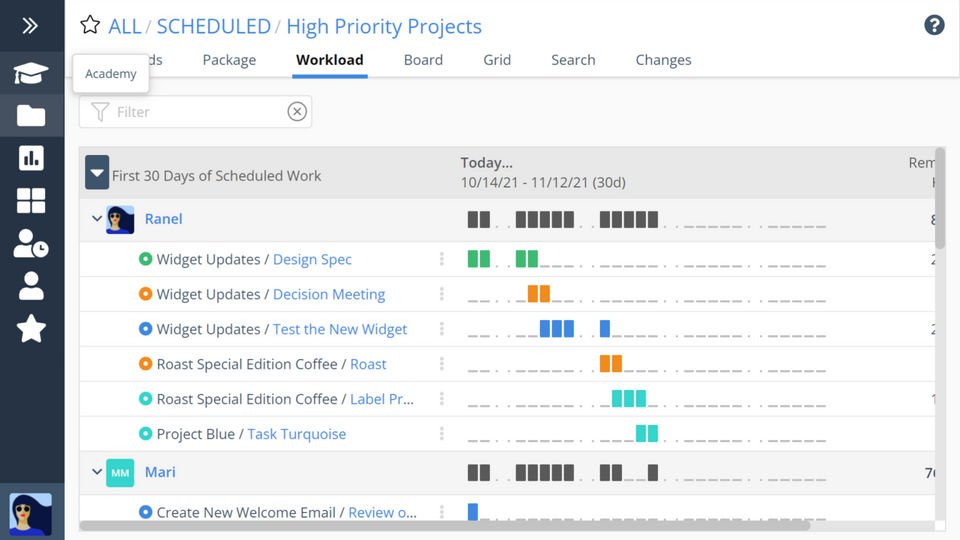
- Portfolio Workload Views
- Project Workload Views
- Member Workload Views
- Task Management
- Personal Work Views
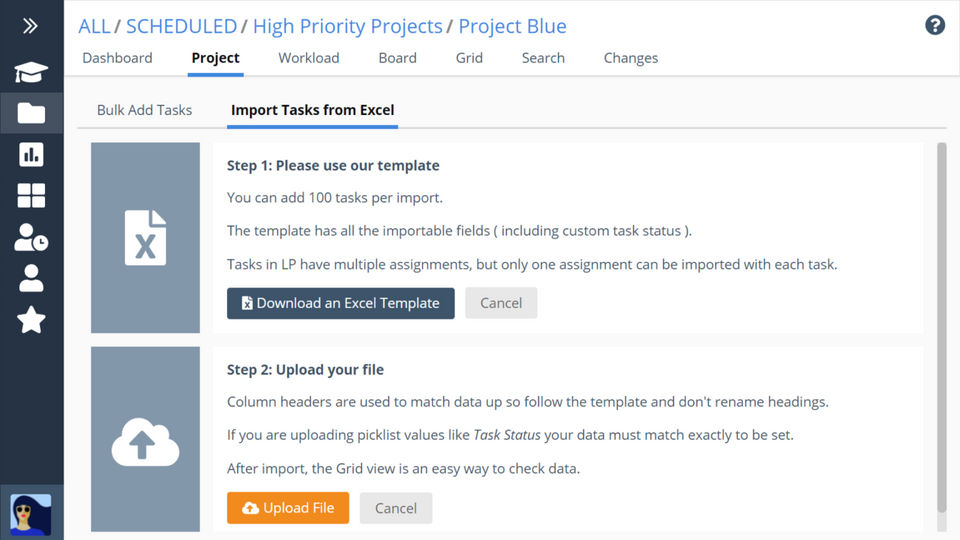
- Task Export
- Tas
- Inlcudes features of Essential plan
- plus
- Timesheet Review & Exports
- Rate Sheets
- Custom Cost Codes
- Custom Data Fields
- Max Tasks: 50000
- Max Projects: 500
- Inlcudes features of Essential plan
- plus
- Timesheet Review & Exports
- Rate Sheets
- Custom Cost Codes
- Custom Data Fields
- Max Tasks: 50000
- Max Projects: 500
- Includes features of Professional plan
- plus
- Single Sign-On
- Group Workload Views
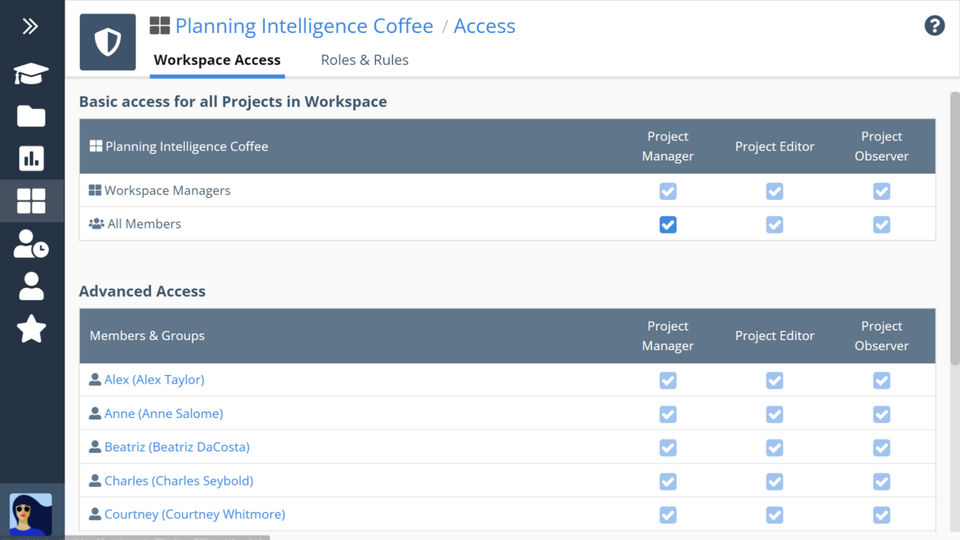
- Access Roles
- Project Access Controls
- Member Groups
- Open API
- Max Tasks: Unlimited
- Max Projects: Unlimited
- Includes features of Professional plan
- plus
- Single Sign-On
- Group Workload Views
- Access Roles
- Project Access Controls
- Member Groups
- Open API
- Max Tasks: Unlimited
- Max Projects: Unlimited
What do you like best? 1. The timing feature is helpful for adding to your timesheet. 2. You can upload relevant documents to a task and all members of the task or project can view them. 3. The filtering and search functionality from the proj...
What do you like best? The flexibility of this product is what give it the unique standout among all other products. LiquidPlanner is not just Scrum, Waterfall, Kanban. It is a mix of all the possibilities and the greatness and the flexibilities of...
What do you like best? Good integration. Very flexible. The on-page timer is clutch. What do you dislike? Requires too much human process adherence Recommendations to others considering the product: If you don't need a...
What do you like best? The only thing I like is being able to see recent uploads from other users. What do you dislike? It's not intuitive and there's no active calendar activity. Recommendations to others considering the prod...
What do you like best? Rich tracking and resource management. Unique dynamic features. Drag-and-drop simplicity. Responsive site. What do you dislike? The product is expensive and there is a big of a steep learning curve. What...
LiquidPlanner offers 4 pricing plan(s):
- Free — USD0.00
- Essentials — USD15.00 /User/Month
- Professional — USD25.00 /User/Month
- Ultimate — USD35.00 /User/Month
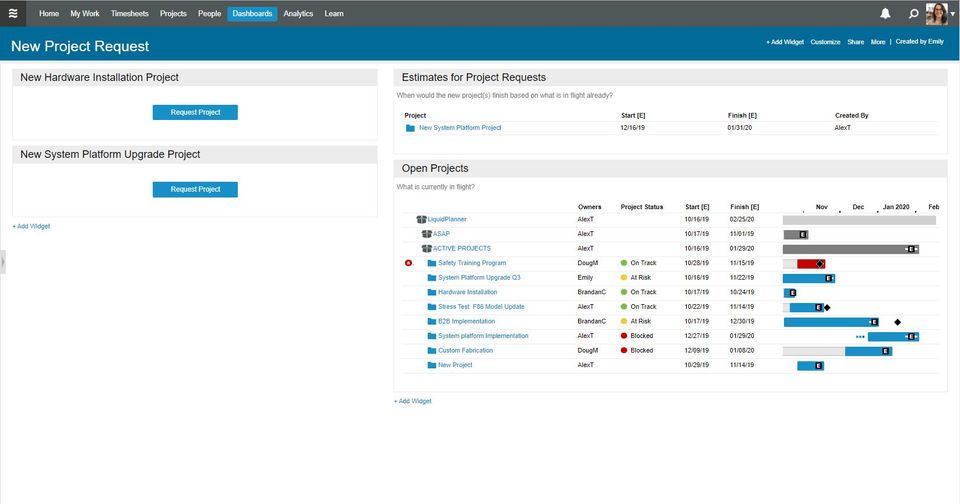
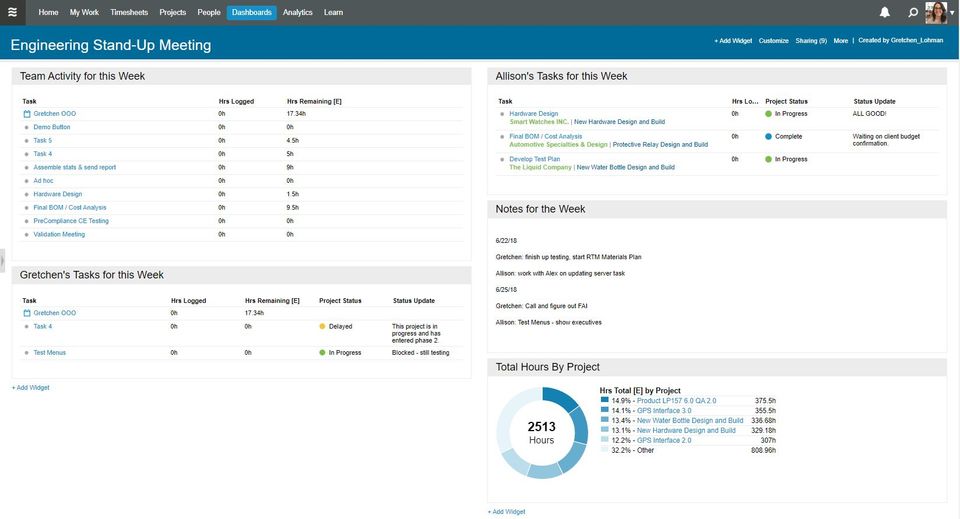
LiquidPlanner is a Project Management Software With Salesforce Integration solution. Top features include:
- Timeline View
- Project Templates
- Idea Management
- Kanban Board
- Recurring Task Management
Yes, LiquidPlanner offers a 0-day free trial.
LiquidPlanner provides Phone,Email,Online (Ticket),Business Hours support.
LiquidPlanner is Cloud Hosted software.
LiquidPlanner provides Help Guides,Video Guides,Blogs for training.


