

What is Lark?
Cloud-based business collaboration and productivity platform
Integrates messaging, video meetings, cloud docs, calendar, and task tools
Ideal for remote, hybrid, and distributed teams looking for streamlined workflows
Built-in automation tools to reduce manual work and improve efficiency
Supports real-time editing, version control, and multi-device syncing
Why Choose Lark?
Unified workspace that reduces the need for multiple apps
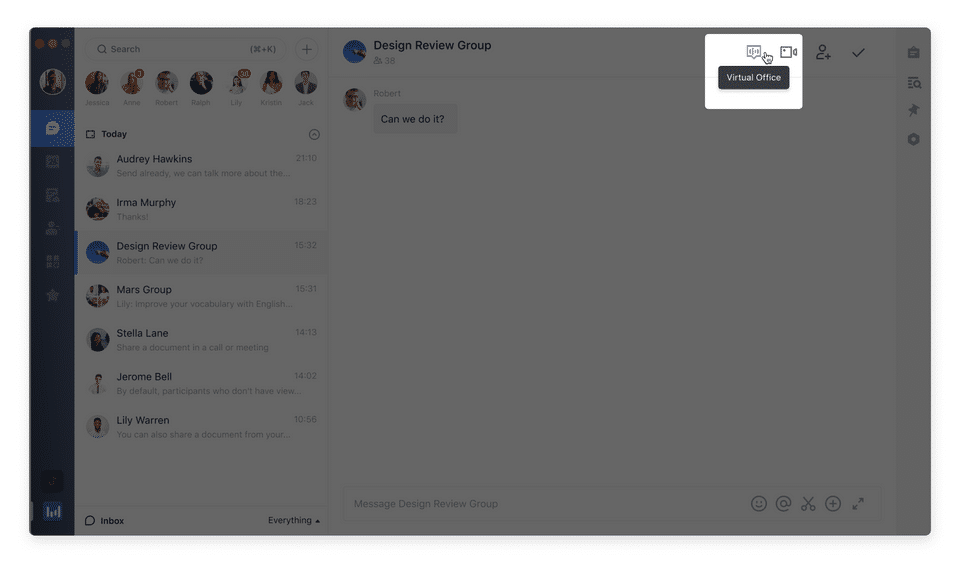
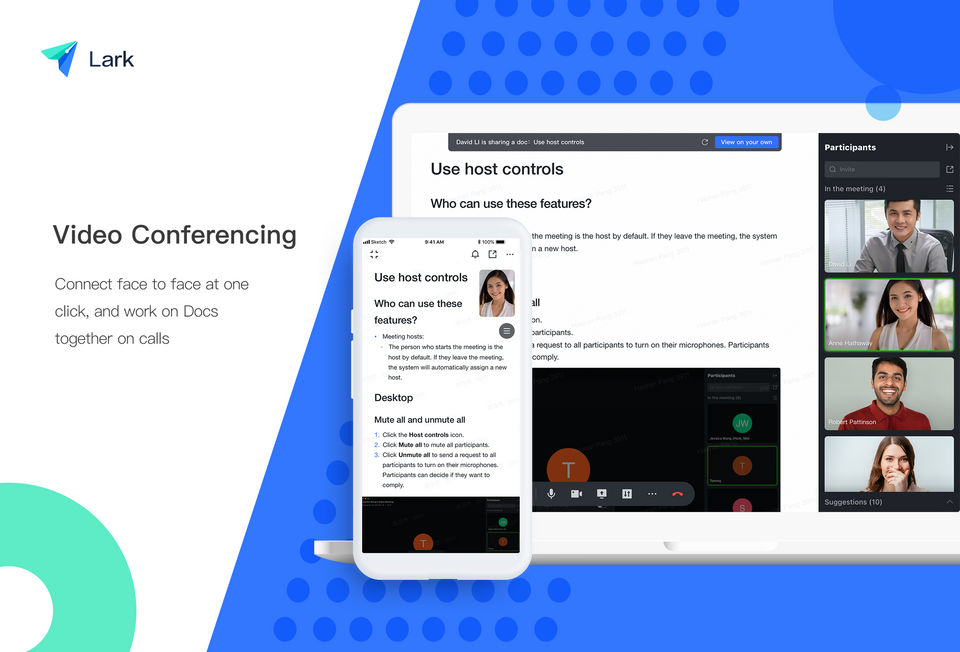
High-definition video conferencing with live chat and screen sharing
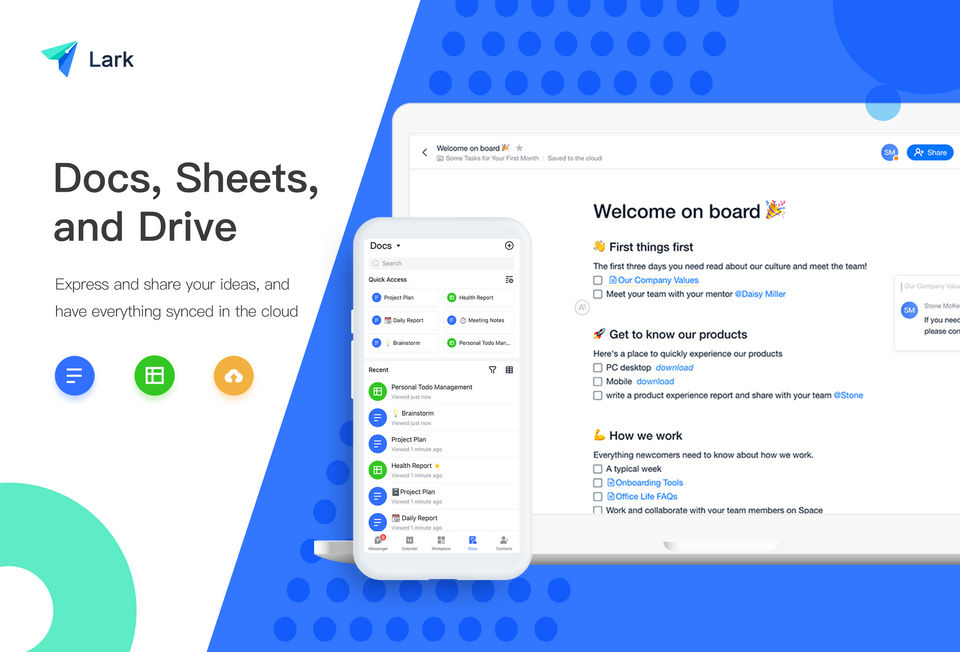
Cloud-based document creation and collaboration in real-time
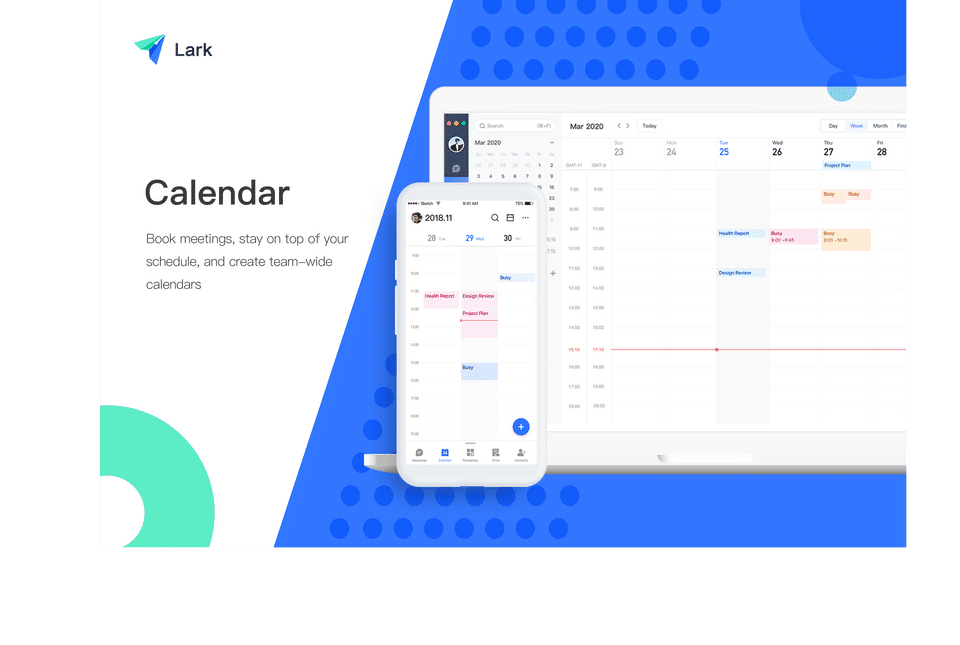
Smart calendar and task management tools
Powerful chatbot and automation features
Accessible from desktop, mobile, and web
Benefits of Lark
Enhances team coordination and reduces communication silos
Saves costs by replacing multiple paid software tools
Ensures data consistency with centralized access and updates
Boosts productivity with built-in automation and task reminders
Enables real-time feedback, comments, and decision-making
Supports international and multilingual teams with localization options
How to Use Lark
Onboard your team and set up your organization workspace
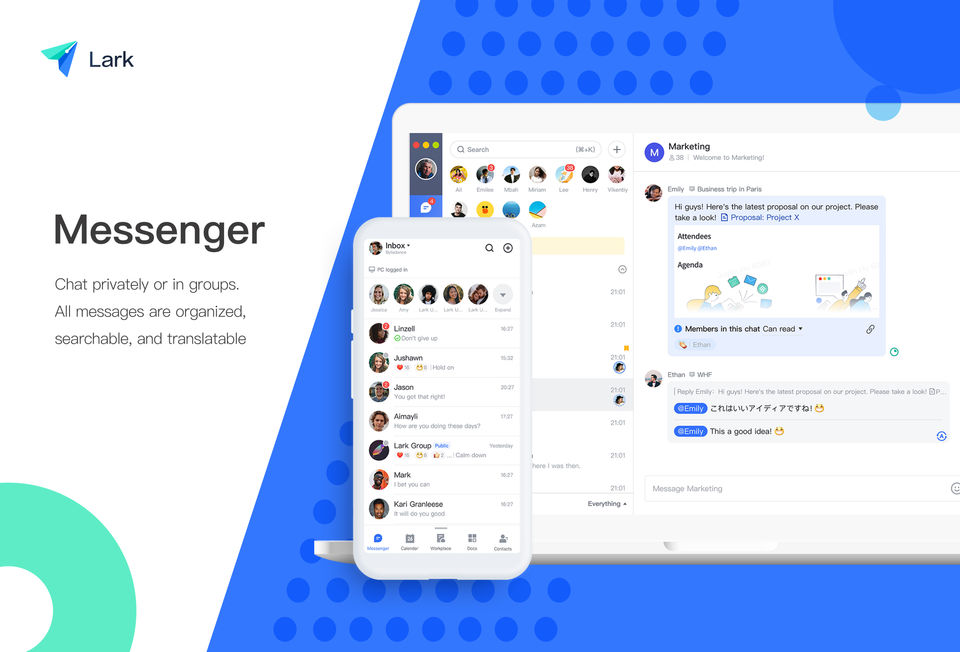
Use the chat and video tools for daily communication
Create shared docs and collaborate in real-time
Schedule meetings and sync events via the smart calendar
Assign tasks and track progress through task boards
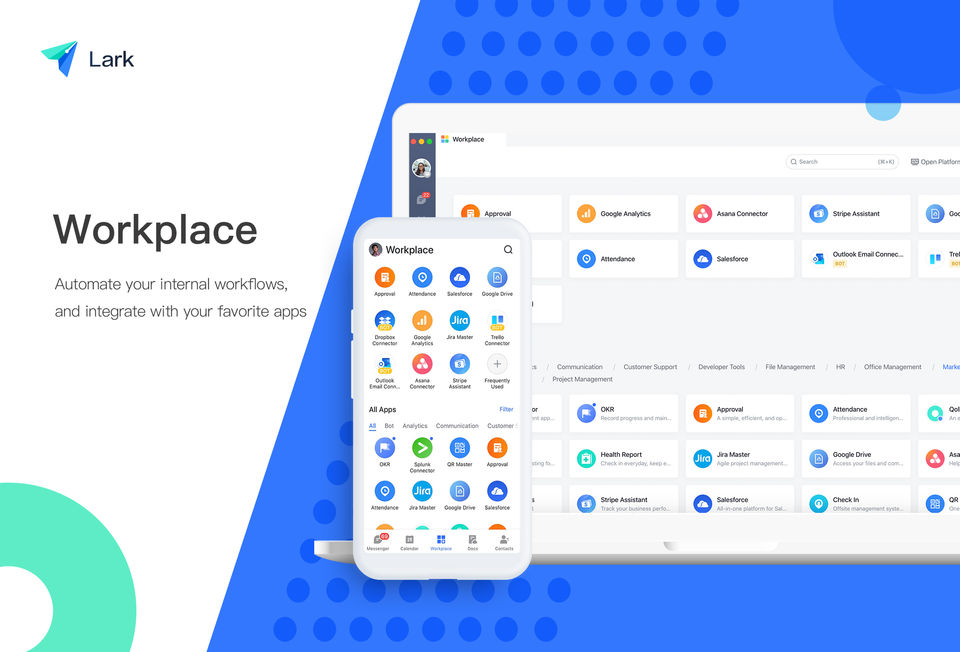
Automate routine actions using built-in bots and integrations
Key Features of Lark
Instant Messaging & Group Chats
Video Conferencing & Screen Sharing
Collaborative Cloud Documents
Calendar Scheduling
Task & Project Management
Smart Search & File Sharing
Automation Bots
Admin Controls & Access Permissions
Third-Party App Integrations
Who Can Use Lark?
Remote and hybrid teams
Startups and growing SaaS companies
Enterprises needing unified communication tools
Marketing, HR, IT, and operations departments
Freelancers and consultants managing client projects
Support Offered by Lark
24/7 email and in-app support
Knowledge base and help center
Training webinars and how-to guides
Dedicated onboarding for enterprise clients
- ✓ Task Management
- ✓ Synchronous Editing
- ✓ Group Calendars
- ✓ Discussion Boards
- ✓ Cooperative Writing
- ✓ Chat (Messaging)
- ✓ Brainstorming
- ✓ Audio Video Conferencing
- ✓ Content Management
- ✓ Project Management
- ✓ Contact Management
- ✓ Document Management
- ✓ Version Control
- Up to 50 users
- Unlimited chats & full context of message history
- Custom and secured business email
- Automatic language translation
- 100 GB storage
- Up to 60 minutes meeting duration
- Up to 50 users
- Unlimited chats & full context of message history
- Custom and secured business email
- Automatic language translation
- 100 GB storage
- Up to 60 minutes meeting duration
- Up to 500 users
- Includes features of Starter plan
- plus
- Unlimited Wiki knowledge base
- 1 TB storage
- 500 meeting participants
- 24 hours meeting duration
- Advanced permission controls
- Advanced video conferencing capabilities
- Up to 500 users
- Includes features of Starter plan
- plus
- Unlimited Wiki knowledge base
- 1 TB storage
- 500 meeting participants
- 24 hours meeting duration
- Advanced permission controls
- Advanced video conferencing capabilities
- Unlimited users
- Includes features of Pro plan
- plus
- Large group collaboration (up to 50
- 000 users)
- 10 TB storage
- Unlimited email storage
- Single sign-on (SSO)
- Advanced security
- Unlimited users
- Includes features of Pro plan
- plus
- Large group collaboration (up to 50
- 000 users)
- 10 TB storage
- Unlimited email storage
- Single sign-on (SSO)
- Advanced security
Horrible app, unintuitive and horribly priced. Microsoft Teams is FAR better.
What do you like best? Sharing content with others, Making docs and presentation What do you dislike? Audio and video chat is getting dropped. What problems are you solving with the product? What benefits have you realized? ...
What do you like best? That is free. That I could try it and check if it fits with your job. What do you dislike? Personally, I didn't find any added value to use this software to solve problems of management or teams. ...
What do you like best? lark is best for video and web conferences .my work flow is completed by centralizing conversation and information. collaboration tools.idea management.time and expense tracking and traditional methodologies are greatest feat...
What do you like best? It offers everything you may need communication-wise on one platform so there's no hassle of downloading multiple apps. What do you dislike? If you're running a relatively low-spec system (like I am) it tends to c...
Lark offers 3 pricing plan(s):
- Starter — USD0.00
- Pro — USD12.00 /User/Month
- Enterprise — USD0.00
Lark is a Collaboration Tool solution. Top features include:
- Task Management
- Synchronous Editing
- Group Calendars
- Discussion Boards
- Cooperative Writing
Lark does not currently offer a free trial.
Lark provides Phone,Online (Ticket),Business Hours support.
Lark is Cloud Hosted,Hybrid software.
Lark provides Help Guides,Video Guides,Blogs for training.


