

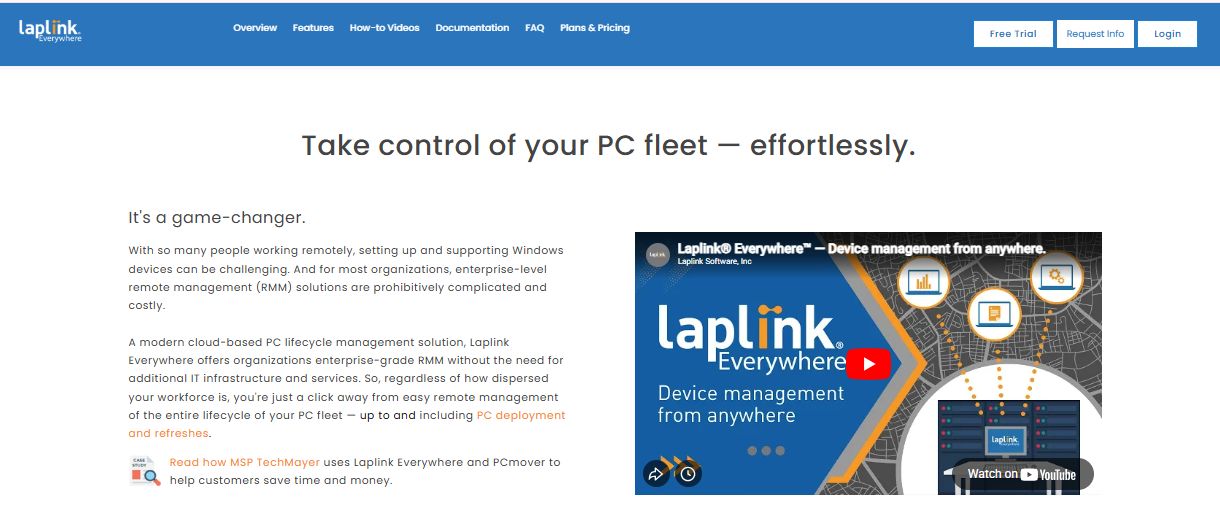
In modern business and technology environments — especially with the rise of remote work, distributed teams, and cloud-based systems — the ability to access and manage computers remotely is essential. Traditional methods, such as physical visits, VPN access, or fragmented tools, can be slow, insecure, and difficult to administer. Laplink Everywhere is designed to address these challenges by providing a comprehensive remote access and support platform.
At its core, Laplink Everywhere allows a technician, administrator, or authorized user to establish a secure remote session with another computer over the internet. Once connected, the user can see the remote screen, control the keyboard and mouse, interact with applications, and resolve issues in real time. This provides a seamless experience for both support personnel and end users, enabling troubleshooting, installations, training, and system configuration without geographic constraints.
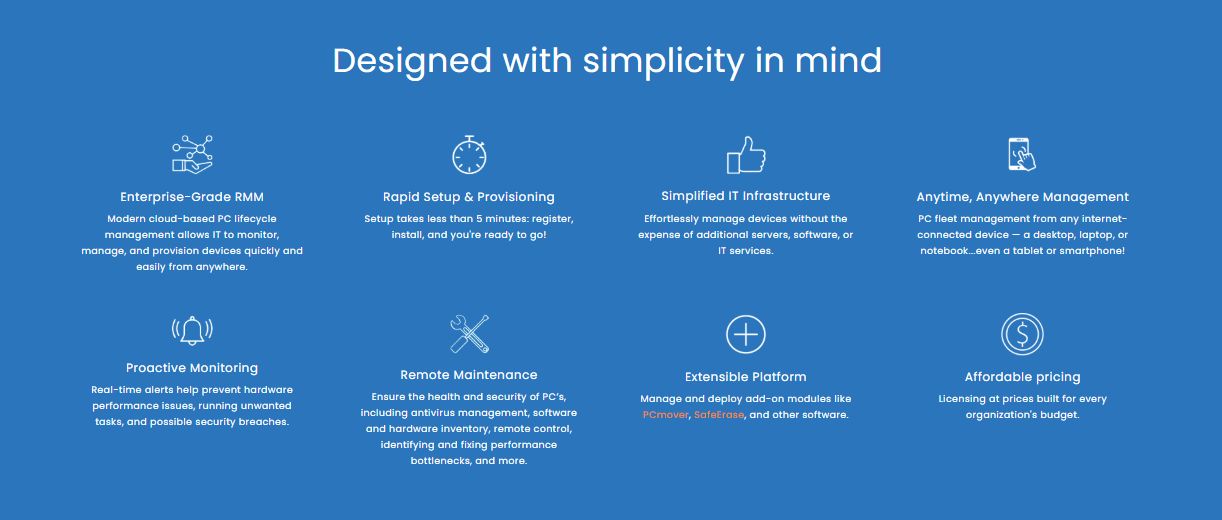
Security is a foundational element of the platform. Remote sessions use encrypted communications to protect data in transit and prevent unauthorized access. Administrators can establish user roles, define permissions, and enforce authentication policies, ensuring that remote access complies with organizational security standards. Comprehensive session logs and audit trails help with accountability and support governance or compliance requirements.
Laplink Everywhere also includes support-oriented features such as file transfer, which enables moving files between local and remote systems without external tools; remote printing, which allows documents on the remote machine to be printed via a local printer; and chat during sessions, which facilitates communication between technician and end user. Scheduled access capabilities allow support teams to routinely connect to managed systems for updates, maintenance, or monitoring.
Because it combines remote control, collaboration tools, and secure access into one platform, Laplink Everywhere is valuable for help desks, IT operations teams, support providers, and any organization that needs efficient, secure, and versatile remote access. It reduces operational costs, improves support response times, and enhances user satisfaction by enabling fast resolution of issues regardless of location.
Key Features & Specifications
Remote Access & Control
-
Secure remote control of desktops and laptops
-
Real-time screen viewing and interaction
-
Support for multiple concurrent remote sessions
-
Cross-platform compatibility for various operating systems
Security & Governance
-
Encrypted remote sessions for security
-
Role-based access controls and user permissions
-
Authentication options for secure access
-
Activity logs and session records for auditing
Support & Collaboration Tools
-
File transfer between local and remote systems
-
Remote printing to local printers
-
In-session chat for communication
-
Session scheduling for routine support and maintenance
Operational Efficiency
-
Centralized session and user management
-
On-demand support and scheduled access options
-
Tools for routine maintenance and patching
-
Designed to reduce downtime and support costs
- ✓ Testing Management
- ✓ Access Control
- ✓ Uptime Monitoring
- ✓ Server Monitoring
- ✓ IP Address Monitoring
- ✓ Resource Management
- ✓ Issue Management
- ✓ Remote Control
- ✓ Data Security
- ✓ Network Security
- ✓ Remote Monitoring & Management
- ✓ Employee Activity Monitoring
- ✓ Remote Access/Control
- ✓ Remote Support
- ✓ Real Time Monitoring
- ✓ Security Management
- ✓ Access Controls/Permissions
- ✓ Scalability
Contact us to get detailed pricing as per your requirements.
No reviews yet. Be the first to review!
Laplink is a Remote Monitoring And Management (RMM) Software solution. Top features include:
- Testing Management
- Access Control
- Uptime Monitoring
- Server Monitoring
- IP Address Monitoring
Laplink does not currently offer a free trial.
Laplink provides Phone,Email,Live Chat support.
Laplink is Cloud Hosted,Hybrid,Any software.
Laplink provides Help Guides,Video Guides,Blogs,Webinars,Case Studies,Whitepapers for training.


