
Google Vault

cloud-based archiving, retention, and eDiscovery solution built for organizations
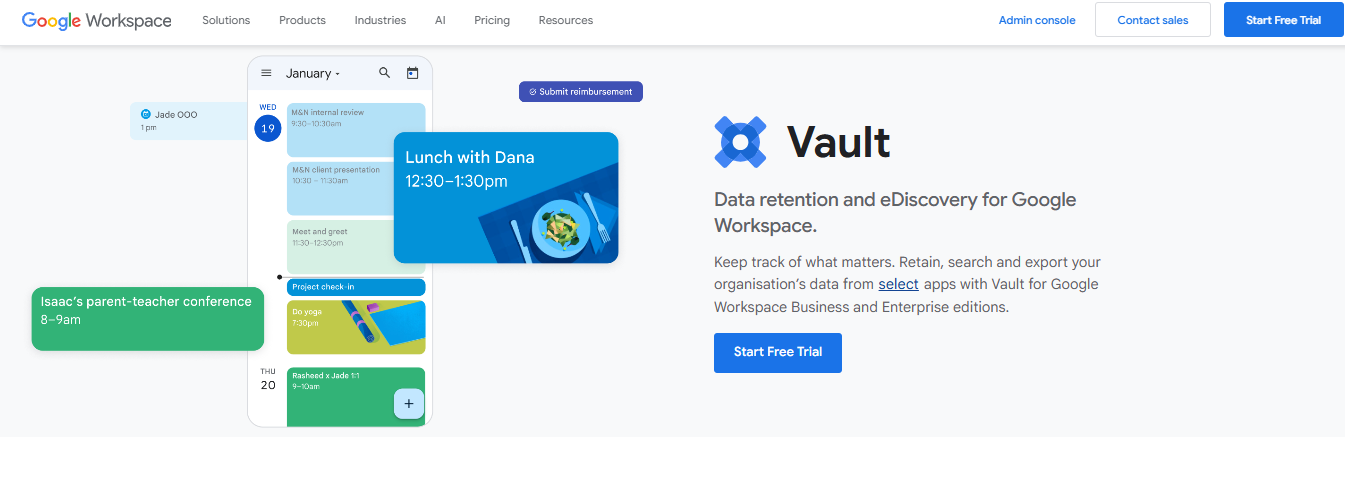
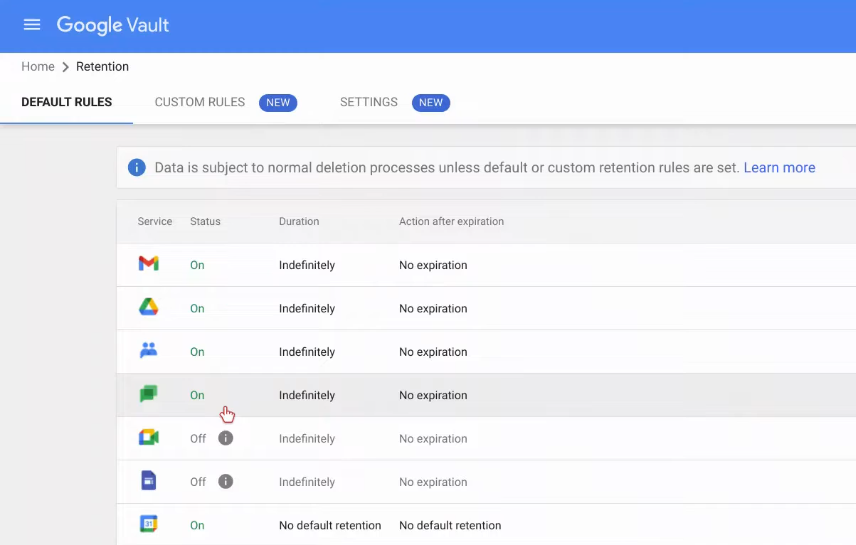
Google Vault serves as a centralized platform for organizations to enforce data retention and navigate complex legal or regulatory demands. The core architecture supports long-term governance by retaining data across multiple Google Workspace services—even when users delete emails, files, or messages—based on retention policies defined by administrators.
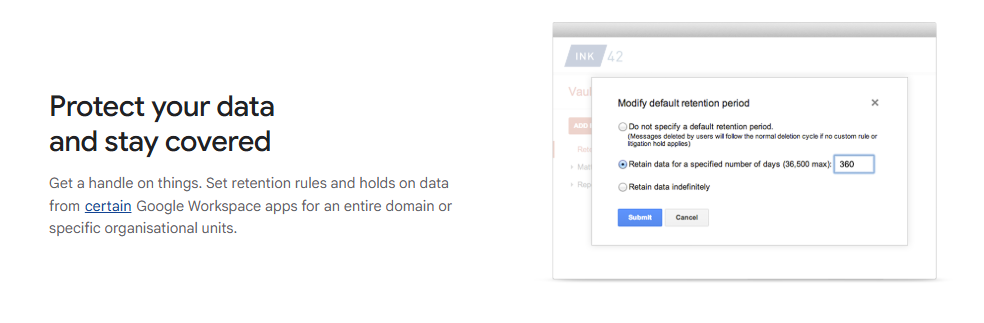
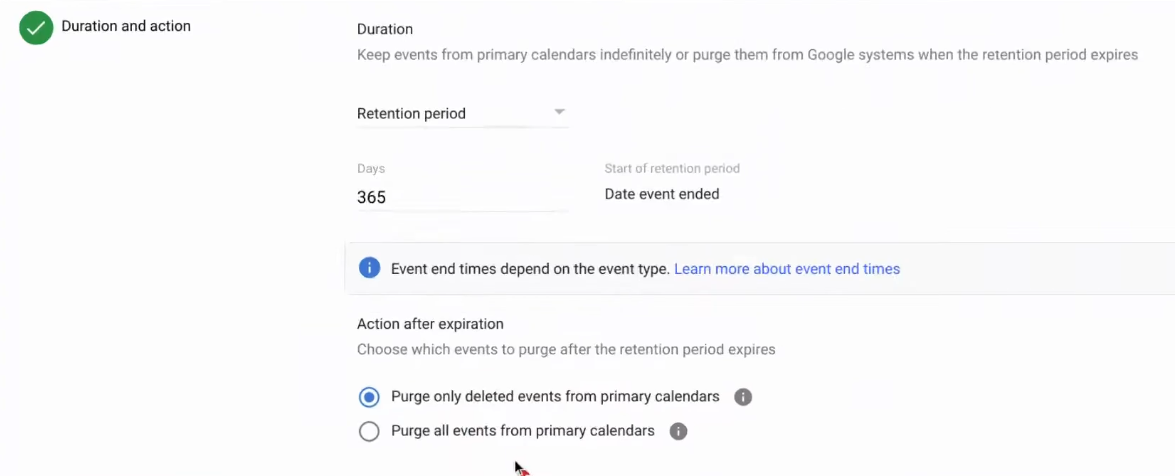
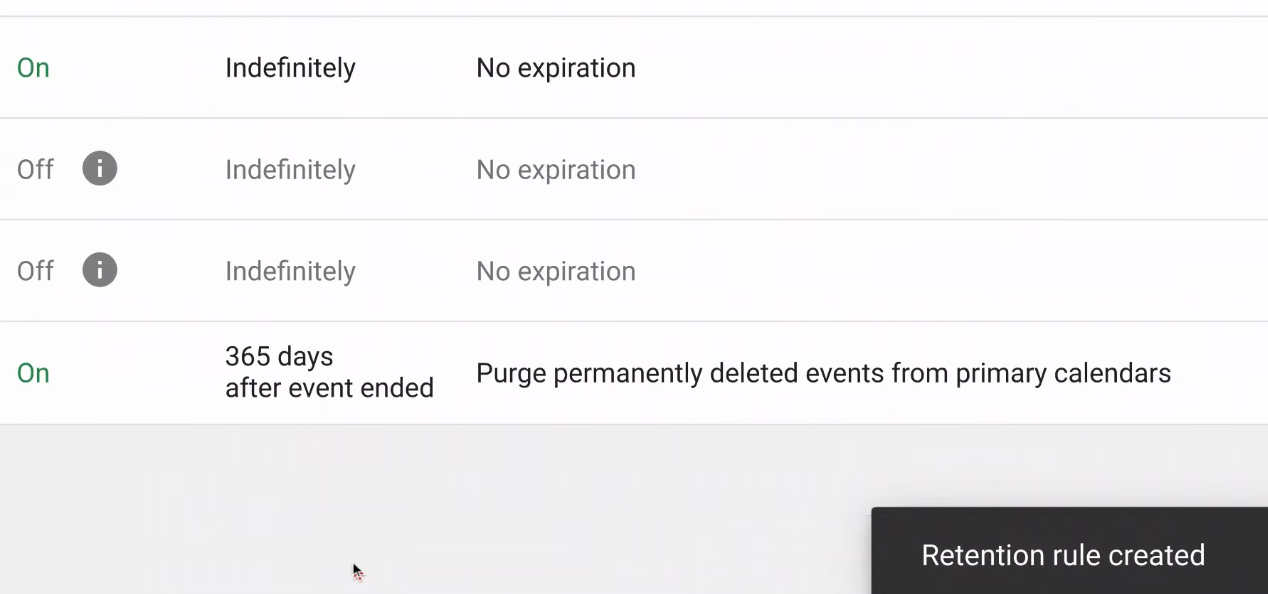
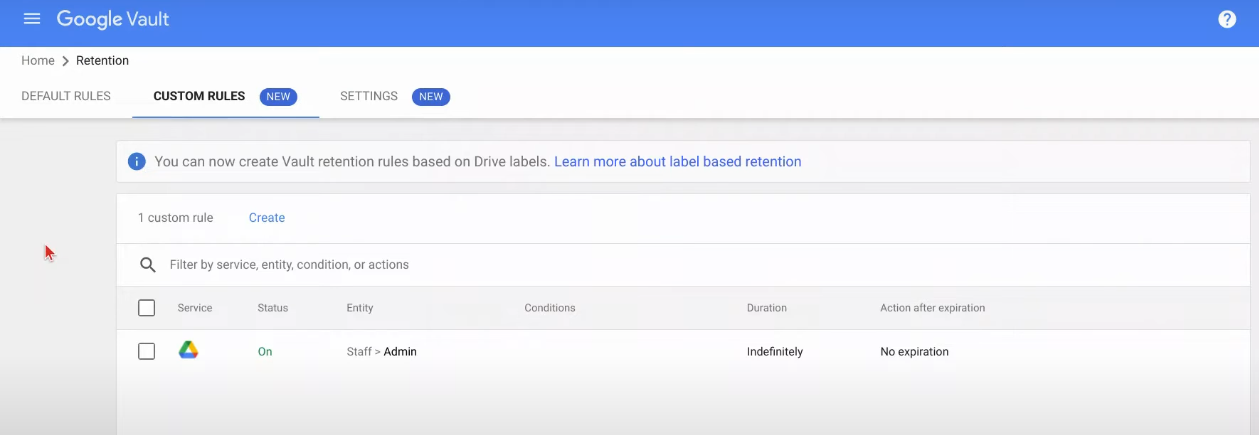
Organizations define custom retention rules by date ranges, organizational units, or keywords. These govern what content is preserved—and for how long—even in cases where users delete content or are removed from the system. As an additional safeguard, legal or litigation holds can be applied to prevent data deletion beyond policy expiry.
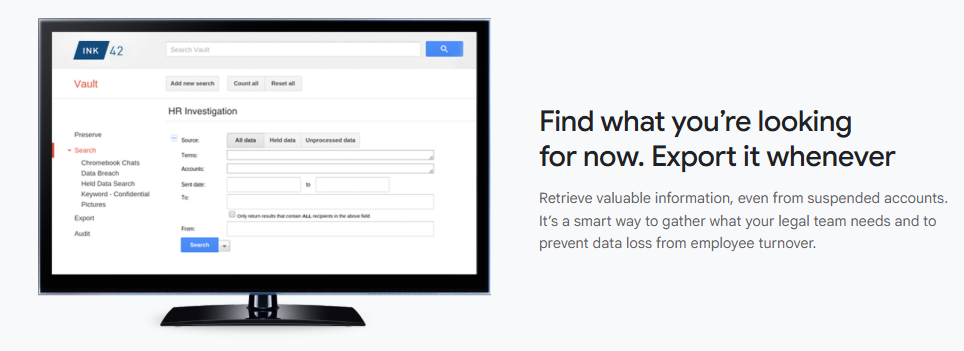
Vault’s eDiscovery workflow revolves around “matters,” which act as collaborative workspaces. A matter collects search queries, holds, export packages, and audit logs. This structure supports legal or compliance workflows where teams need clarity and coordination. Searches can be executed across Gmail, Drive (including internal text search in files), Chat, Meet recordings, Groups, Voice logs, and Sites, with filters for specific users, terms, or timeframes. Search results can be previewed and then exported in formats like PST, MBOX, CSV, XML, or PDF—with full metadata—for external review and legal response.
While Vault excels for retention and discovery, it is not designed for system backups or data recovery—once data is purged or the retention period lapses, it cannot be restored. It lacks automated backup or restore functionality, and exports are intended for legal processing rather than mass data restoration.
Security is built-in: access is limited to administrators and specifically authorized users, and every action within Vault—such as searches, exports, or hold changes—is logged for audit purposes. These audit trails provide transparency and accountability in governance.
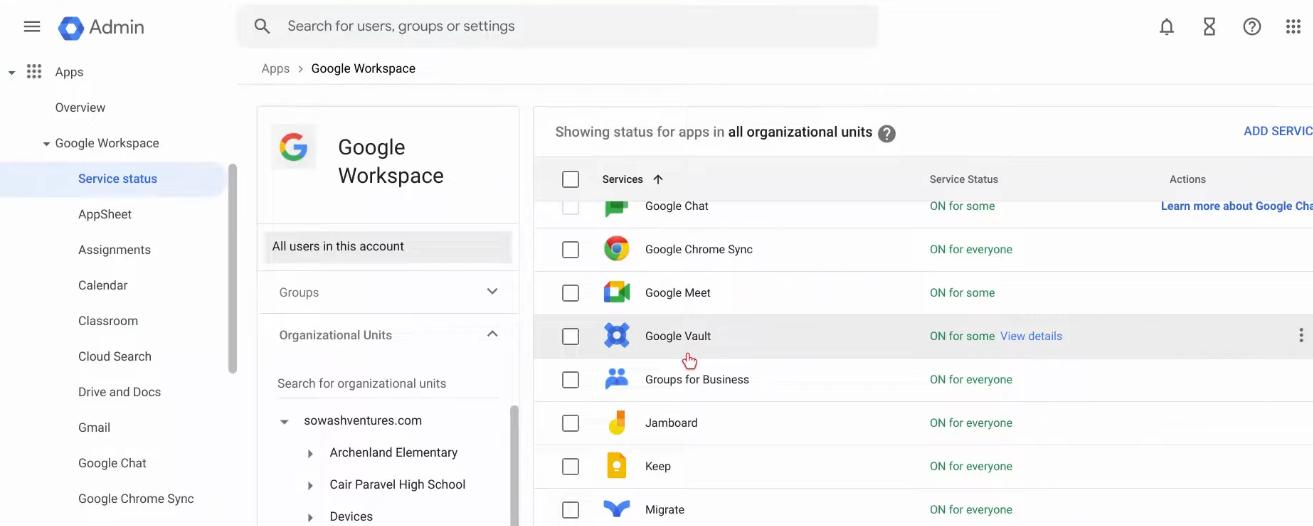
Available with Business Plus, Enterprise, and Education editions of Google Workspace, Vault helps organizations meet compliance, data governance, and litigation needs. For plans that don’t include Vault, it can be added as a paid upgrade, ensuring broader adoption across organizational tiers.
Key Features
Data Retention Policies: Custom retention rules to preserve data across various Workspace services.
Legal & Litigation Holds: Prevent deletion of critical data even after retention policy expiry.
eDiscovery “Matters”: Workspace for organizing searches, holds, exports, and audit trails.
Advanced Search Across Services: Search Gmail, Drive, Chat, Meet, Groups, Voice, and Sites with filters.
Export with Metadata: Retrieve data in formats like PST, MBOX, CSV, XML, or PDF for legal processing.
Audit & Activity Logs: Record all actions—searches, exports, holds—for governance and compliance oversight.
Administrator-Controlled Access: Only designated users with proper privileges can access Vault.
Specifications
Supported Services: Gmail, Drive, Chat, Meet, Groups, Voice, Sites.
Access Control: Admins and users with explicit Vault permissions.
No Restore Capability: Vault supports export only—no in-tool restore to user accounts.
Retention Management: Retain content indefinitely or for set durations, with holds as needed.
Availability: Included in Business Plus, Enterprise, and Education editions; available as an add-on for other plans.
Governance Tools: Detailed audit logs and coordinated matter-based workflows.
- ✓ Access Controls/Permissions
- ✓ Policy Management
- ✓ Compliance Management
- ✓ Dashboard
- ✓ Data Retention Management
- ✓ Audit Management
- ✓ Email Notifications
Contact us to get detailed pricing as per your requirements.
No reviews yet. Be the first to review!
Google Vault is a Email Archiving Software solution. Top features include:
- Access Controls/Permissions
- Policy Management
- Compliance Management
- Dashboard
- Data Retention Management
Google Vault does not currently offer a free trial.
Google Vault provides Phone,Email,Live Chat support.
Google Vault is Cloud Hosted,Hybrid,Any software.
Google Vault provides Help Guides,Video Guides,Blogs,Webinars,Case Studies,Whitepapers for training.


