

Free Graphic Design Software
Onetime(Perpetual License)
About
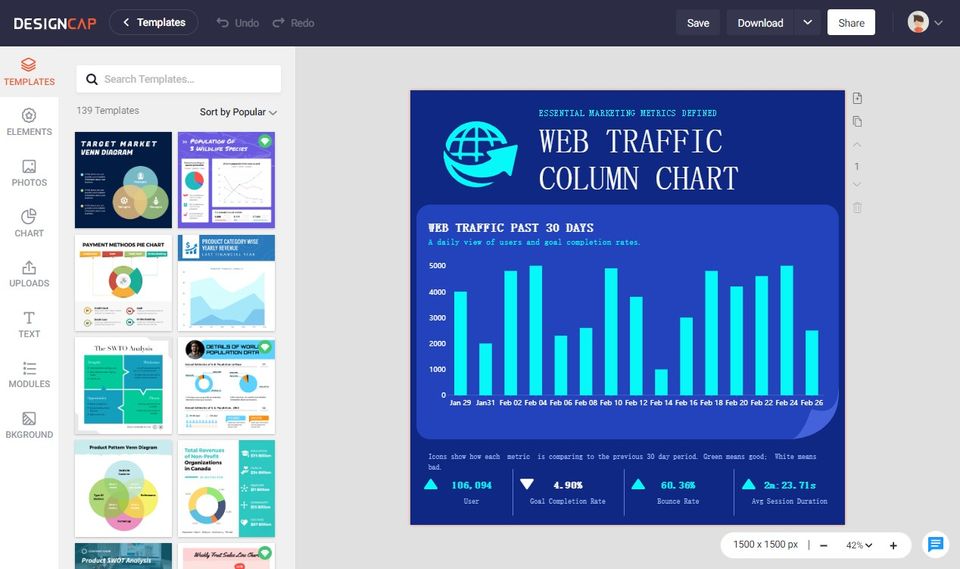
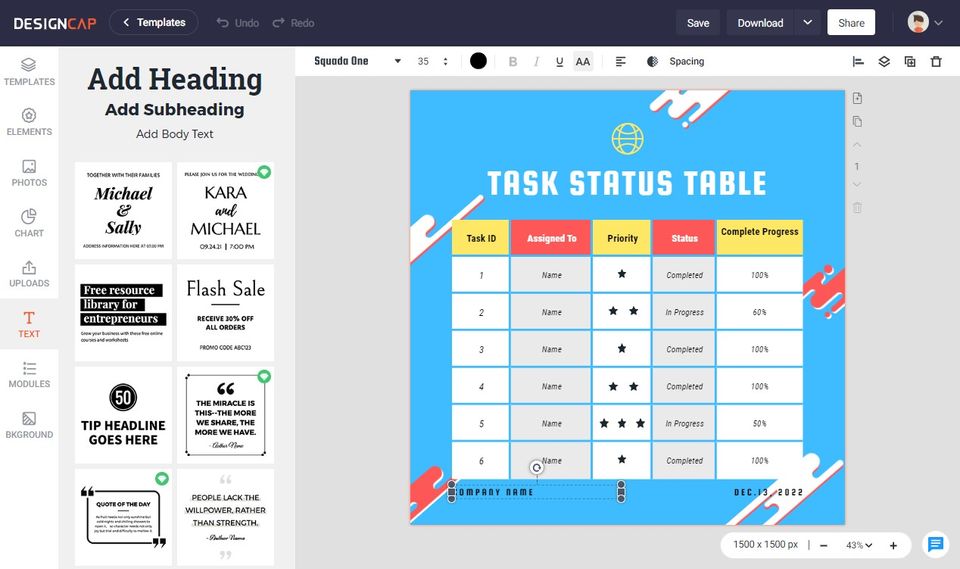
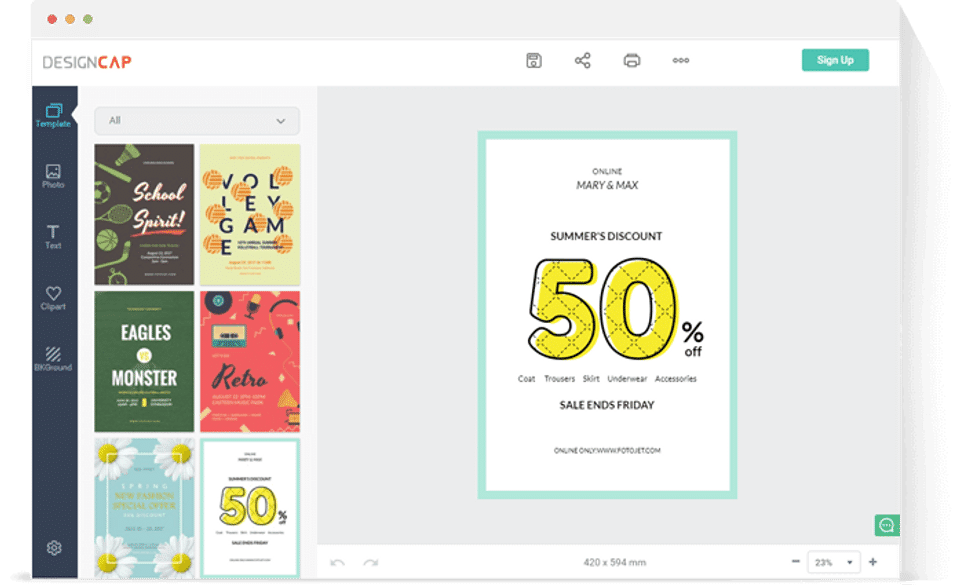
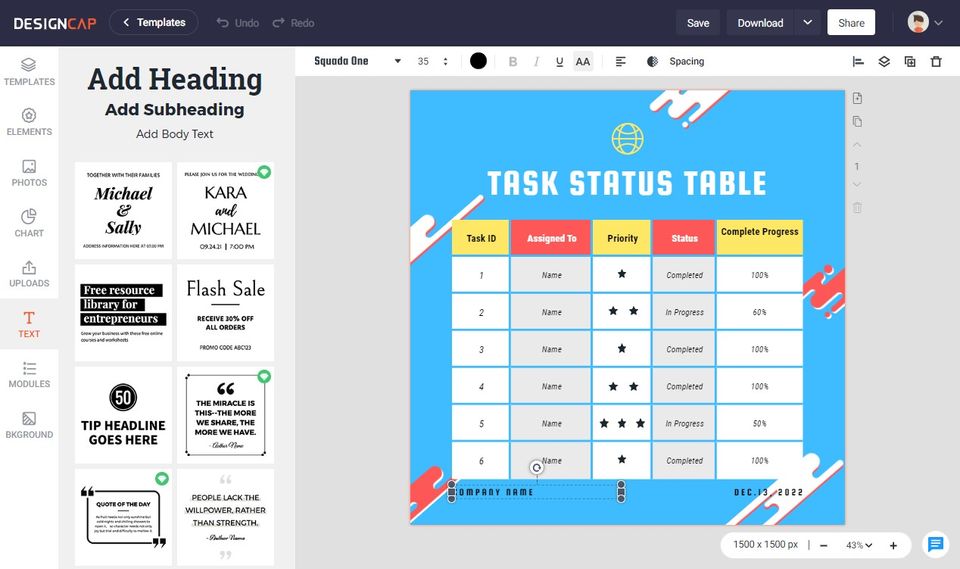
DesignCap can help your company create posters and flyers for a range of different purposes in just three steps.
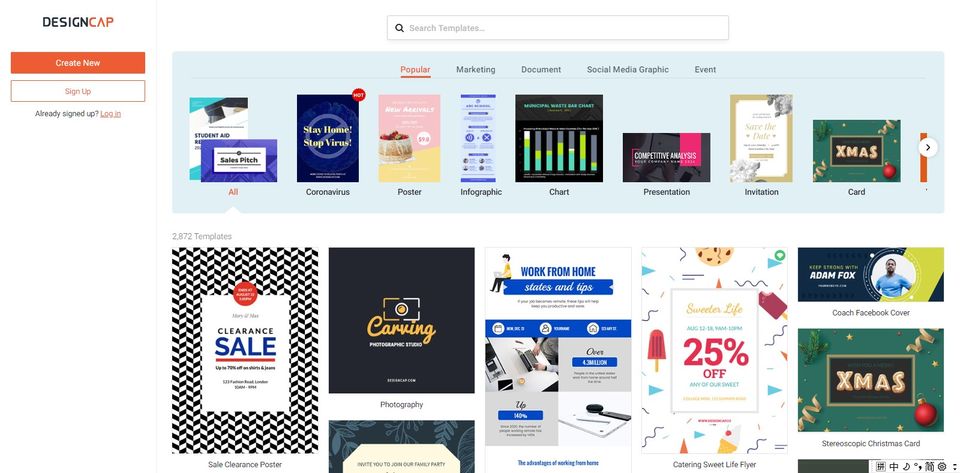
First, choose the template of your poster from various themes, such as sales, advertising, holidays, events, weddings, and events.
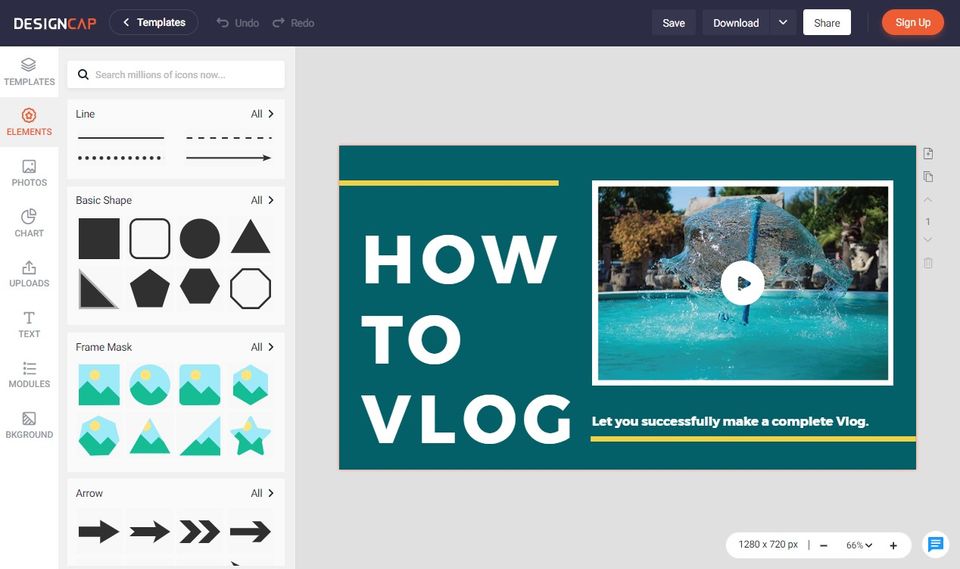
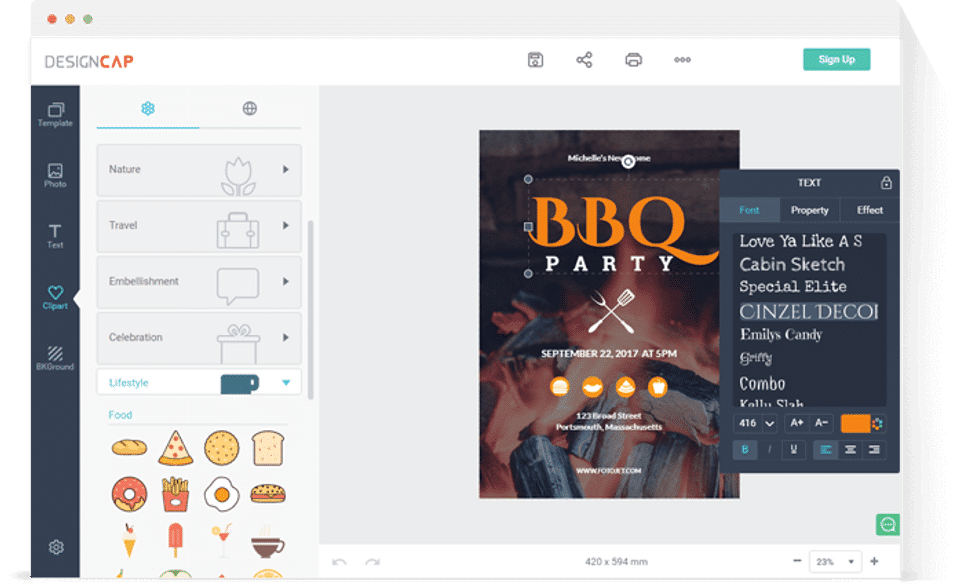
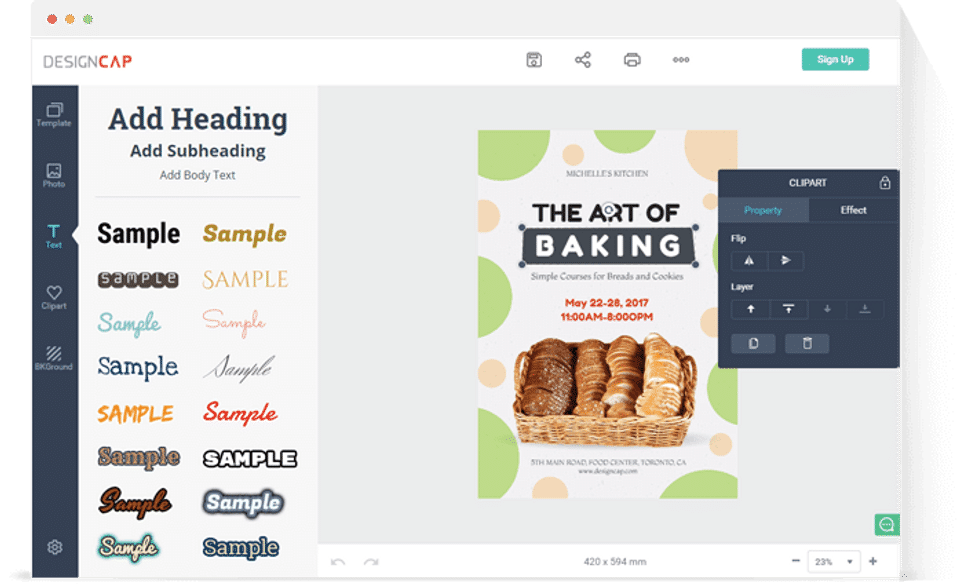
Second, add elements by uploading your own photos or using some of the thousands of stock images that DesignCap provides. You can also add other elements to the photos, including shapes, fonts, and clipart images.
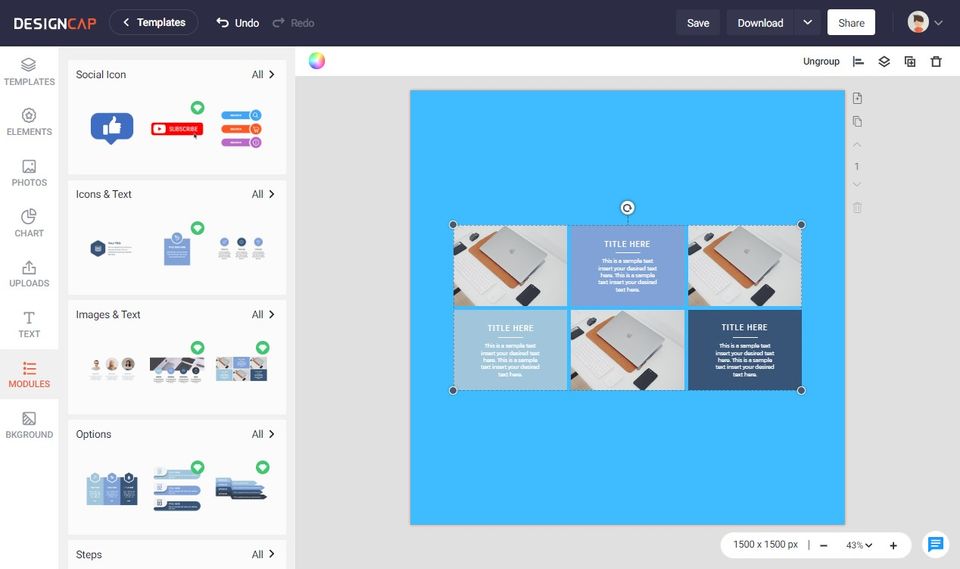
Finally, customize your photos by changing the size, position, rotation, font, effect, color and alignment. You can also add and manage layers, and apply different backgrounds.
Key Features
- ✓ Built-in Templates
- ✓ Premium Icons
- ✓ Privacy Control
- ✓ Image Editor
- ✓ Transparency Tool
- ✓ Collaboration
Screenshots
Screenshot 1
Screenshot 2
Screenshot 3
Screenshot 4
Screenshot 5
Screenshot 6
Screenshot 7
Screenshot 8
Screenshot 9
Pricing
DesignCap
USD
0
- Pre-defined Templates
- Add Elements like clipart images
- shapes
- fonts and more
- Professional editing tools
- Pre-defined Templates
- Add Elements like clipart images
- shapes
- fonts and more
- Professional editing tools
User Reviews
+ Write a Review
No reviews yet. Be the first to review!
Frequently Asked Questions
How much does DesignCap cost?
▼
DesignCap offers 1 pricing plan(s):
- DesignCap — USD0.00
What is DesignCap used for?
▼
DesignCap is a Free Graphic Design Software solution. Top features include:
- Built-in Templates
- Premium Icons
- Privacy Control
- Image Editor
- Transparency Tool
Does DesignCap offer a free trial?
▼
DesignCap does not currently offer a free trial.
What support does DesignCap provide?
▼
DesignCap provides Online (Ticket) support.
Is DesignCap cloud-based or on-premise?
▼
DesignCap is Cloud Hosted software.
What training resources does DesignCap offer?
▼
DesignCap provides Help Guides,Blogs,Video Guides for training.


