
Clockwise

Overview and convenience in your time tracking
Why Choose Clockwise?
Choose Clockwise if you want to:
-
Automate your calendar and reduce manual scheduling work
-
Get more focus time for deep work instead of back-to-back meetings
-
Coordinate team schedules efficiently across time zones
-
Resolve conflicts and optimize meeting times without headaches
-
Improve personal and team productivity with AI insights
It’s especially useful for professionals, managers, and distributed teams who struggle with chaotic calendars and want better work-life balance.
Benefits of Clockwise
1. Increased Productivity
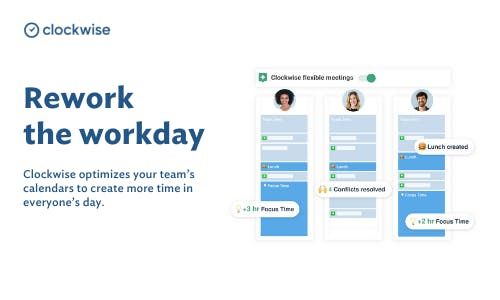
Clockwise reorganizes your calendar to create focused blocks of uninterrupted work time and reduces time lost to scheduling conflicts.
2. Better Team Coordination
It analyzes multiple calendars and finds optimal meeting times for the whole team, helping teams work better together.
3. Reduced Scheduling Stress
By automating meeting adjustments and freeing up time slots, you spend less effort managing your calendar.
4. Enhanced Work-Life Balance
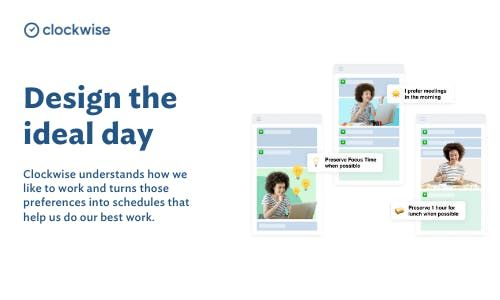
With features like focus time, lunch holds, and smart breaks, Clockwise helps protect personal time within your schedule.
5. Data-Driven Insights
Team analytics and calendar usage insights help you understand where your time goes and how to improve planning.
How to Use Clockwise
Step 1: Connect Your Calendar
Link Clockwise to your Google Calendar or Outlook so it can access your schedule.
Step 2: Set Your Preferences
Define your work hours, focus time requirements, and meeting flexibility.
Step 3: Let Clockwise Optimize
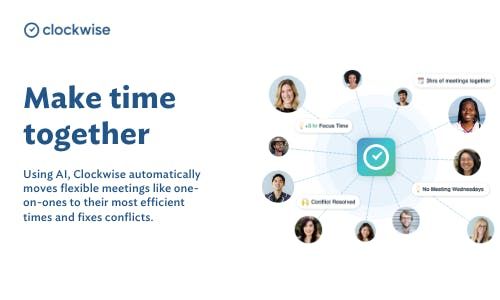
Clockwise’s AI analyzes your calendar and automatically moves flexible meetings, resolves conflicts, and creates focus time blocks.
Step 4: Review & Accept Changes
Check your updated schedule, accept or tweak suggested adjustments, and enjoy a more productive day.
Step 5: Use Integrations
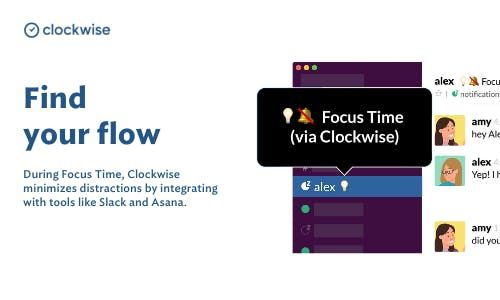
Sync with apps like Slack to update your status automatically based on meetings or focus sessions.
Features of Clockwise
Calendar Optimization
AI continuously reorganizes your calendar to reduce fragmentation and conflicts.
Focus Time Blocks
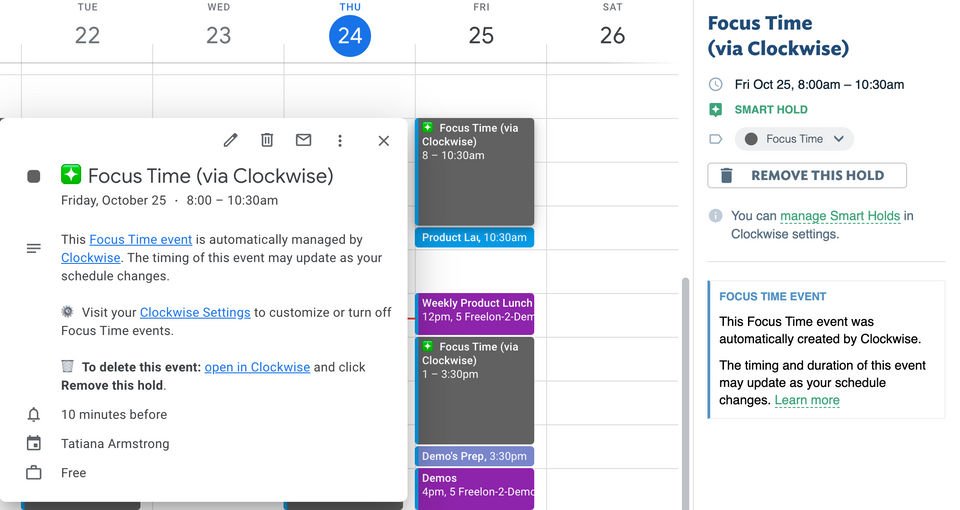
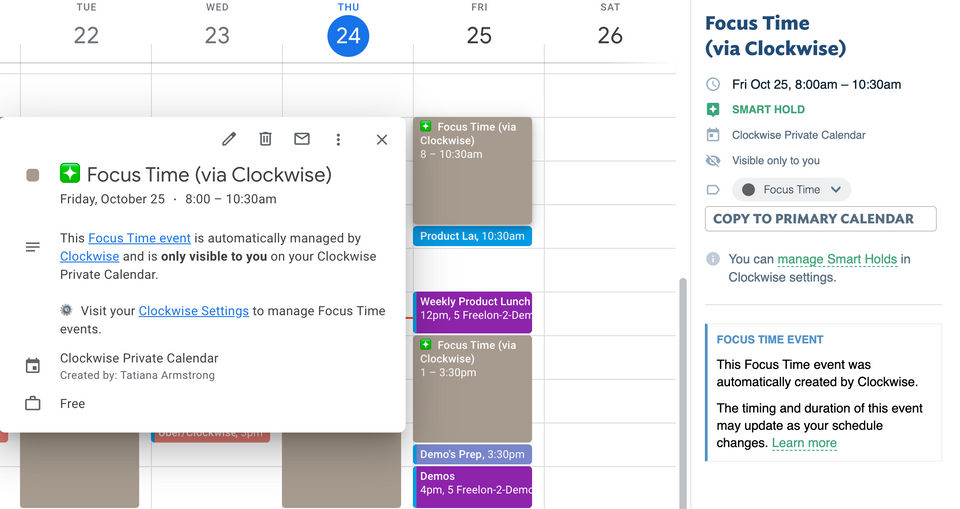
Automatically generates uninterrupted time for deep work.
Flexible Meetings
Mark meetings as flexible, and Clockwise will find the best time to schedule them.
Smart Holds (Lunch, Travel)
Automatically add and protect time for lunch, travel, routines, and breaks.
Team Scheduling & Coordination
Find meeting times that work for everyone while respecting individual preferences.
Analytics & Insights
Track team and personal schedule usage to improve planning and efficiency.
Integrations with Slack, Zoom, etc.
Connect with collaboration tools to reduce interruptions and sync updates.
Custom Preferences
Set work hours, meeting priorities, and focus patterns to personalize your AI optimization.
- ✓ Timeline View
- ✓ Project Templates
- ✓ IT Project Management
- ✓ Project Management
- ✓ Billing and Invoicing
- ✓ Offline Time Tracking
- ✓ Recurring (Subscription Billing)
- ✓ Mobile Time Tracking
- ✓ Time Tracking
- Writing
- submitting & approving hours
- Holiday card
- Internal codes
- Web app (browser) & mobile app
- Invoicing hours and fixed amounts
- Extended user roles
- Flexible project division
- Meeting your certification goals
- Logging tools
- Helpdesk for the application manager
What do you like best? Its ease of integration and configuration make it very useful. I like that I can set meetings I schedule to float so that they can be bunched together (or not) so that I can preserve focus time. As a product manager, I oscill...
What do you like best? - Automatic focus time feature - Easy to learn and use - Colour code for meetings - Integration with other tools What do you dislike? - Sometimes the focus time created by the algorithm is not useful. ...
What do you like best? Focus Time feature is great - helps me think about my day better, and improve my use of my own time. Autopilot to reschedule meetings is OK - could use some improvements, but the core functionality is good. The automatic sync...
What do you like best? Clockwise gave me more visibility to how my team is spending their time. It was really helpful to see how much bandwidth they have so I can shift things around to support. What do you dislike? Not too much to disl...
What do you like best? The space freed up for focus time if a meeting is set to clockwise What do you dislike? Its competitors x.ai & Calendly are doing amazingly well in this space. Having similar features might help. ...
Clockwise offers 1 pricing plan(s):
- Basic — USD30.00 Per Month
Clockwise is a Time Tracking App & Software solution. Top features include:
- Timeline View
- Project Templates
- IT Project Management
- Project Management
- Billing and Invoicing
Clockwise does not currently offer a free trial.
Clockwise provides Phone,Email,Live Chat,Online (Ticket),Business Hours support.
Clockwise is Cloud Hosted,Hybrid,On Premise software.
Clockwise provides Help Guides,Video Guides,Blogs for training.


