
Clean Email

Clean your inbox of emails you don't need. Then keep it clean.
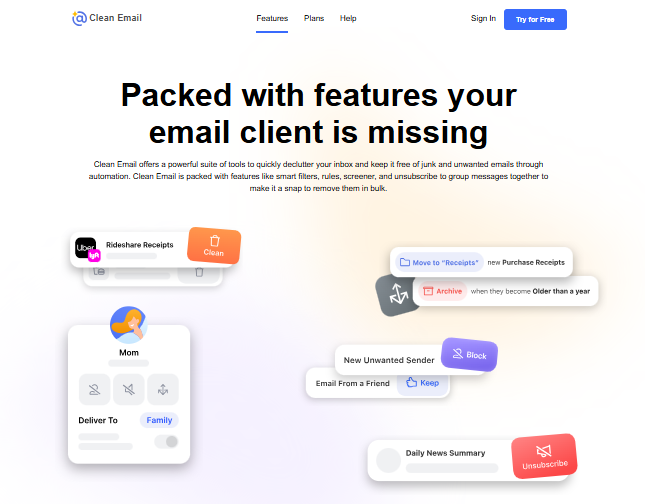
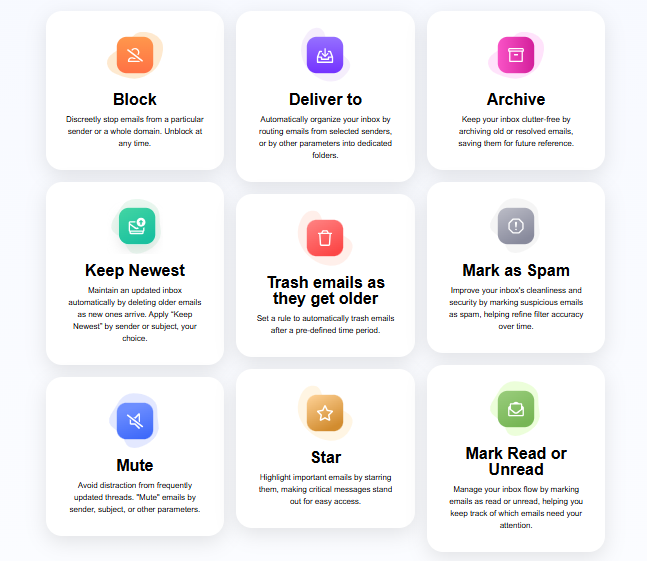
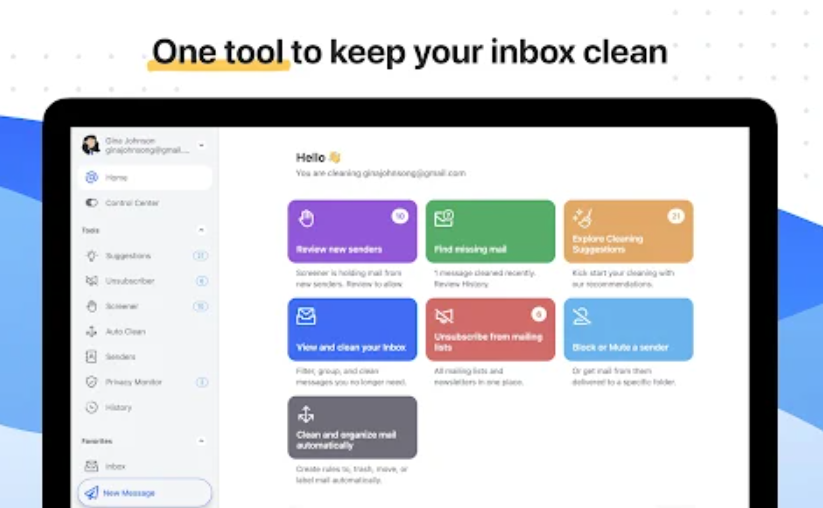
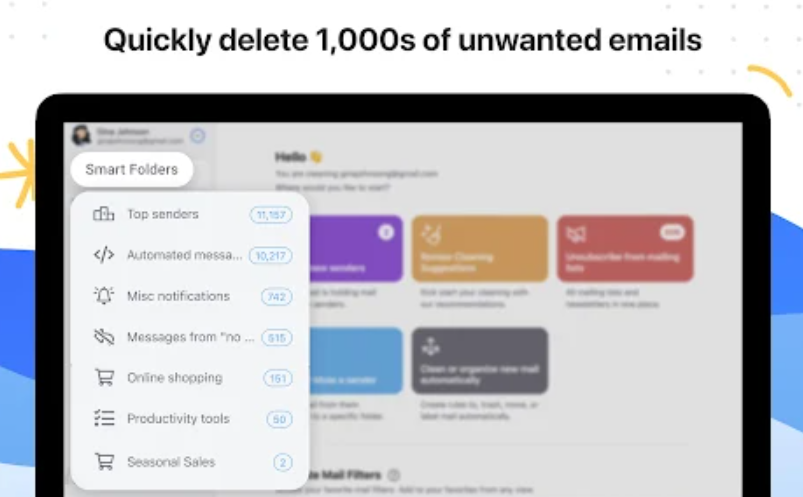
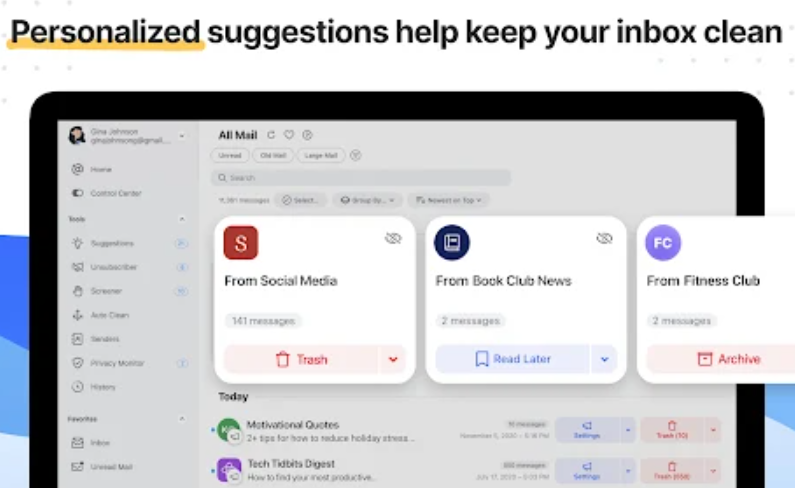
Clean Email is built to address one of the most common challenges in digital communication—email overload. Instead of manually managing thousands of messages, users can rely on Clean Email’s automated workflows and smart filters to maintain order in their inbox. The platform intelligently groups emails into categories such as “Old Emails,” “Social Notifications,” “Newsletters,” or “Promotions,” enabling quick and efficient bulk actions. With just one click, users can archive, delete, label, or move large sets of emails, significantly reducing manual effort.
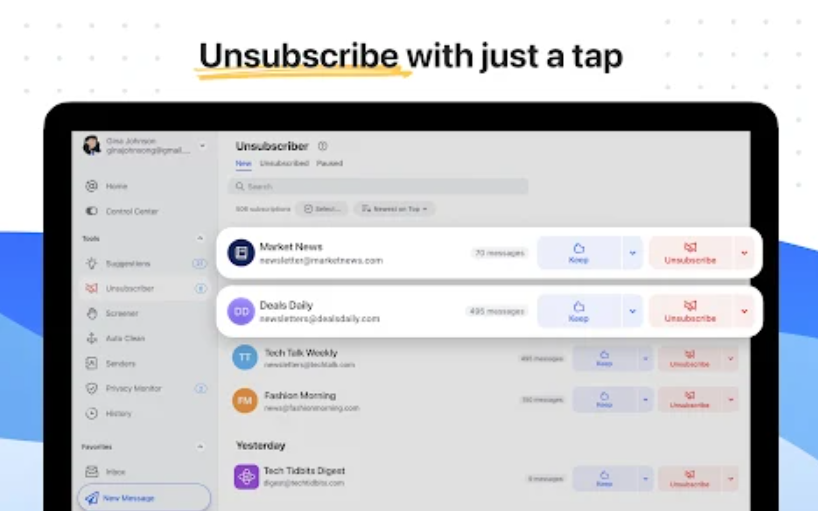
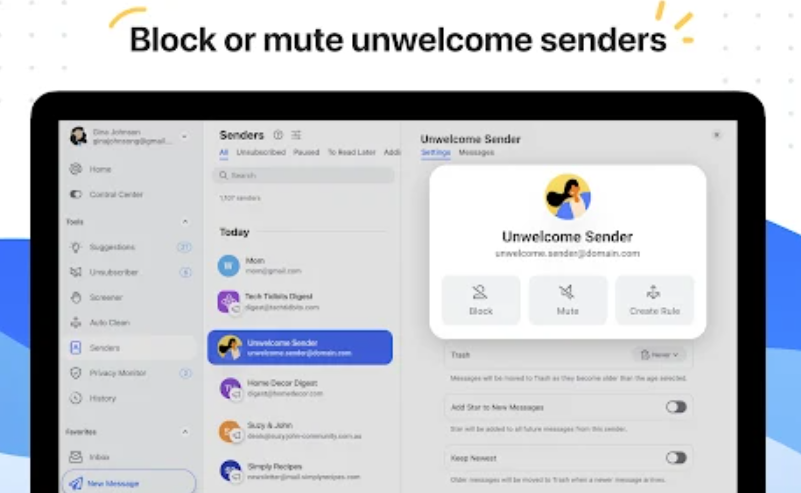
A core highlight of Clean Email is its Unsubscriber feature. This tool automates the process of unsubscribing from unwanted mailing lists and newsletters. It can either send an unsubscribe request, block persistent senders, or manage subscriptions with options like “Read Later” or “Keep Only the Newest.” This ensures users never feel overwhelmed by promotional clutter.
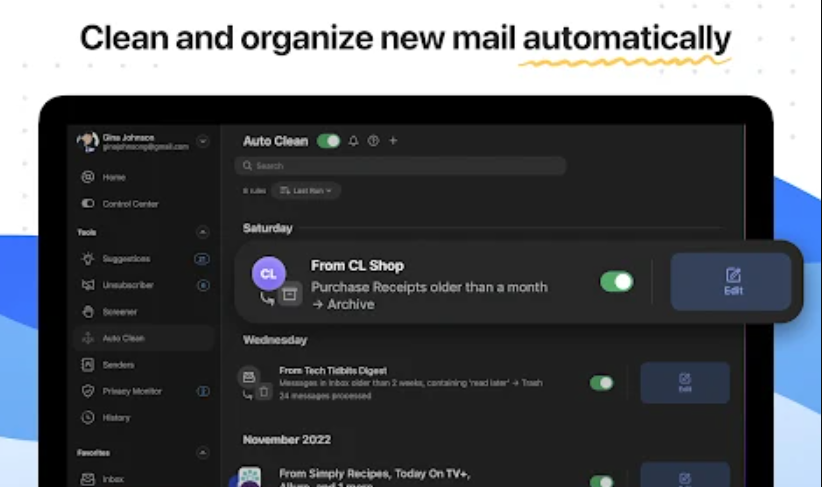
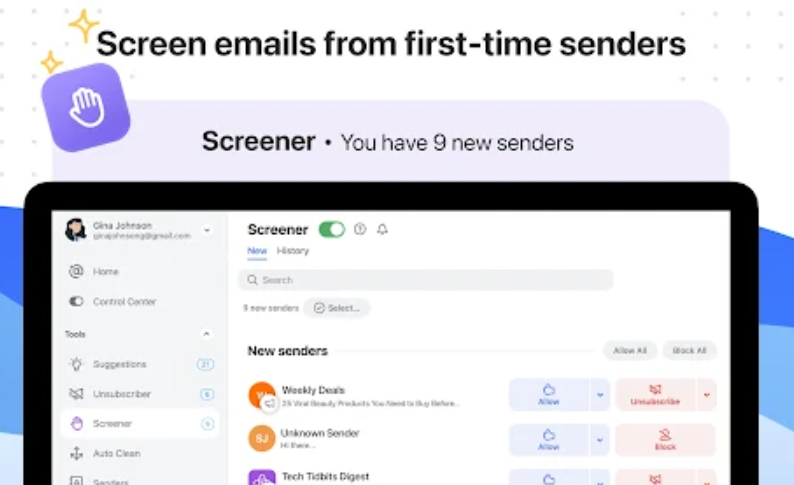
Another essential capability is Auto Clean rules, which apply pre-defined actions to incoming emails. For example, users can automatically archive emails older than a specific date, mark certain senders as read, or forward priority messages. These automated rules create a hands-free inbox management system. The Screener tool adds another layer by holding emails from new senders until users approve them, which is particularly useful for preventing spam.
Security and privacy remain at the forefront of Clean Email’s operations. Unlike some free tools that monetize user data, Clean Email strictly avoids reading email bodies or attachments. All sensitive information is encrypted, and temporary metadata is securely deleted after 45 days. Additionally, the service has undergone external audits to confirm its data protection practices.
Designed for both individuals and organizations, Clean Email is already trusted by personal users, enterprise teams, and even universities. By combining intuitive design, automation, and strong privacy policies, the software offers a robust and secure way to maintain a clean and productive inbox.
Key Features & Specifications
Platform Support: Web, iOS, Android, macOS
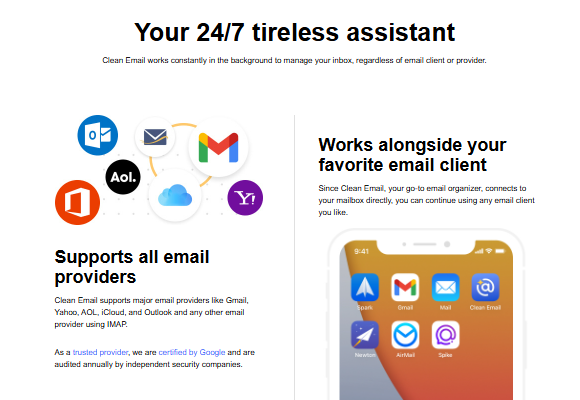
Supported Providers: Gmail, Outlook, iCloud, Yahoo, AOL, and all IMAP-based accounts
Subscription Model: Free trial (1,000 emails, 25 unsubscribes, 14-day full feature access)
Pricing: Starting around $9.99/month or $29.99/year per account
Inbox Organization: Smart bundles, bulk actions, cleaning suggestions
Unsubscriber Tool: Auto-unsubscribe, block senders, pause or “Read Later” options
Auto Clean Rules: Automates archiving, deleting, forwarding, and labeling emails
Screener: Opt-in approval for new senders to reduce spam
Privacy & Security: Metadata-only processing, encrypted credentials, 45-day retention policy
User Base: Individual users, business teams, and over 500 universities
- ✓ Email Tracker
- ✓ Email Scheduling
- ✓ Real-time Email Editor
- ✓ Event Triggered Email
- ✓ Email Suppression
- ✓ Email Tag
- ✓ Email Personalization
- ✓ Email History
- ✓ Email List Management
- ✓ Email Deliverability Check
- ✓ Single Email Verification
- ✓ Bulk Email Verification
- ✓ Mobile Optimized Emails
- ✓ Email Templates
- ✓ Email Management
- ✓ Email Distribution
No reviews yet. Be the first to review!
Clean Email offers 3 pricing plan(s):
- Clean Email Plan For 1 Account — USD8.40 Month
- Clean Email Plan For 5 Account — USD16.52 Month
- Clean Email Plan For 10 Account — USD25.00 Month
Clean Email is a Email Management Software solution. Top features include:
- Email Tracker
- Email Scheduling
- Real-time Email Editor
- Event Triggered Email
- Email Suppression
Yes, Clean Email offers a 14-day free trial.
Clean Email provides Phone,Email,Live Chat support.
Clean Email is Cloud Hosted,Hybrid,Any software.
Clean Email provides Help Guides,Video Guides,Blogs,Webinars,Case Studies,Whitepapers for training.


