

- ✓ LMS Integration
- ✓ Virtual Whiteboard
- ✓ Breakout Rooms
- ✓ Assignments
- ✓ Payment Gateway
- ✓ File Sharing
- ✓ Session Recording
- ✓ Class Scheduling
- ✓ Students Portal
- ✓ Student Information (Records)
- ✓ Attendance Tracking
- ✓ Collaboration Tools
- ✓ Cloud Storage
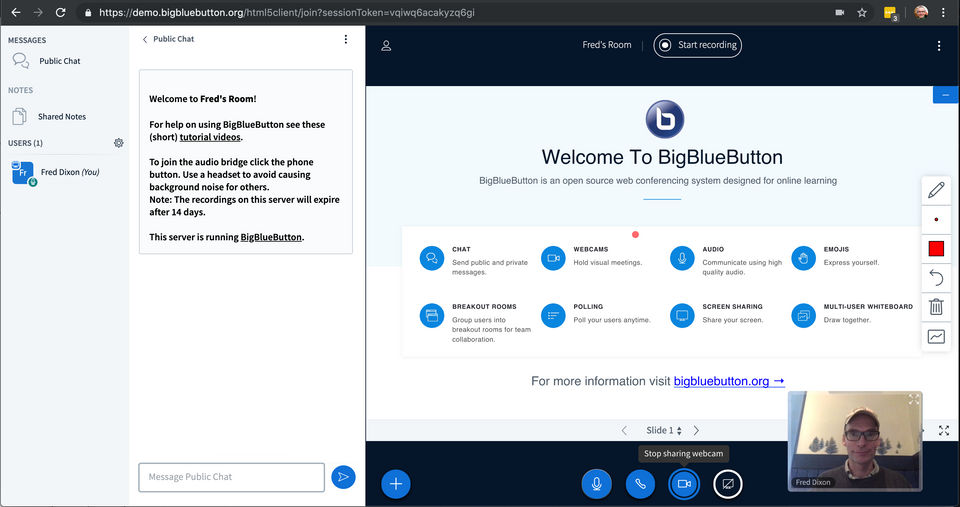
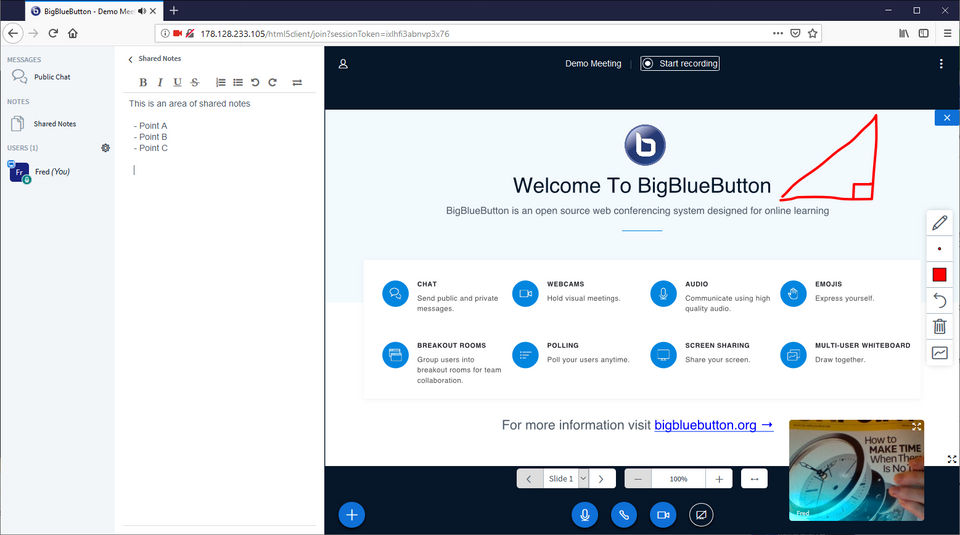
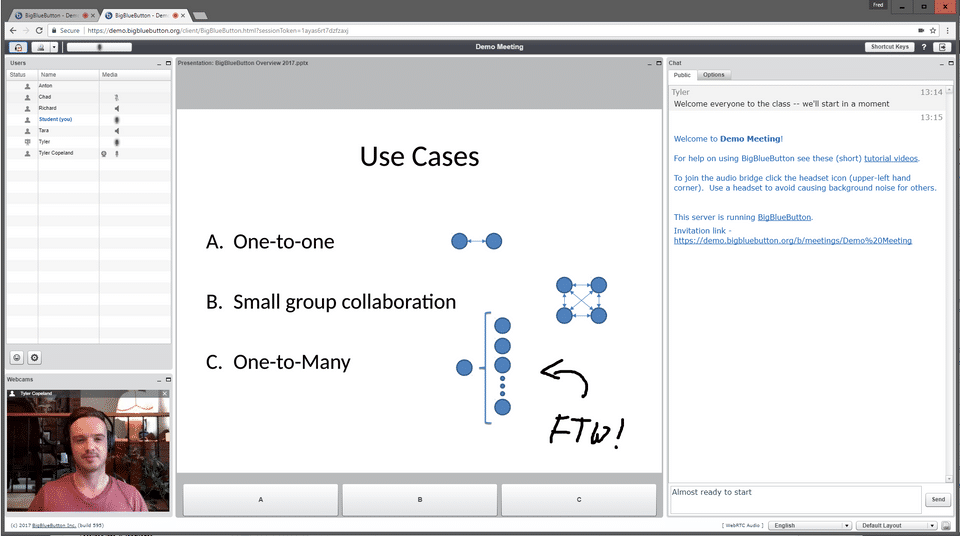
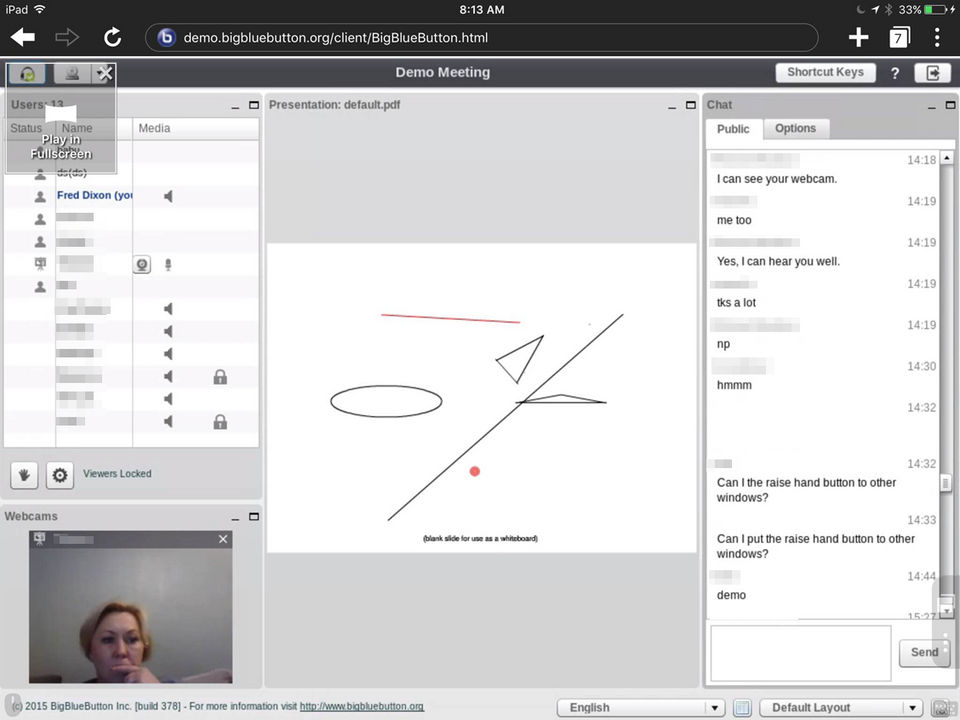
- Chat
- Webcams
- Audio
- Emojis
- Breakout Rooms
- Polling
- Screen Sharing
- Muti-user whiteboard
- Accessible
- Existing Integrations
- Commercial Support
- Chat
- Webcams
- Audio
- Emojis
- Breakout Rooms
- Polling
- Screen Sharing
- Muti-user whiteboard
- Accessible
- Existing Integrations
- Commercial Support
What do you like best? It is free. Zero cost. And it works. It can host 20+ more connect point for a video conference. What do you dislike? Difficult to install the software and its dependence running environment. High hardware requirem...
What do you like best? We like that we can call in and see each other and speak to each other. What do you dislike? There is no phone-in option and it doesn't play well with Firefox. Recommendations to others considering the p...
What do you like best? I like the feel and how user friendly it is. I like the themes and colors, and the ability to personalise some features. What do you dislike? The connection is not very estable, and there are problems with mics an...
What do you like best? It is very easy to use and it creates a good tool for users to interact while completing projects together. What do you dislike? Without proper instruction, it may be hard to figure out on your own but once you le...
BigBlueButton offers 1 pricing plan(s):
- BigBlueButton — USD0.00
BigBlueButton is a Virtual Classroom Software solution. Top features include:
- LMS Integration
- Virtual Whiteboard
- Breakout Rooms
- Assignments
- Payment Gateway
BigBlueButton does not currently offer a free trial.
BigBlueButton provides Business Hours,Online (Ticket) support.
BigBlueButton is Cloud Hosted software.
BigBlueButton provides Help Guides,Blogs,Video Guides for training.


