

- ✓ Timeline View
- ✓ Project Templates
- ✓ Idea Management
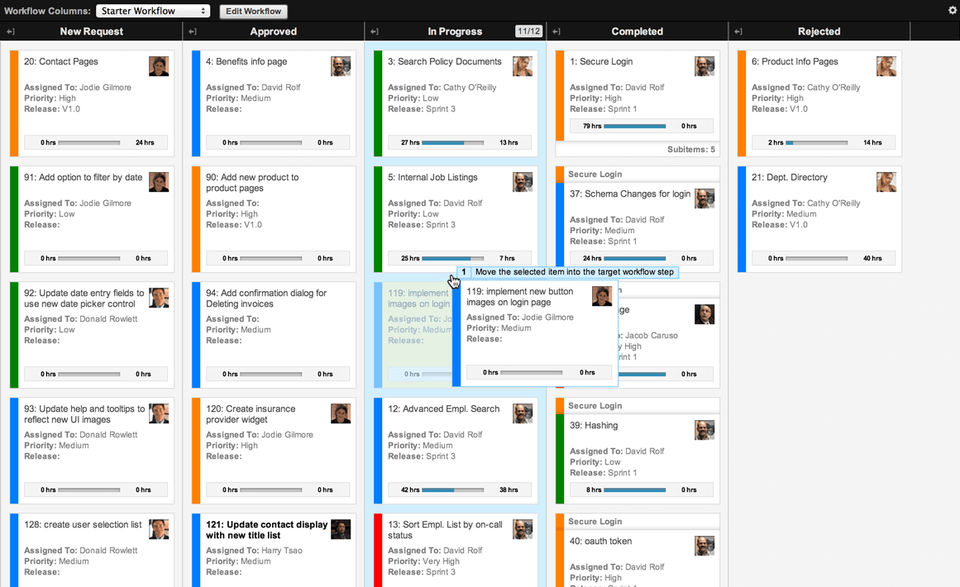
- ✓ Kanban Board
- ✓ Recurring Task Management
- ✓ Time & Expense Tracking
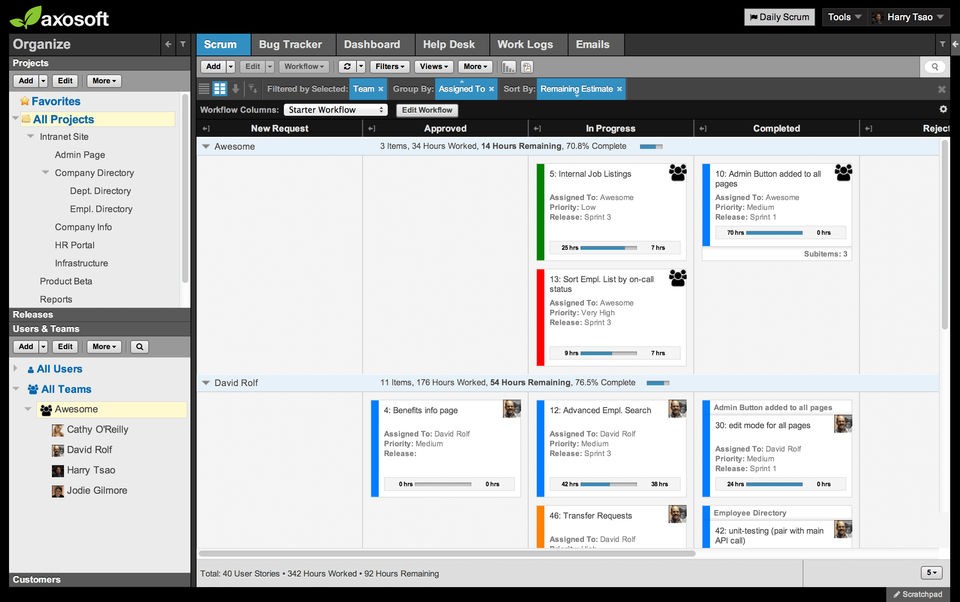
- ✓ Task Management
- ✓ Status Tracking
- ✓ Resource Management
- ✓ Requirement Management
- ✓ Project Planning
- ✓ Portfolio Management
- ✓ Percent-Complete Tracking
- ✓ Milestone Tracking
- ✓ IT Project Management
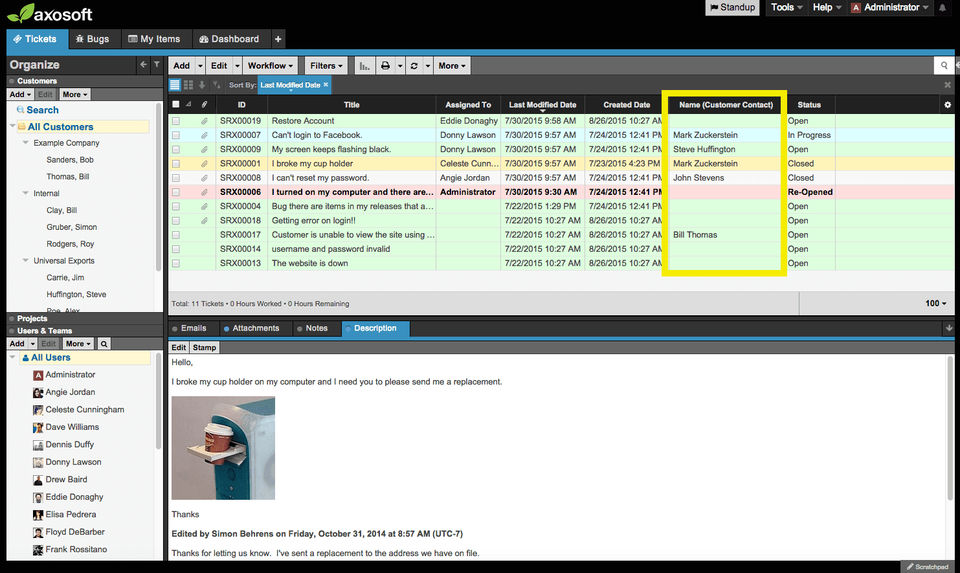
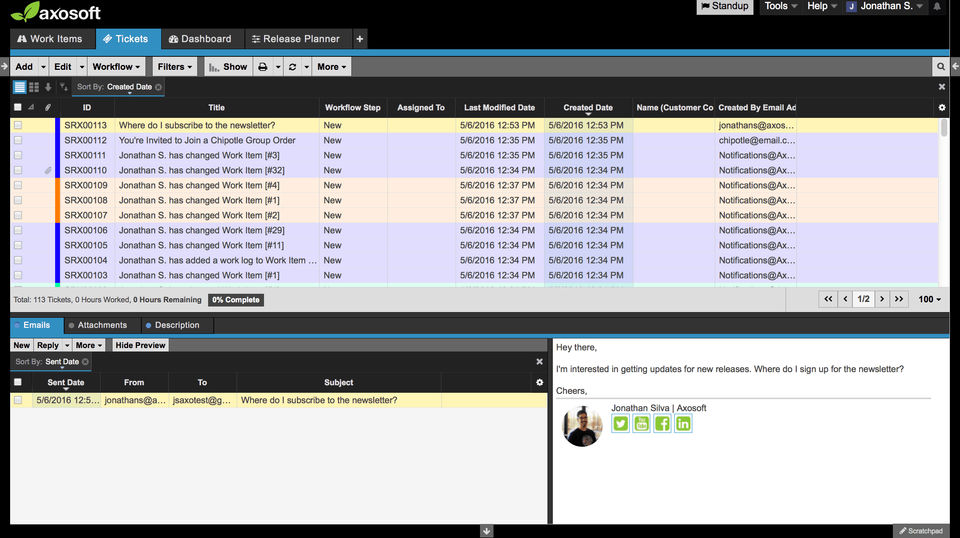
- ✓ Issue Management
- ✓ Budget Management
- Includes Wiki
- Help Desk
- Premium Support
- Includes Wiki
- Help Desk
- Premium Support
- Includes Wiki
- Help Desk
- Premium Support
- Renew your installed license
- Includes Wiki
- Help Desk
- Premium Support
- Renew your installed license
What do you like best? Its fairly easy to use and much and i like that you can create tickets via email. What do you dislike? The application is not very pretty, and it seems barebones, its ok for bug tracking, not project planning. ...
What do you like best? The best part is having a section which simply lets me know which tickets are assigned to me, as well as which tickets are bugs/features. What do you dislike? Axosoft is rather difficult to use, outside of its ver...
What do you like best? The Wiki in Axosoft serves a good purpose of storing and managing tickets and notes. easy to share. What do you dislike? The interface is a bit crowded, takes time and effort in reviewing the work. sometimes while...
What do you like best? User defined workflows, email notifications, incoming email creates an incident. What do you dislike? Windows version has gone out of development and as of 2014 is no longer offered for sale. The web version is st...
What do you like best? The interface and filtering capabilities. What do you dislike? Not a clean way to report or chart based upon points instead of hours, at least in our current version. What problems are you solving with t...
Axosoft offers 2 pricing plan(s):
- Hosted — USD126.00 /Month
- Installed — USD1.00
Axosoft is a Project Management Software With Time Tracking solution. Top features include:
- Timeline View
- Project Templates
- Idea Management
- Kanban Board
- Recurring Task Management
Yes, Axosoft offers a 0-day free trial.
Axosoft provides Business Hours,Online (Ticket) support.
Axosoft is Cloud Hosted software.
Axosoft provides Help Guides,Blogs,Video Guides for training.


