.png)
AOL Mail

Stay Connected, Stay Organized – Your Email, Simplified with AOL Mail.
What is AOL Mail?
AOL Mail is a free web-based email service provided by AOL, a subsidiary of Yahoo and Verizon Media.
It allows users to send and receive emails, manage contacts, and access a simple calendar tool.
AOL Mail supports modern email features like spam filters, virus protection, and folder organization.
It is accessible via desktop and mobile devices and supports both POP3 and IMAP protocols.
The service is known for its classic, user-friendly interface and ample free storage.
Ideal for users looking for a dependable and straightforward email solution with essential features.
Why Choose AOL Mail?
Offers a clean and familiar interface that's easy to navigate for all age groups.
Provides unlimited email storage, so users don’t need to delete older emails.
Built-in spam filters and virus protection ensure your inbox stays clean and secure.
AOL Mail includes a customizable inbox with themes and layout options.
It integrates easily with other AOL services and supports IMAP/POP3 for use with third-party email apps.
Also includes a calendar, contact manager, and task features built into the platform.
It's free to use and doesn’t require a subscription or credit card.
Great for personal, casual, or even business-level email communication.
Benefits of AOL Mail
Free and easy setup with no installation required.
Large storage capacity allows users to keep important messages indefinitely.
Strong security measures protect against phishing, malware, and spam.
Mobile-friendly interface compatible with Android and iOS.
Customization options including inbox themes and display settings.
Simple navigation with folder organization and a unified view of messages.
Calendar and contact integration make scheduling and communication easier.
Support for multiple accounts through external mail access via POP3/IMAP.
No intrusive ads in the inbox, offering a smoother user experience.
How to Use AOL Mail
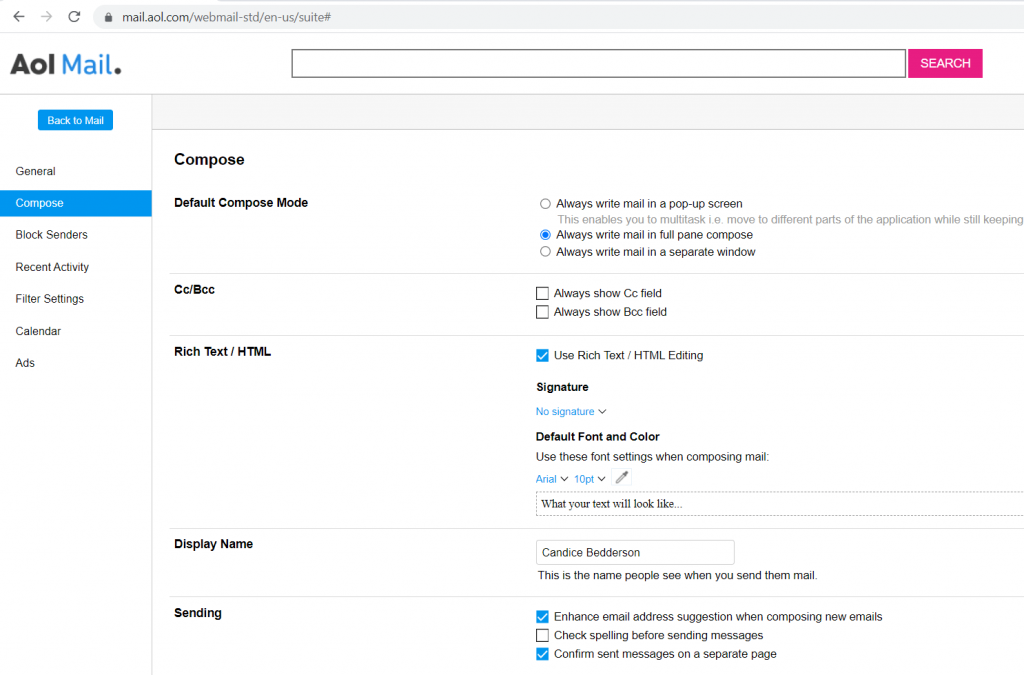
Visit the official website: mail.aol.com.
Sign in using your AOL or Yahoo credentials or create a new free account.
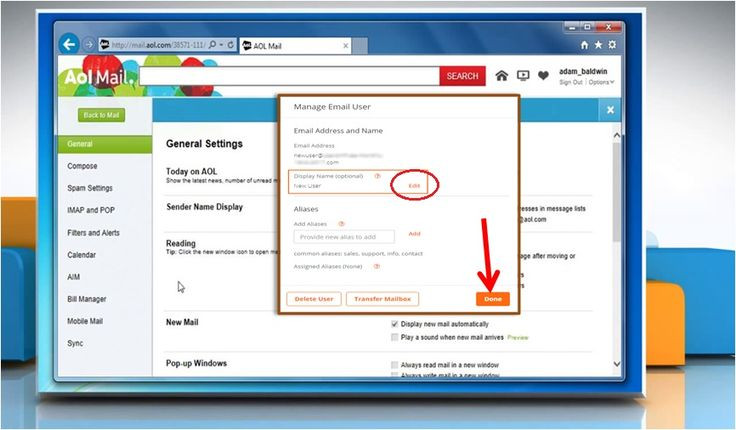
Once logged in, you can compose, read, and organize emails from the dashboard.
Use the left sidebar to access inbox, sent mail, drafts, and folders.
Add contacts manually or from received emails for easy future communication.
Schedule events or reminders using the built-in calendar feature.
Use filters and folder rules to automatically organize incoming mail.
AOL Mail can also be configured on third-party email apps using IMAP/POP3 settings.
Available for use on browsers and mobile apps for on-the-go access.
Features of AOL Mail
Unlimited email storage for lifetime message retention.
Spam and virus protection to keep your account safe.
Two-step verification for enhanced security.
Customizable themes and layout preferences.
Integrated calendar and contact list.
Search functionality to find messages quickly.
Keyboard shortcuts for power users.
POP3 and IMAP support to sync with third-party email clients.
Mobile app for Android and iOS with real-time notifications.
Attachment support for documents, images, and other file types.
What Makes AOL Mail Different?
AOL Mail stands out with its user-friendly design and minimal learning curve.
It offers unlimited storage, which is rare among free email providers.
Unlike many competitors, AOL focuses on classic email functionality over social integration.
Its ad-free inbox layout and simple user experience appeal to non-technical users.
AOL Mail provides enhanced security with two-factor authentication and SSL encryption.
Integration with AOL services and legacy tools makes it appealing for long-time users.
It has a nostalgic appeal, especially for users familiar with early internet email platforms.
AOL Mail continues to provide a stable and trustworthy experience with solid customer support.
Who Can Benefit from AOL Mail?
Individuals looking for a simple, clean email platform.
Seniors or less tech-savvy users who prefer a straightforward interface.
Small businesses or freelancers needing a free, reliable email account.
Users with older devices who need a lightweight email platform.
Longtime AOL users who want to retain their old accounts and data.
Students or casual users who don’t need advanced email marketing or automation.
Professionals using third-party clients like Outlook or Thunderbird with POP3/IMAP.
Anyone in need of a secondary email account for subscriptions or testing.
Is AOL Mail Easy to Use?
Yes, AOL Mail is designed to be very easy to use for all types of users.
The dashboard is intuitive and minimal, showing only essential features.
Navigation is simple, with clearly labeled buttons and folders.
New users can quickly set up and start emailing without tutorials.
Drag-and-drop support for organizing emails into folders.
Accessibility features like screen reader compatibility are also available.
No complex menus or confusing options—just basic email tools that work.
The mobile app maintains the same simplicity on smartphones and tablets.
What Support Does AOL Mail Offer?
24/7 customer support via online help center and community forums.
Step-by-step guides available for common issues like password reset, spam control, etc.
AOL’s support site offers troubleshooting articles, video tutorials, and FAQs.
Live chat or phone support available for premium users.
Regular security updates and bug fixes to ensure smooth performance.
Users can also report bugs or suspicious activity directly from their account.
Help available for account recovery, IMAP/POP setup, and mobile sync.
AOL Advantage plan offers premium technical support for additional services.
Contact us to get detailed pricing as per your requirements.
No reviews yet. Be the first to review!
Yes, AOL Mail offers a 7-day free trial.
AOL Mail provides Phone,Email,Live Chat support.
AOL Mail is Cloud Hosted software.
AOL Mail provides Help Guides,Video Guides for training.


